글자
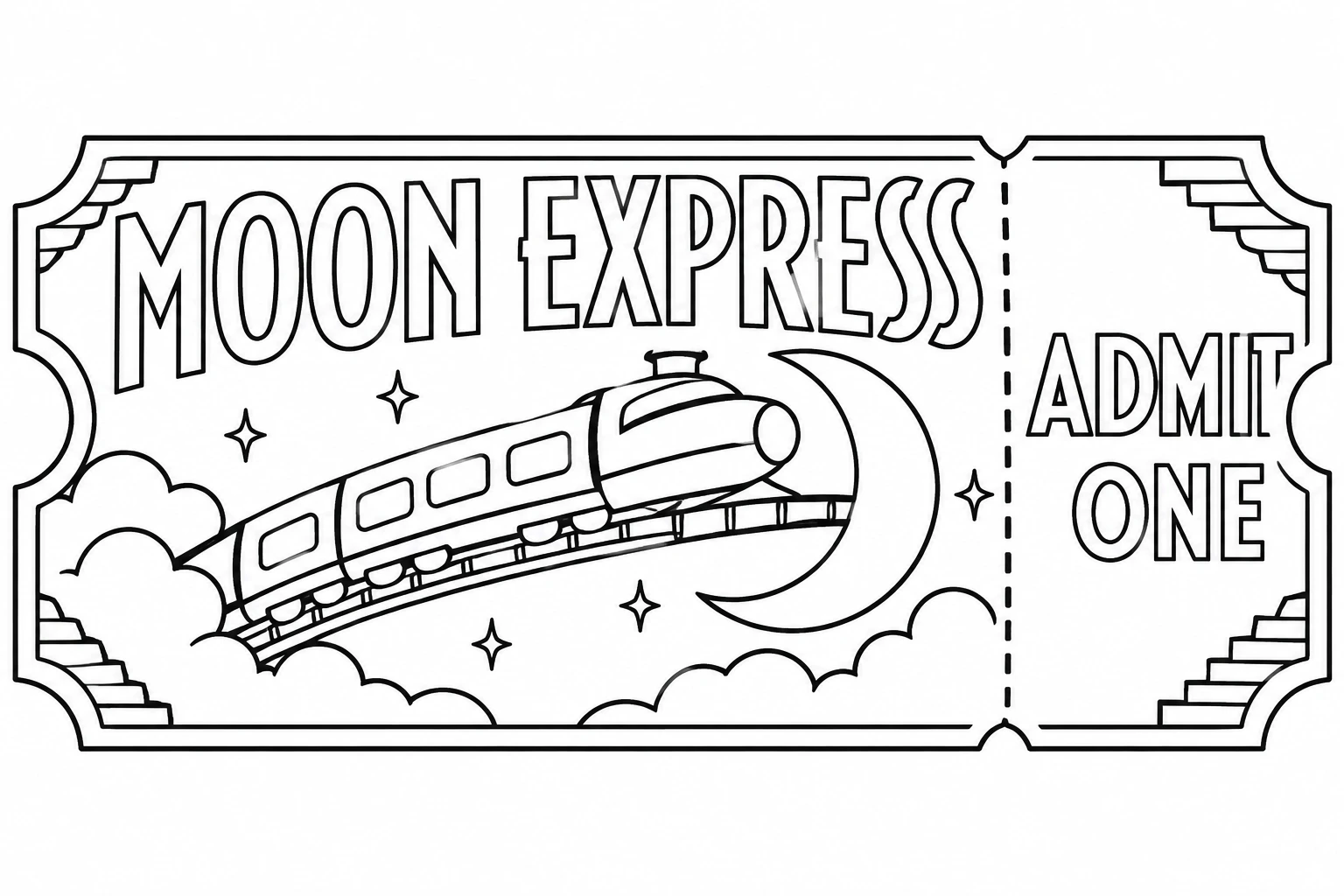
두 줄을 바꿔 쓰는 Moon Express 승차권
영어 프롬프트 전체를 바탕으로 그리고 싶은 내용을 바꿔 보세요.
원본 프롬프트
Text: MOON EXPRESS ADMIT ONE Subject: An original vintage railway ticket to color, for a cheerful imaginary train that travels up to the moon. Build the illustration around the two lines above. Use wide hollow Art Deco display letters with stylized corners for the larger line and simple, readable outline capitals for the smaller line. Layout: On a landscape sheet inside generous white margins, draw one large panoramic ticket with rounded notched ends and a short right-hand stub. Set the first line centered across the left two-thirds, larger than everything else. Immediately below it show a small streamlined rocket train rising across a curved rail that arcs around a crescent moon. Put the second line on the right-hand stub with enough room for both words to read left to right. Make the printed words visible at a glance. Details: Broad stepped ornament at two corners, four simple car windows, open cloud-like puffs of vapor and a single dotted tear line between the ticket body and stub. No serial number, price, fine print, other words or solid shading. Clean printable black outlines on white, with no other ticket behind it.
프롬프트 편집