테두리
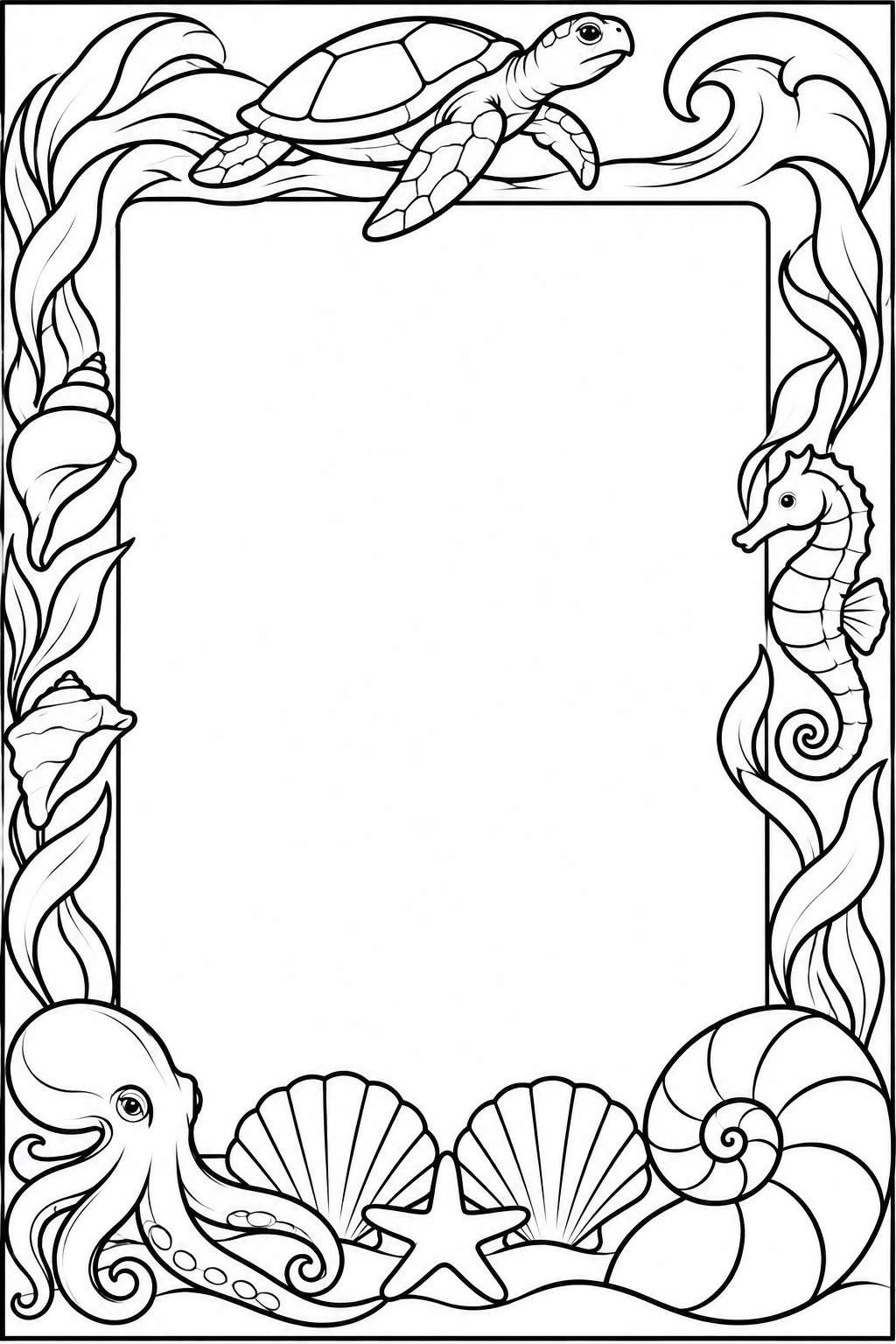
글 쓸 공간을 남긴 바닷가 웅덩이 테두리
영어 프롬프트 전체를 바탕으로 그리고 싶은 내용을 바꿔 보세요.
원본 프롬프트
Use case: illustration-story. Create an original black-and-white coloring page for a family-friendly inspiration gallery. Clean confident black contour lines on pure white paper, varied line weight, no gray shading, hatching, solid black areas, color, watermark or logo. Moderate detail through coherent layers and thoughtfully drawn forms, never a dense field of tiny cells. Keep the complete composition within a narrow white outer safety margin. Portrait canvas, exact 2:3 aspect ratio. An elegant ocean-treasure border around a completely blank white rectangular message area occupying about 55 percent of the page. The border follows all four edges of the page, with a single clean inner contour separating the empty center from every decorative element. A graceful small octopus sits at the lower left corner, its long smooth curling arms becoming part of the border; use only a few widely spaced oval suckers on one arm. A large sculptural nautilus shell anchors the lower right corner, its spiral divided into a small number of broad chambers. Along the bottom lie two large ribbed scallop shells, a smooth starfish and a ribbon of sand. Broad kelp blades climb the side edges, interspersed with one seahorse on the right and a few medium-size shells on the left. At the top a sea turtle swims across a gently curling wave crest, with just a few broad outlined shell plates. Arrange these objects as a flowing connected composition with a clear hierarchy: four large corner or edge motifs, then sparse smaller accents. Give each shell and animal its own silhouette and usable coloring spaces. Refined natural-history drawing, moderate purposeful detail, no cartoon faces. Keep the blank center absolutely clear. No text, writing lines, tiny coral branches, tightly packed shell ribs, pebble dots, dense lace, clustered holes or grid patterns.
프롬프트 편집