文字
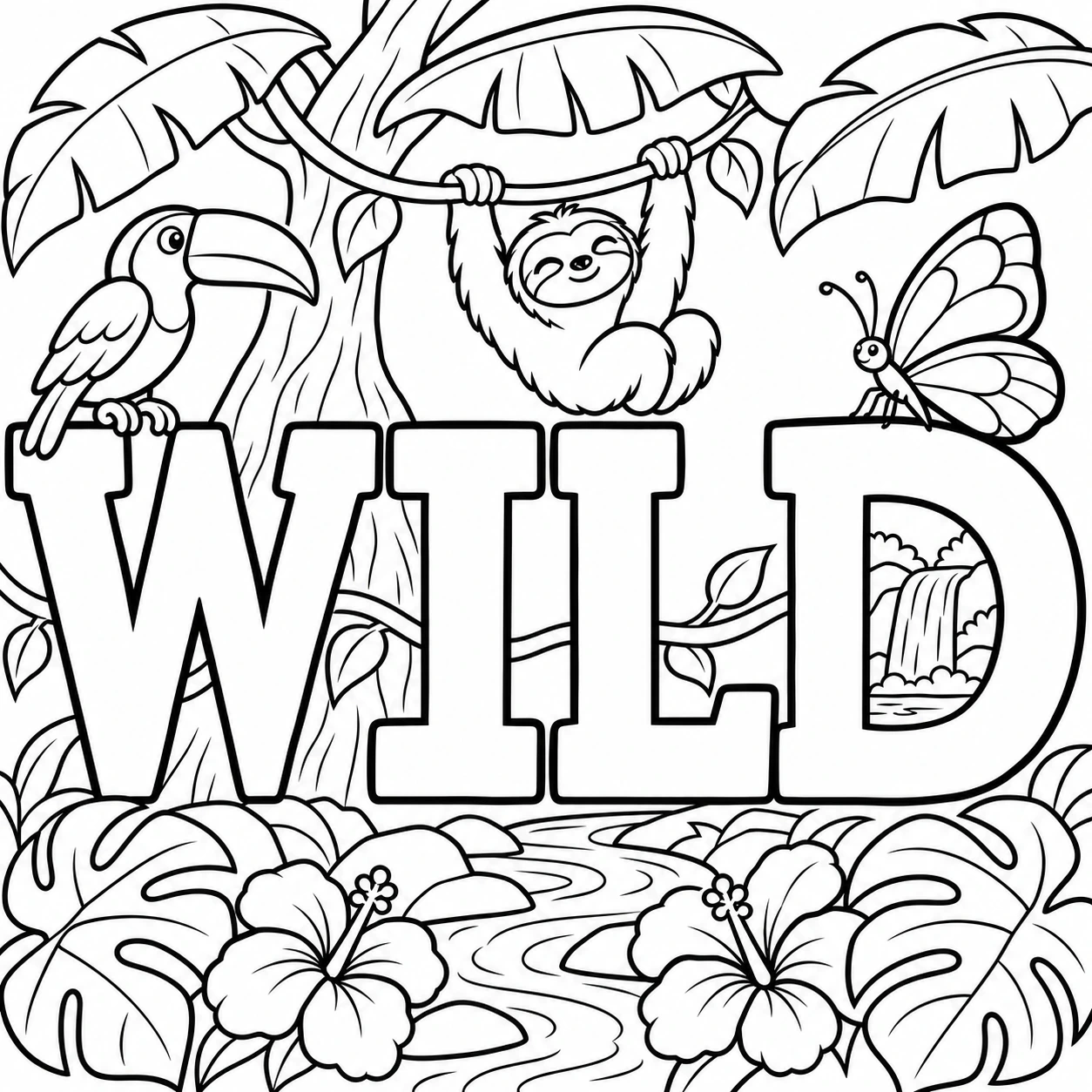
藏著叢林的 WILD 字母
原始提示詞
Use case: illustration-story. Create an original black-and-white coloring page for a family-friendly inspiration gallery. Clean confident black contour lines on pure white paper, varied line weight, no gray shading, hatching, solid black areas, color, watermark or logo. Moderate detail through coherent layers and thoughtfully drawn forms, never a dense field of tiny cells. Keep the complete composition within a narrow white outer safety margin. Square canvas. The exact word "WILD", spelled W I L D once in one row of enormous readable hollow block capitals, is a gateway into a jungle. The word stretches almost the full page width and occupies the central half of the page height. Keep broad unfilled letter faces and unambiguous letter silhouettes. A small toucan with a large smooth bill perches above W; a relaxed sloth hangs by two arms from a vine above the middle letters; a large butterfly rests beside D. A single curving vine passes behind and through the letter openings, connecting the picture. The interior counter of D reveals a distant waterfall, and one broad tree trunk rises BEHIND the word without replacing any letter. All FOUR letters W, I, L, D must be fully drawn, distinct and directly readable. The I is a large hollow slab-serif capital I with broad top and bottom crossbars, equal in height to W, L and D; it must never be replaced by a plant or tree. Three large banana leaves fan out across the top corners, and a layer of broad monstera leaves, two open hibiscus flowers and a winding stream fills the foreground below the baseline. This is one integrated jungle scene, not letters covered by a wallpaper texture. Use the upper canopy and lower foreground to complete the square composition, with clear white air between the three animals, letters and plants. About eight to twelve large leaves in total, only a few principal veins per leaf. No tiny repetitive foliage, scales, micro-patterns, stippling, mesh, decorative border or extra text.
編輯提示詞