
Draw Your Own Robot from Shapes
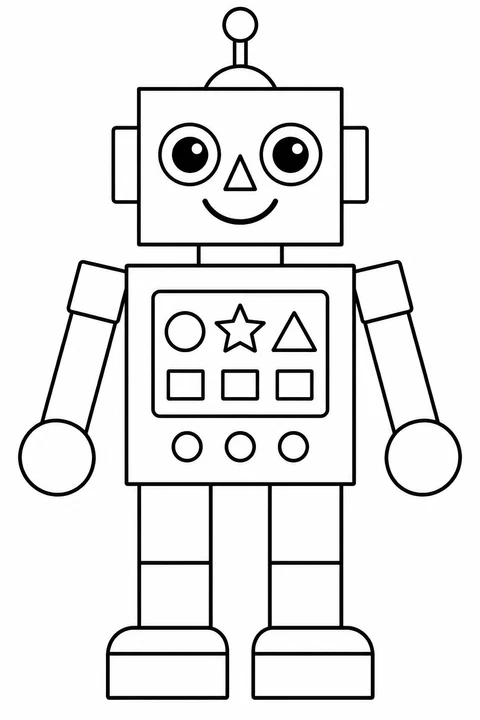
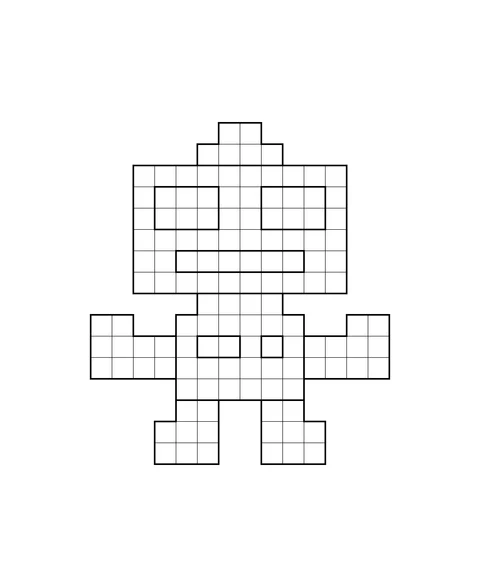
One robot has round eyes, a triangular nose and broad four-sided body parts. The other has a stepped pixel outline. Use a drawing as a starting point, then change its shapes to make a new character on your own sheet. Your finished invention can sit beside the coloring page.
2 coloring pages · Mixed difficulty
What you need
- One chosen robot picture, printed on paper; the second is optional
- Blank paper and a pencil
- Crayons or colored pencils
Coloring pages in this activity
Try the activity
Pick your reference picture
Use the activity button to open the selection window. Both pictures start checked; uncheck one if you only want one sheet, then add the selected pages. In the print list, check the order and choose A4 or Letter for print or PDF. A cover is optional and adds one page.
Notice how parts fit together
On the shape robot, point to its round eyes, triangular nose, four-sided head and chest shapes. On the pixel robot, follow the stepped outer edge and rectangular features. The pixels are drawing shapes, not a numbered color key. Choose one part you would like to change.
Invent a different robot
On blank paper, draw a large body, then add your own head, arms and feet. Try circles for joints or triangles for controls; choose a different position or size from the picture. Give your robot an imaginary job and draw one object it might use, such as a watering can. This is your story idea.
Color and explain one choice
Repeat a color on matching parts, then place your invention beside the printed picture. Point to a shape you kept and a part you changed. A child can show the difference by pointing or talking; an adult can write down their words. You do not have to finish coloring either sheet.
Another idea
Draw a second head or accessory beside your invention and compare the two choices. Keep the reference page whole: this activity does not need cutting, a construction kit or a real working machine.