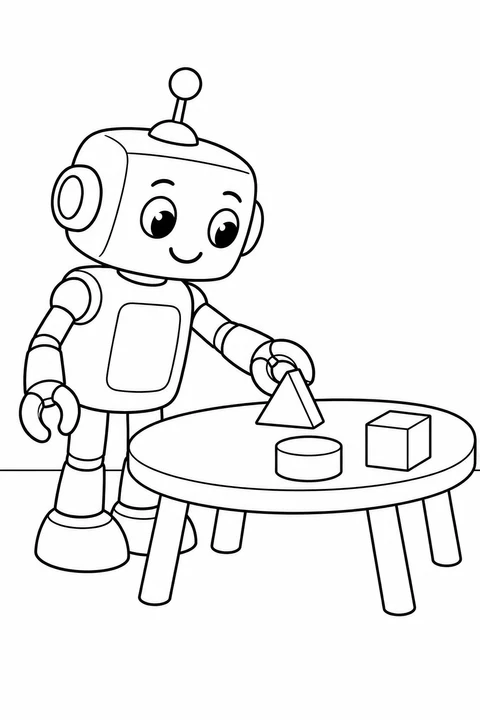
Robot with Building Blocks
easy
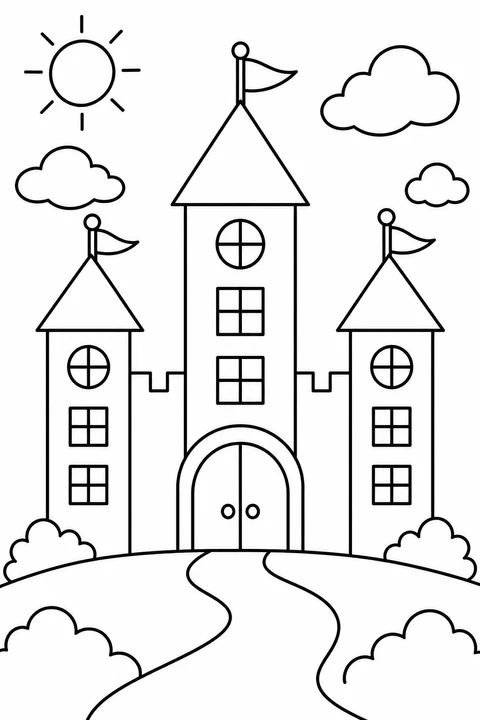
Find shapes inside complete pictures, from broad balloon and birdhouse outlines to castles, robots, trains and patterned nature scenes. Start with fewer, larger areas or choose a scene with more small sections; name matching shapes and repeat their colors after printing.
easy
medium
detailed
easy
easy
easy
easy
medium
easy
medium
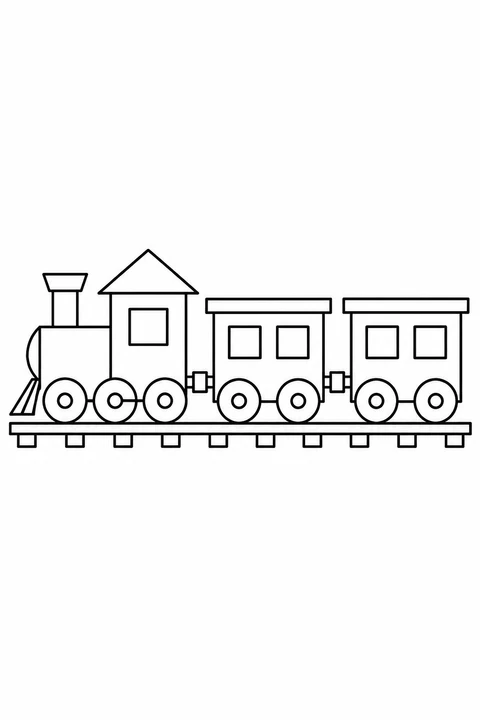
easy
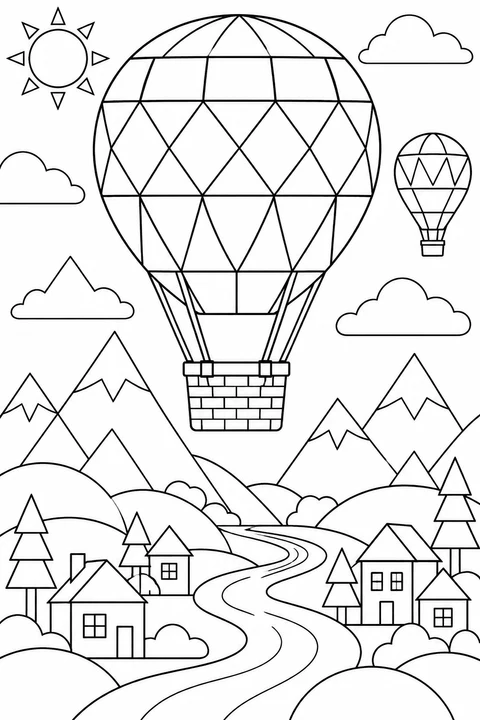
detailed
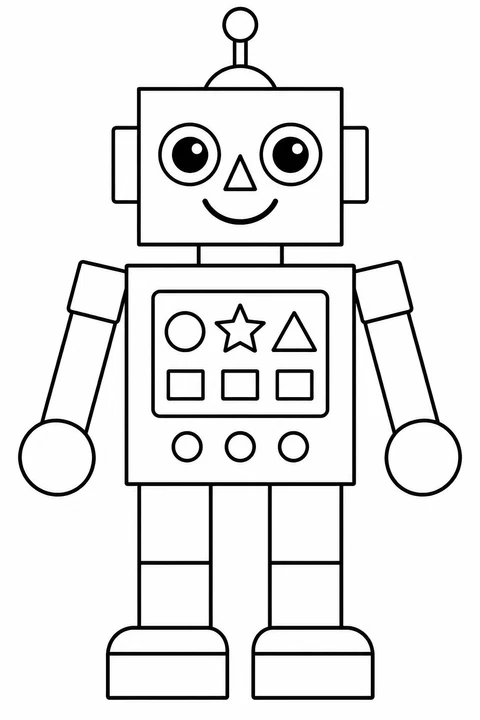
Compare the small controls on the robot with the larger outlines of the kites.
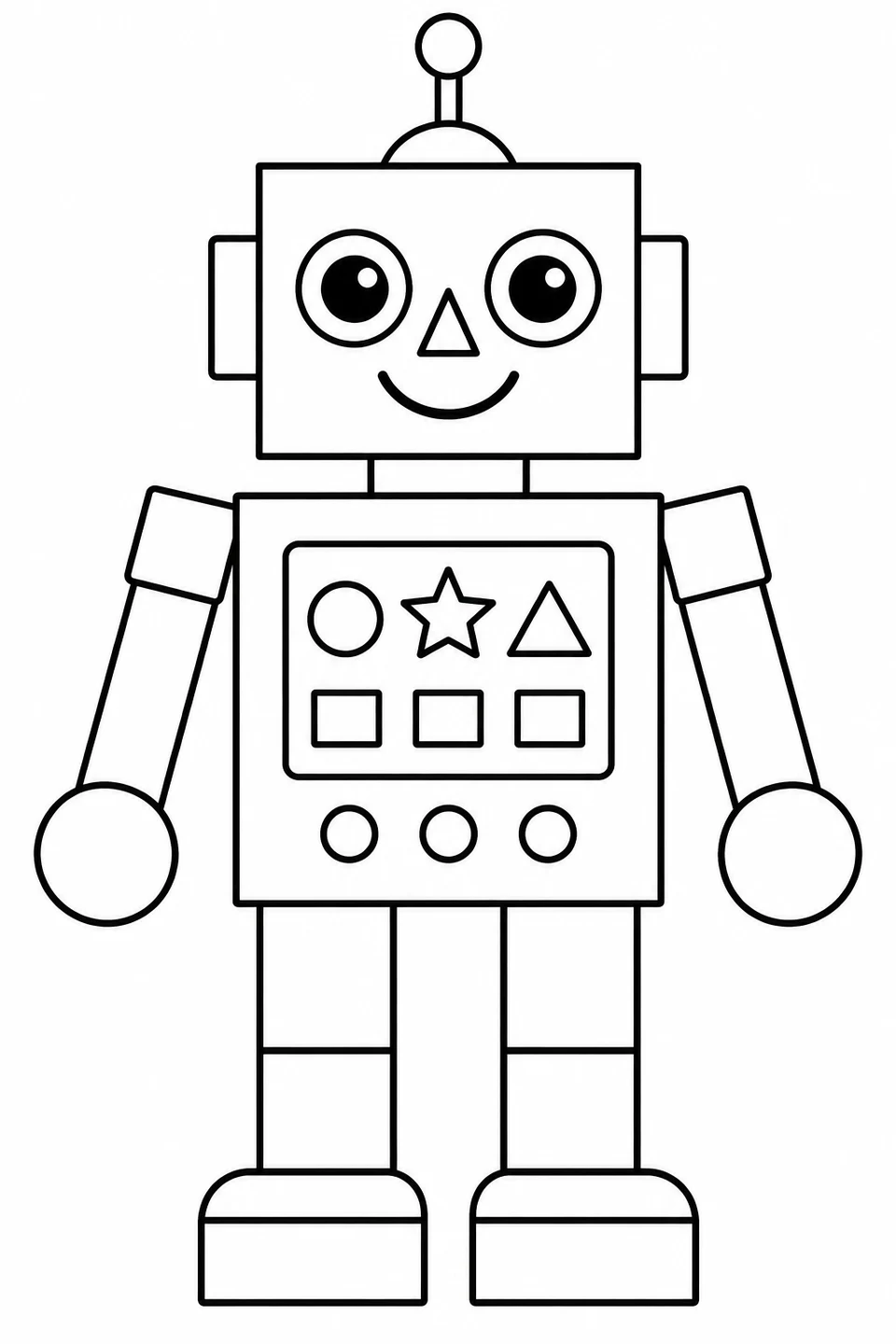
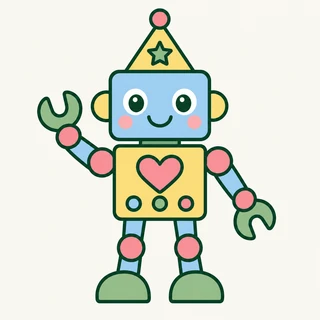
The geometric robot has a separate chest panel. Work on its six shapes before the rest of the body.
Geometric Shape Robot →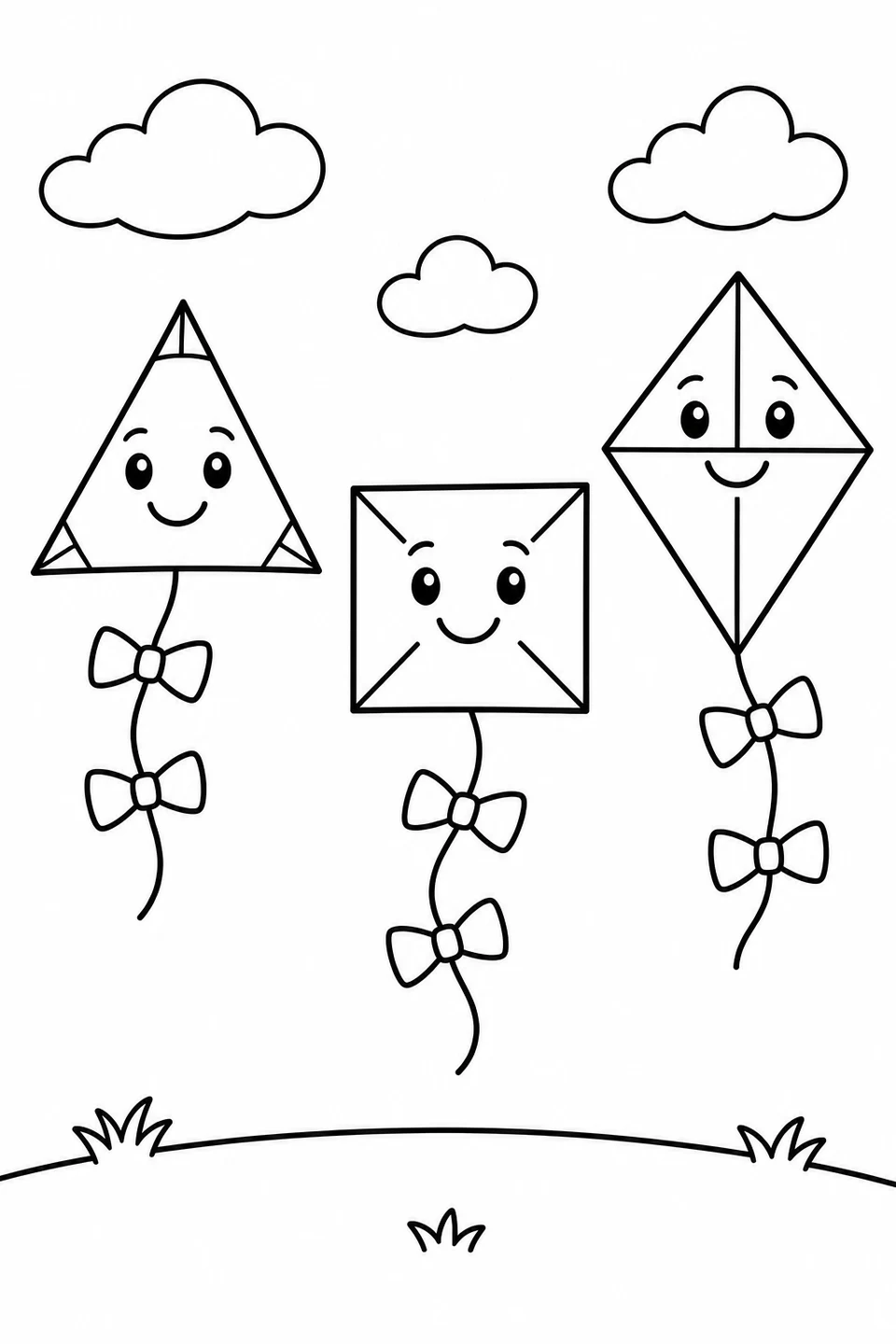
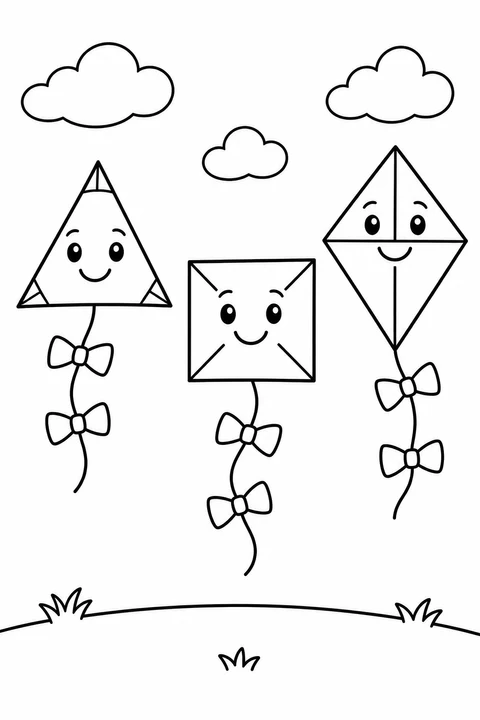
The triangle, square and diamond-shaped kites are separated by open sky. Choose them when you want larger spaces than the robot controls.
Kites with Different Shapes →Print the original line drawing linked below. The numbered areas match the color key and steps; use the colored example as a starting point, then choose your own colors if you prefer.
Digital coloring example
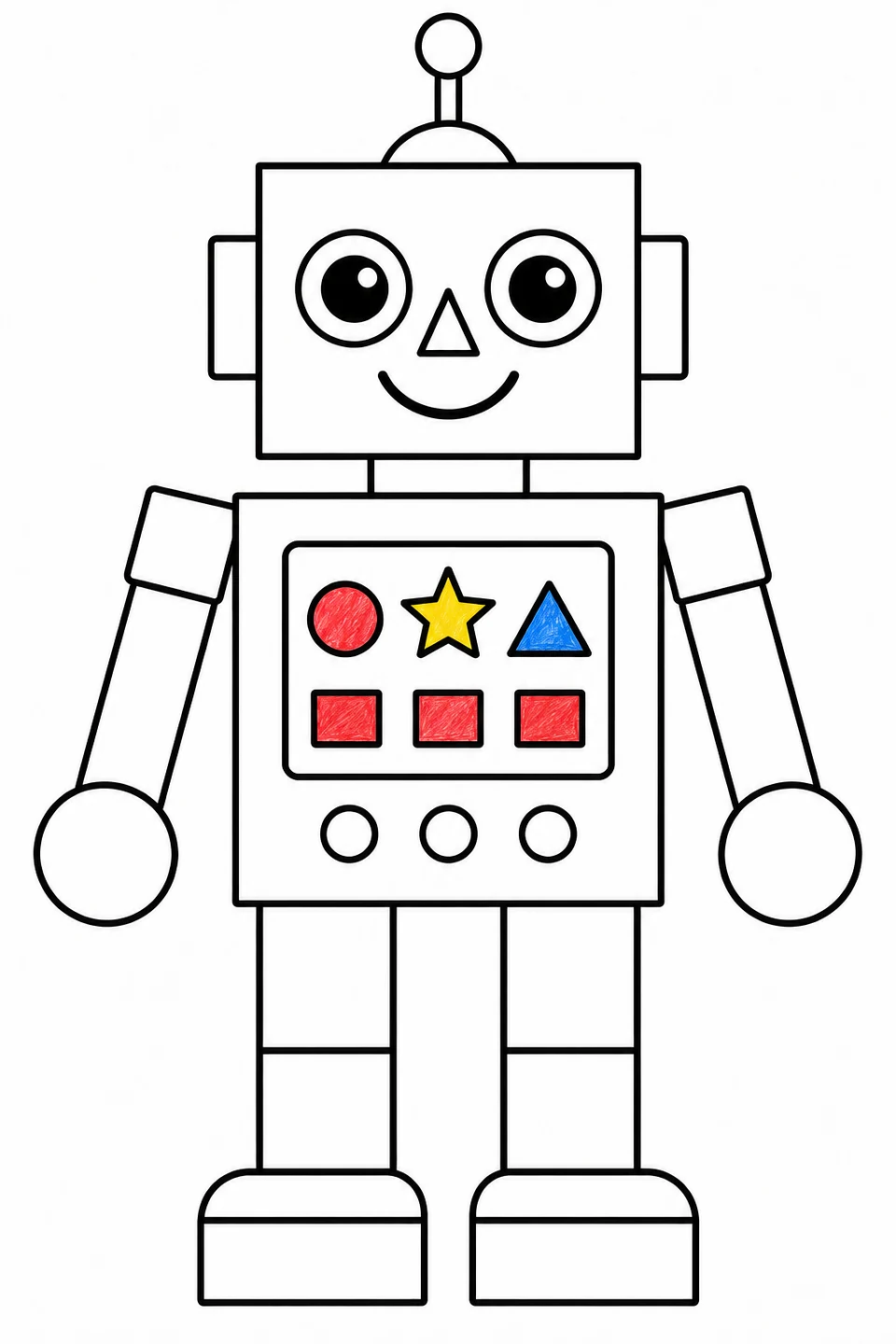
All six chest shapes are colored; the three round buttons below remain white. Tell someone what each control might do.