Free, on your device
No sign-in or credits. Adjust the line weight and output size. Conversion stays on your device unless you choose to save the result to your account.
Try the web version
ColorWillow for Chrome
Turn a photo into a coloring page, right beside the webpage. Pick an image, make it your own, and download your next coloring activity.
Add to ChromeFor Chrome on your computer. Free conversion needs no account.
Turn a website image into a coloring page in Chrome →
Try the web version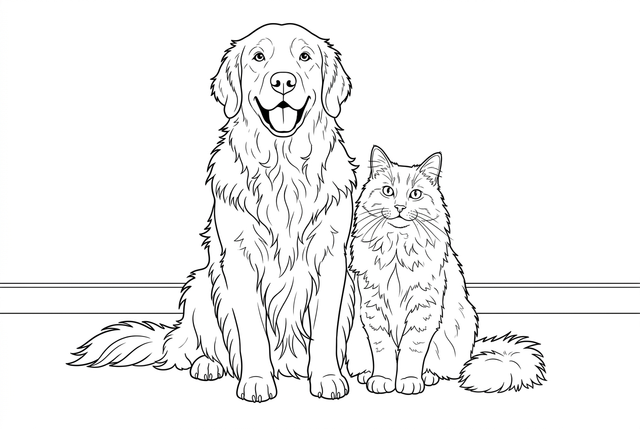

Right-click an image and choose ColorWillow, pick from the current page, or drag in a webpage image or computer file.
Choose Free for an on-device outline, or sign in for AI styles. Preview your selected image and settings before generating.
See the finished coloring page and download a PNG. With an account, you can also save your Free result to My Library.
No sign-in or credits. Adjust the line weight and output size. Conversion stays on your device unless you choose to save the result to your account.
Try the web versionTry Classic, Anime, Kawaii or Comic, with background and detail choices. Sign-in and credits are required; the cost is shown before you generate.
See AI plans and creditsColorWillow reads only the image you select. It does not scan galleries or collect your browsing history. AI uploads your selected image for processing and private saving.
Extension privacy policyImages can come from the page or a different image server. Website access lets the extension read the image you pick. Some protected pages still cannot be read; you can explicitly choose the visible-image capture fallback.
Reopen ColorWillow and sign in to the same account to recover an AI task. You can preview and download its result without submitting it again.
For Chrome on your computer. Free conversion needs no account.