
Turn Halloween Photos into Coloring Pages
Make a coloring picture from your own costume portrait, decorated pumpkin or Halloween display. A bright, still photograph gives you more to work with than a dark trick-or-treating snapshot. Choose the person or decoration you want to color before converting.
- Clean outlines
- Custom styles
- Adjustable detail
Checking your account…

See what your photo can become
My creations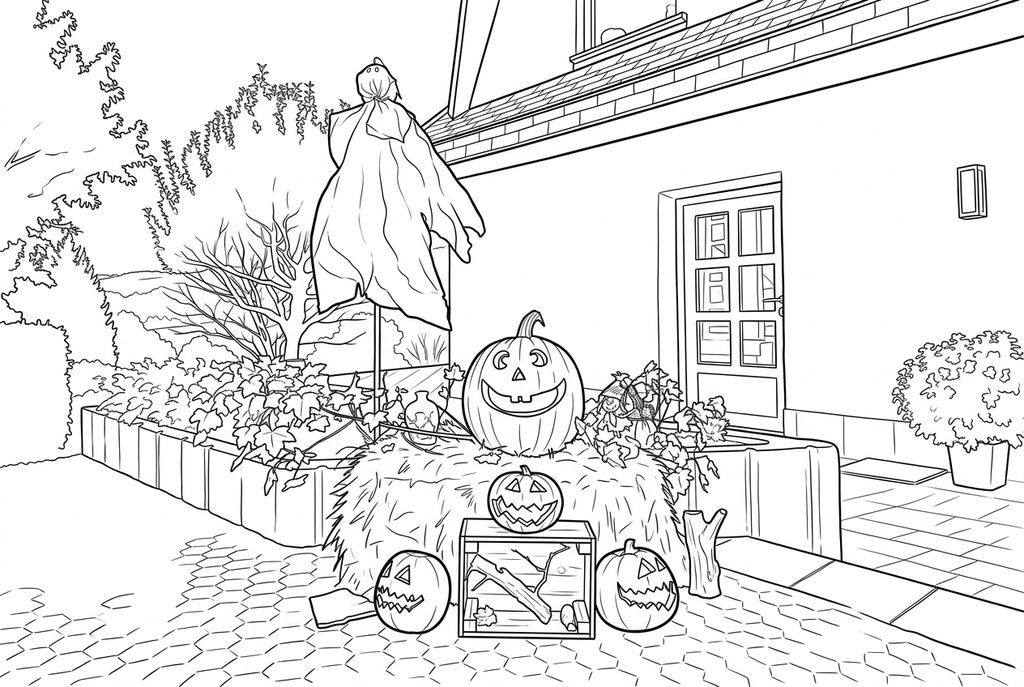
Generating your page
This result is temporary and has not been saved to your account.
Optional: save only the result to your account. Uses storage, not credits.
Match the paper size in your browser’s print dialog.
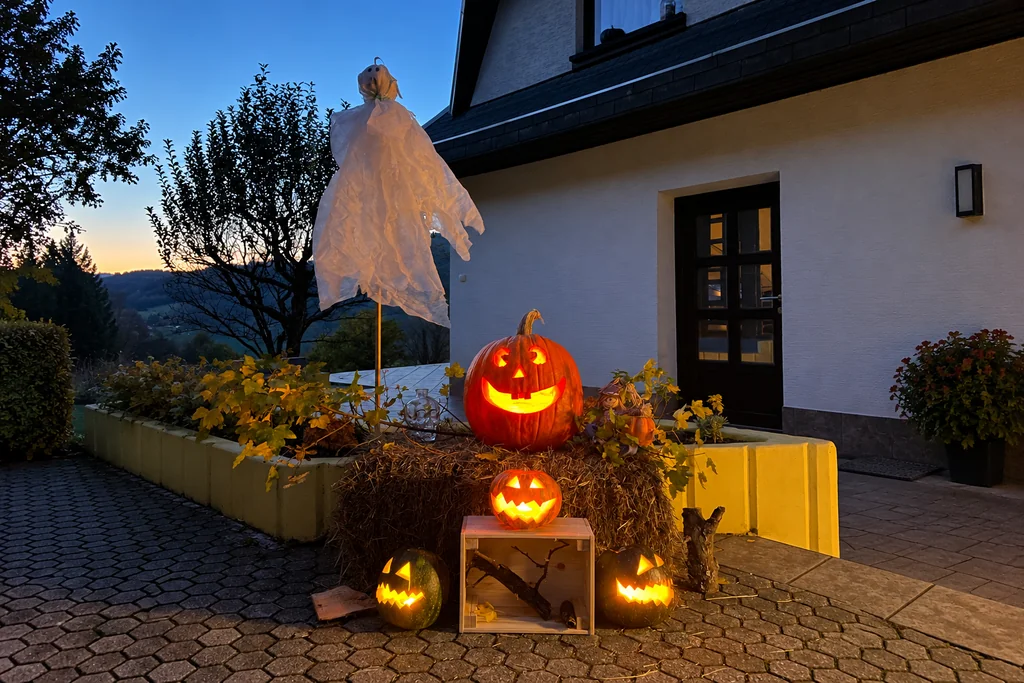
Original photo: Jernej Furman · CC BY 2.0 · AI expanded · License · Adapted
Redraw photo textures as clean outlines, with clearer shapes and open spaces for coloring.
- Keep pumpkins, costumes and party scenery together
- Choose simpler detail for patterned fabric
- Print a page for a coloring table or paper banner
Conversion status
You can leave this page and come back. Your AI task continues in the background.
Choose a costume portrait or a pumpkin-filled scene
Keep the accessory that tells the story, then check space for coloring.
Show the costume's recognizable parts
Choose a bright, clear photo with the hat, prop or pumpkin in the frame. Use a visible face if you want to recognize the person.
Balance fabric detail and party context
Try Classic, Medium detail and Bold lines for AI. Compare Simple for patterned fabric; keep the setting if the decorations belong in the page.
Test a panel before making the banner
Compare faces and accessories with the original. Print at the intended panel size, then add names and arrange the paper banner by hand.
Photo tips: Halloween photos
- Photograph a costume in daylight or a well-lit room, before going outside at night.
- Keep the whole hat, wings or other important accessory inside the frame.
- For a carved pumpkin, choose a view that clearly shows the face and outer shape; candle glow alone may hide them.
- Separate a dark costume from a dark wall or crowded decorations.
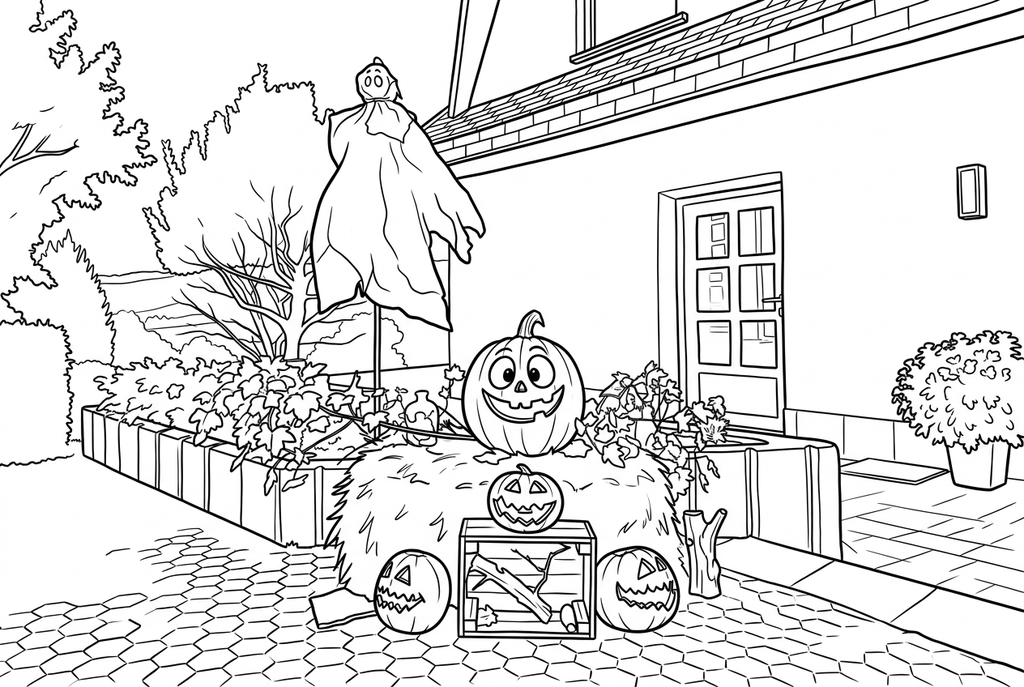
Four pumpkin lanterns in a wider porch scene
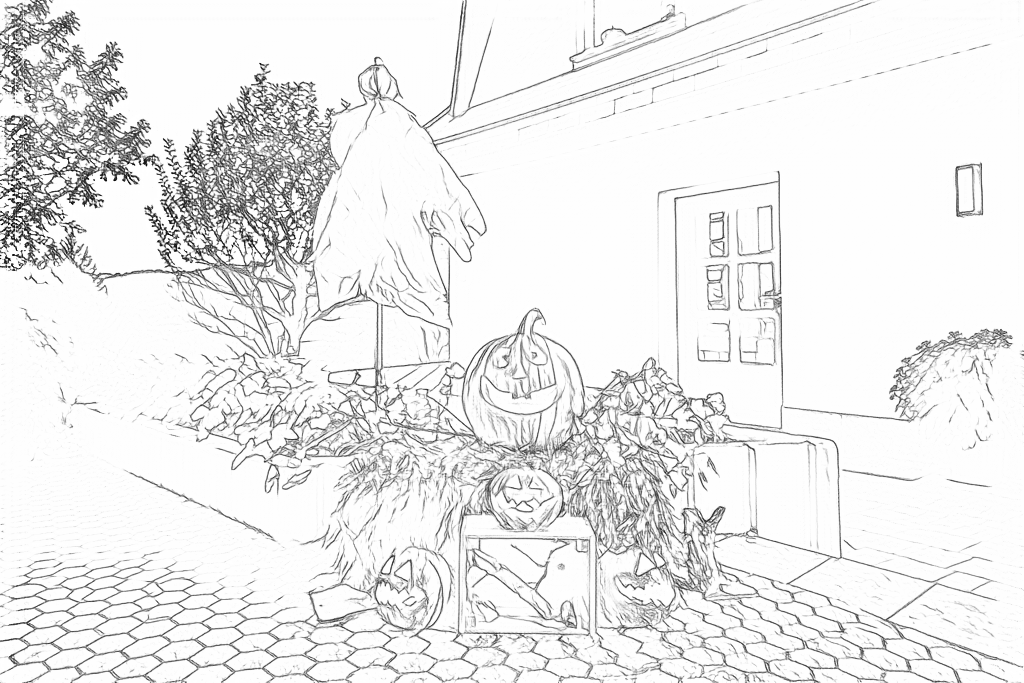
Free follows leaf, hay and paving texture. AI redraws the ghost and four lanterns with stronger outlines while retaining the porch setting.
Free: follow the visible edges
AI: simplify the drawing for color
AI redraws pumpkin faces, foliage, the door and paving. Compare these details with the photo.
Explore other AI drawing choices
Compare the starting point with two drawing choices from the same photo. Look at the shapes and lines, then use the settings beneath the result you prefer.
Starting point: AI redraws pumpkin faces, foliage, the door and paving. Compare these details with the photo.
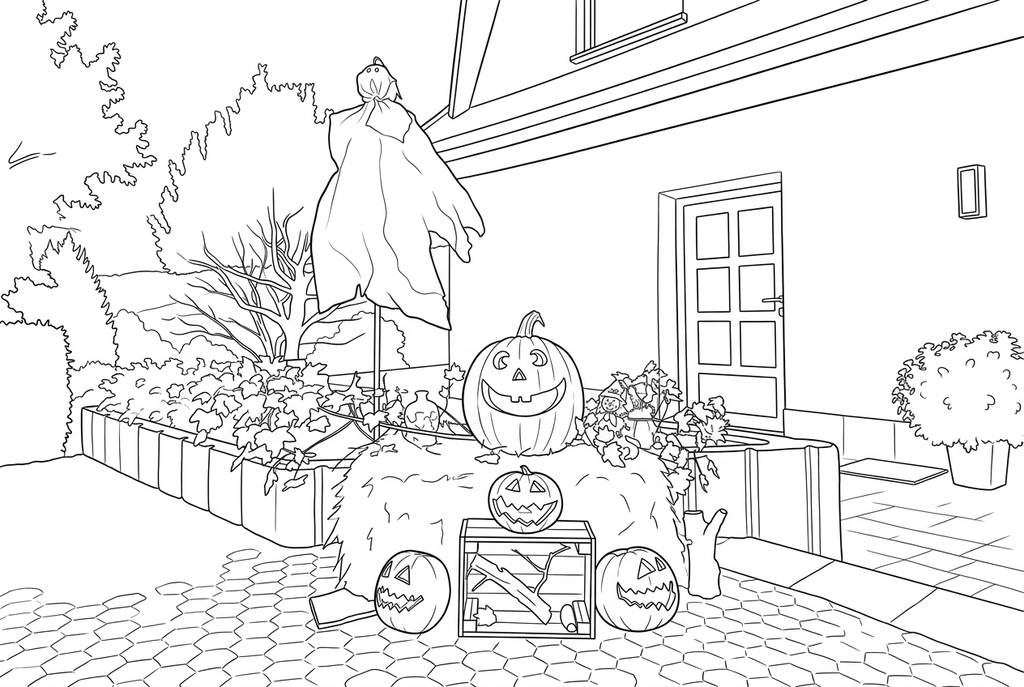
Compare the leaf clusters, hay and pumpkin faces with the starting point.
Comic adds large round eyes to the largest pumpkin and changes the ghost’s eyes. Compare these invented features with the photo.
Choose a costume portrait or a whole scene
One person leaves more room for a face, costume outline and accessories. A party scene records the setting, but small faces and overlapping costumes are harder to inspect. Try a closer source if recognizing the person matters most.
Keep masks and props when they are the point of the picture. If you want a recognizable face, take another photo with the face visible rather than expecting conversion to recover features hidden by a mask.
Use settings for the shapes you want to color
- Classic
- Medium
- Bold
- Keep background
Free keeps the task on your device and traces visible edges. Bright lights, glitter and patterned fabric may add marks; compare the available line controls before keeping a result.
For AI, Classic, Medium detail and Bold lines are a starting point for a costume portrait. Simple detail can reduce tiny fabric marks. Simplify background emphasizes the subject; Keep background is worth trying when the pumpkin display or party setting belongs in the drawing. Inspect the result because a redraw can change faces and props.
Make a coloring table or a costume banner
Print several copies of one selected result for a coloring table. For a banner, prepare a different portrait for each panel, color the pages and mount them on paper. Names and dates can be added by hand.
The banner activity below explains spacing and assembly. Conversion makes the picture; it does not automatically add a banner shape, names or party lettering.
Check the drawing before making copies
Inspect the features that matter to this photo and its intended paper use.
Compare the face, hat, costume silhouette and props with the original Halloween photograph.
Check glitter, fabric patterns and dark decorations for marks that crowd the coloring spaces.
Print a test banner panel and confirm that accessories remain visible after mounting or trimming.
Keep a result you can use again
Free: keep the file before leaving
Download the PNG or print on A4 or Letter. Conversion runs on your device; refreshing does not retain an unsaved result. Sign in only if you choose to save to My creations.
Free photo conversionAI: return to the finished task
Sign in and submit with the displayed credits. Open the saved result to download, export or print. Review the drawing beside your source before using it for the activity.
AI photo conversionPrint another copy of a selected result without generating again. A new AI submission uses credits. For a PDF from Free, use your browser's print-to-PDF option where available.
A ready-to-print page can work alongside your photo
These free coloring collections offer another picture for the activity, or a starting point when you do not want to use a photo.
- Choose Halloween coloring pages
Prepare a coloring table immediately, even if costume photos are not ready.
Choose a printable page - Print pumpkins for extra banner panels
Alternate a ready-made pumpkin picture with your own costume portraits.
Choose a printable page - Find bold outlines for a small print
Check the preview for open spaces before adding a smaller companion picture.
Choose a printable page
Questions about Halloween photos
Keep the accessory that tells the story, then check space for coloring.
Can I convert a nighttime Halloween photo?
You can try a supported file, but conversion cannot reliably recover a face or costume hidden in darkness or motion blur. A brighter, still source usually gives clearer shapes.
Can I make a page from a pumpkin instead of a person?
Yes. Use a clear view of its silhouette and carved or painted decoration. Inspect the face openings and stem after conversion.
Will the result include costume lettering?
Do not rely on AI to preserve lettering. Check any text and add a name or message by hand after printing if needed.
Do I need a photo for a Halloween coloring activity?
No. The ready-to-print Halloween and pumpkin collections below provide pages you can use immediately.
Can a mask become a recognizable face in the drawing?
Do not expect conversion to recover a face hidden by a mask. Keep the mask as the costume feature, or choose another photo with the face visible.
Start with the photo you want to color
Keep the accessory that tells the story, then check space for coloring.