
Make the subject easy to see
Choose a sharp photo with the whole subject in frame. Faces, petals and important shapes should be large enough to recognize.

Make printable outlines on your device, then download a PNG or print. No photo upload, no account and no credits needed.
Checking your account…
Generating your page
This result is temporary and has not been saved to your account.
Optional: save only the result to your account. Uses storage, not credits.
Match the paper size in your browser’s print dialog.
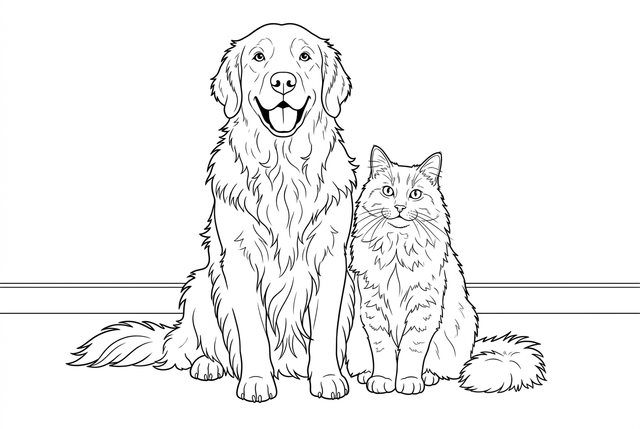
AI conversion example · Free conversion produces a different result.
Keep the contours of your photo as a drawing you can color.
You can leave this page and come back. Your AI task continues in the background.
Choose a sharp photo with the whole subject in frame. Faces, petals and important shapes should be large enough to recognize.
A path, a pot or a few leaves can add places to color. Avoid tiny faces, heavy overlap and busy textures that turn into dense lines.
Use your own photo or an image you have permission to adapt. Get permission from people pictured before using their photo.
JPEG, PNG, WebP or HEIC/HEIF, up to 10 MB and 20 megapixels. Animated images are not supported.
A quick outline, without an account or a photo upload.
Select a JPEG, PNG, WebP or HEIC/HEIF still photo. Your photo stays on this device; selecting a file does not upload it.
Choose 512 or 1024 px and convert. Try slightly thicker lines if fine outlines are hard to see.
Inspect the result, download the PNG and print on A4 or Letter. No account or credits are needed.
Your original stays on your device. Choose a lighter conversion or retain more fine detail, then download the result you like.
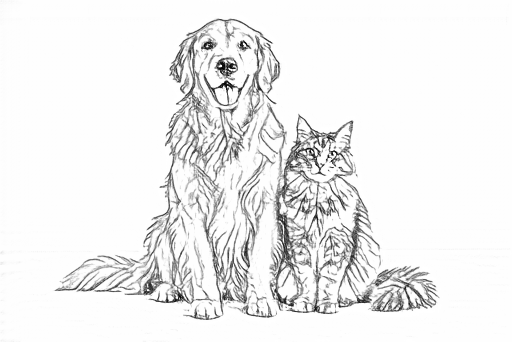
Sizes refer to the longest side. Your photo keeps its proportions and is not enlarged. 1024 uses more memory and can take longer; start with 512 on a slower device.
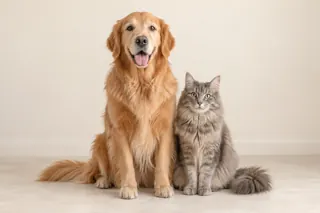
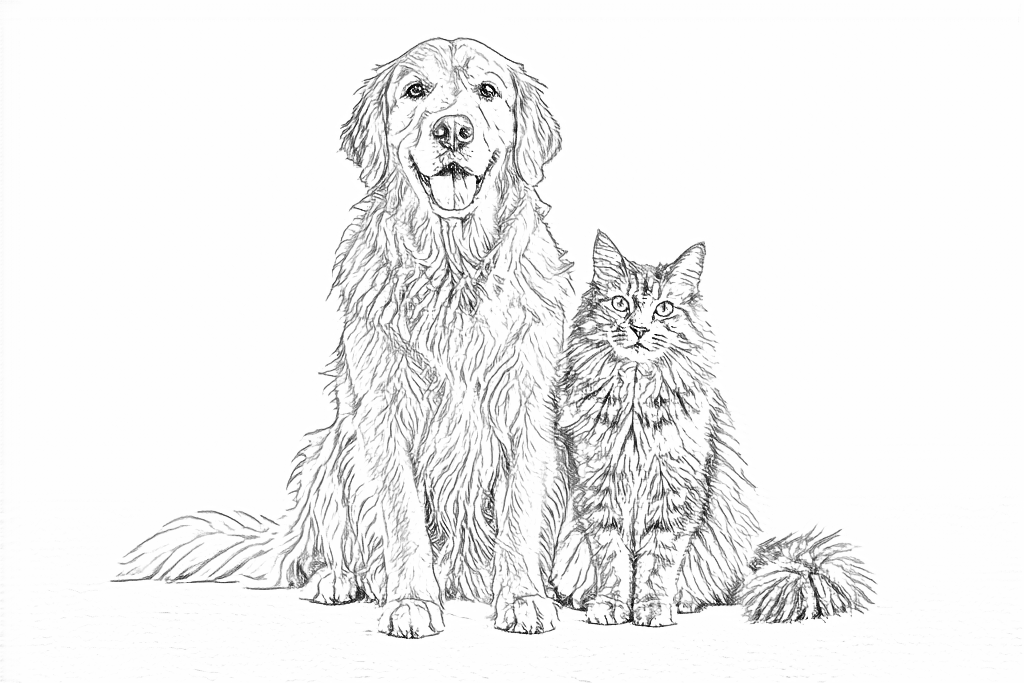
Drag each slider to compare the original photo with its result. Free follows fine edges and texture; AI turns much of it into larger shapes to color.
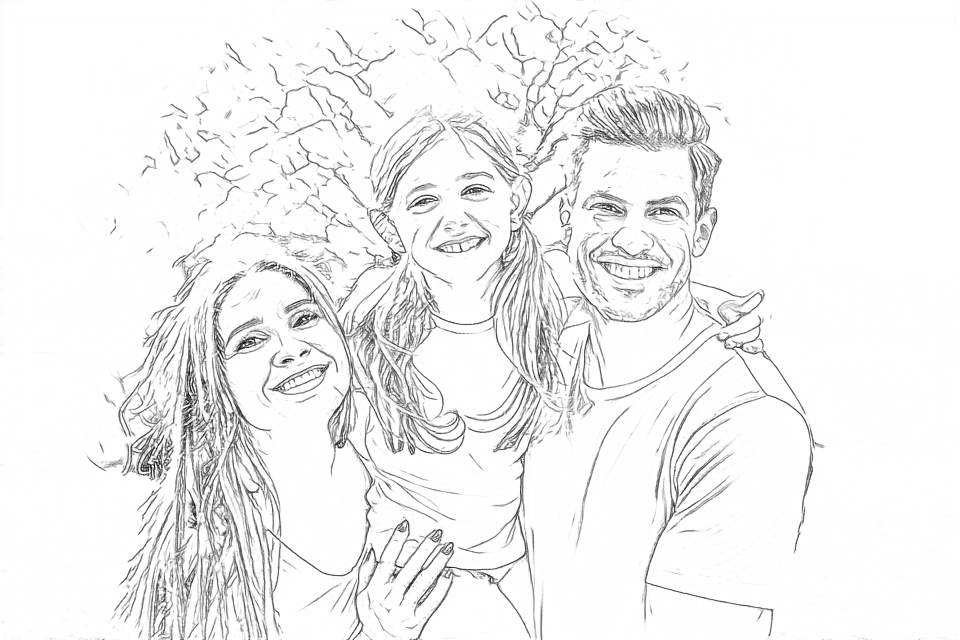
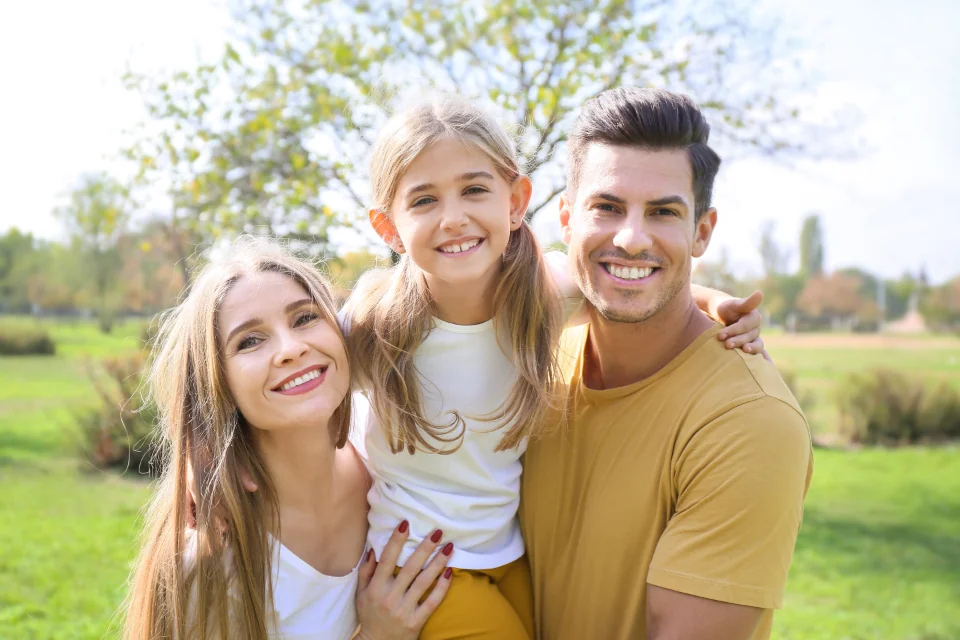
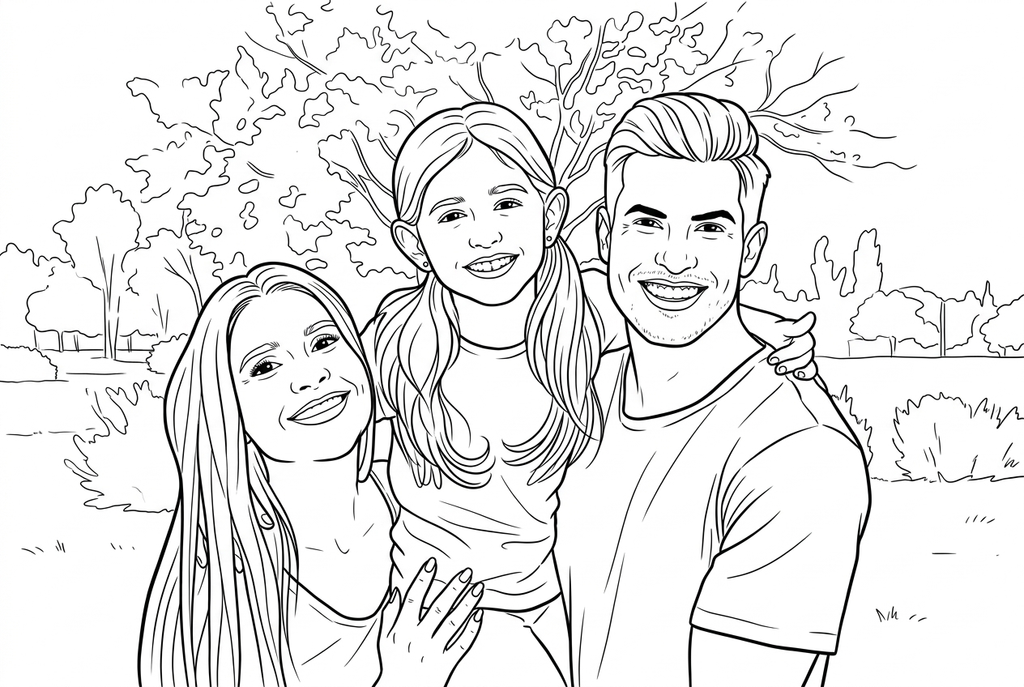
No sign-up, no credits and no photo upload for conversion. Keep the visible contours, including some texture and background lines.
Use free conversionChoose a drawing style, simplify detail and adjust the background. Sign in to generate with the displayed credit amount. Inspect likeness after a redraw.
Use AI conversionOne large subject with a clear boundary is easier to follow than a crowd of tiny faces.
Grass, patterned fabric and fur all have visible edges. A simpler source leaves more open space for color.
Screen detail and paper detail are different. Inspect eyes, thin lines and tiny spaces at the size you will print.
Find a photo guide or a paper activity that fits your plans.
Choose a clearer source and check which edges you want to keep.
Explore the guideUse a printed line drawing and tracing paper to practice observation.
Explore the guideUse your own leaf or flower photo to record shapes and colors.
Explore the guideUnderstand photo privacy, drawing size and how to get a result you can print.
Help with image filesFull photo conversion guideYes. Convert, download the PNG and print without signing in or spending credits. Signing in is only needed if you choose to save your free result to My creations.
Selecting a photo and running Free happen on your device. The original is not uploaded for free conversion. If you explicitly save the result, that drawing is uploaded to your private library. Switching to AI does not submit the photo; AI sends it when you generate.
An unsaved photo and result are temporary. Download the PNG before refreshing, leaving or closing the page, or sign in and choose Save to My creations.
JPEG, PNG, WebP and HEIC/HEIF still photos are supported, up to 10 MB and 20 megapixels. HEIC/HEIF is decoded on your device into a JPEG copy before use. Animated images are not supported. Keep your original and export a JPEG in your photo app if a file cannot be decoded.
1024 can retain more fine detail but needs more memory and time. Desktop starts at 1024; phones and tablets start at 512. Either can be selected. This is the longest side, the original proportions are kept, and small photos are not enlarged.
The browser downloads the conversion files when you first convert, then processes the photo on this device. Connection speed, available memory and device performance affect the wait. Try 512 on a slower device.
Free follows visible edges rather than redesigning the picture into large coloring shapes. A closer, clearer source with a plain background can help. Slightly thicker lines strengthen fine marks; they do not remove background texture. AI offers detail and background choices.
Yes, if it is a supported still image. Free also detects paper shadows, lettering and screen borders, so prepare a clean source first. It produces a raster PNG rather than editable SVG paths.
No. A 3:2 photo has a longest side of up to 1024 px and a shorter side in the same proportions. A4 and Letter are paper layouts, separate from the image dimensions. Check fit and margins in print preview.
Download the PNG or use the A4/Letter print controls. To keep a PDF, use Save as PDF in the browser print dialog where available. Reprinting a downloaded result does not need another conversion.
Try AI when you want a different drawing style, fewer small details or a simplified background. Compare the same-photo results on this page. AI redraws shapes and can change faces or markings; Free follows the source edges.
Start with a clear photo and keep the result you like.