
Choose a photo for a coloring page
Check focus, framing and overlapping subjects before converting. A clearer source makes the result easier to inspect and color.
Check the subject at full size
Open the original photo and zoom in on eyes, ears and hands. Choose a frame where these features are sharp. A small face in a wide group photo gives the conversion less information; blurry fingers cannot be reliably recovered.
Leave room around the edges
Keep the parts you want to color inside the frame, including a pet's ears, paws and tail. Crop distractions in a copy of the photo, keeping the original. Leave a little margin: the generated drawing may use a different shape and change the framing.
Look for separated faces and hands
For family or group pictures, check that every face is visible and hands do not merge into clothes or another person. Closely overlapping cheeks and fingers may be redrawn. A simpler pose can be easier to recognize than a busy action shot.
Choose what the background contributes
Keep a background when the place is part of the memory. Try Simplify when objects compete with the main subject. It asks AI to reduce distractions; it does not guarantee an exact cutout or repair an unclear subject.
Prepare a copy and inspect the result
Use JPEG, PNG or WebP within both file and pixel limits. Preview the selected file before converting. Afterwards, compare faces, limbs and important objects with the original; choose another photo if the redraw changes something you need to keep.
From photograph to printable outlines
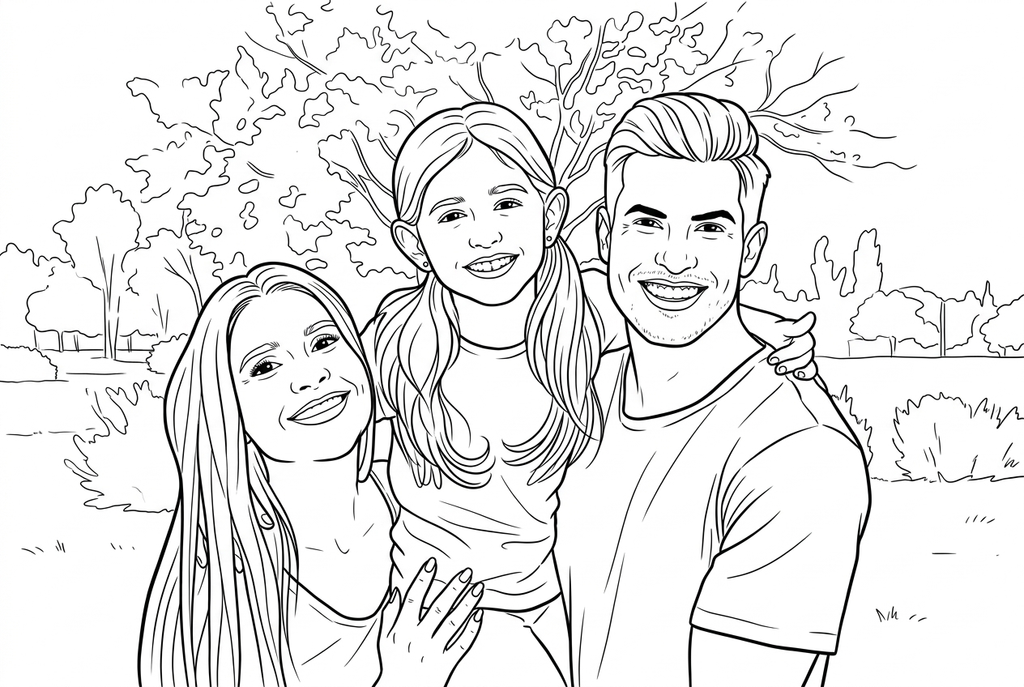
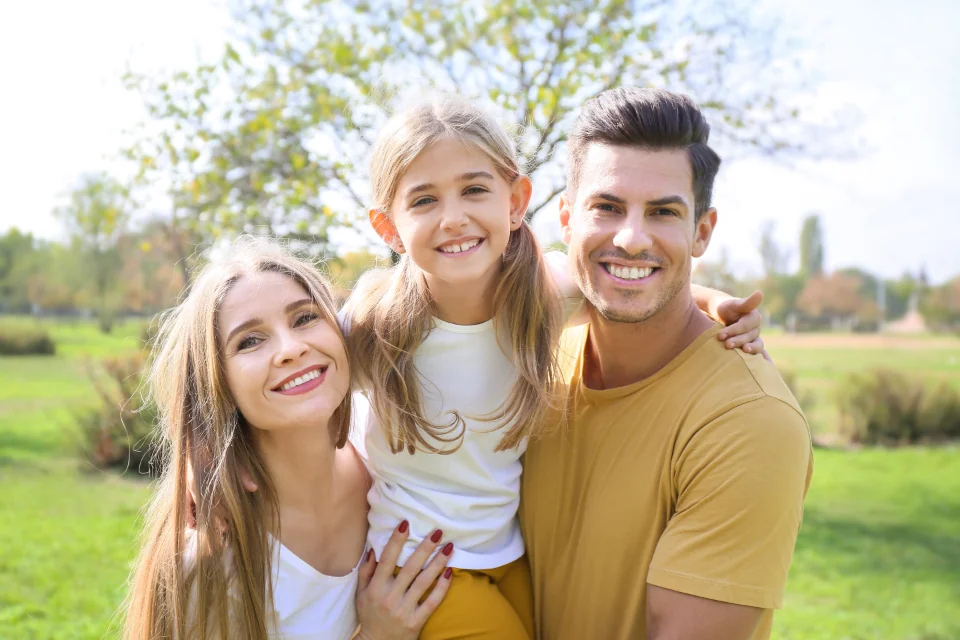
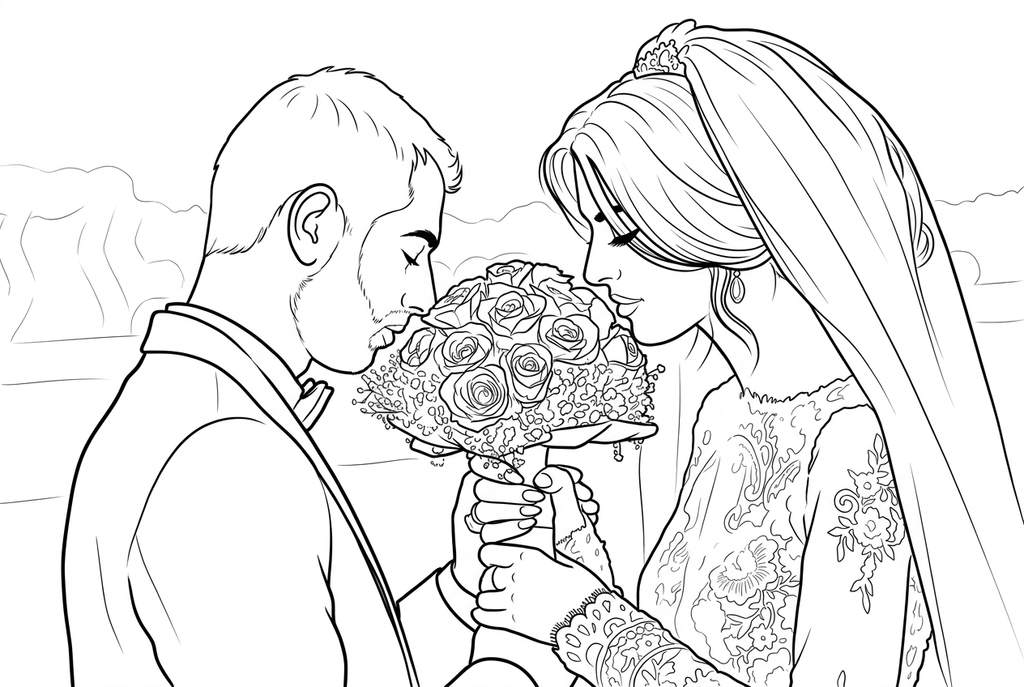
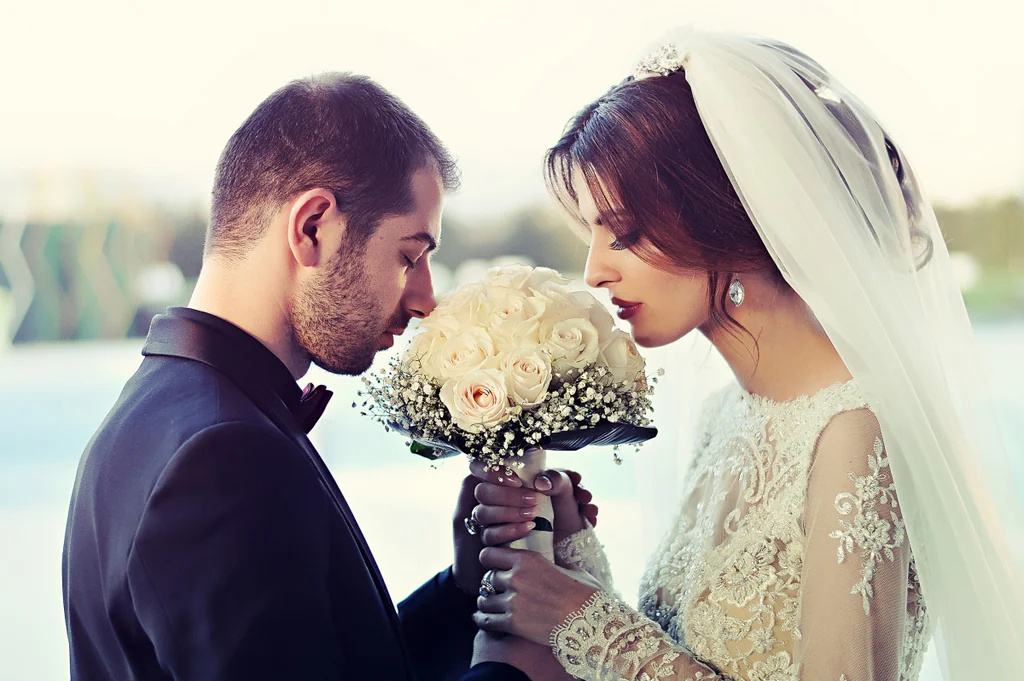
Explore real drawings from family, wedding and flower photos. Each caption shows the settings used.
A family moment
A wedding keepsake
Three flowers
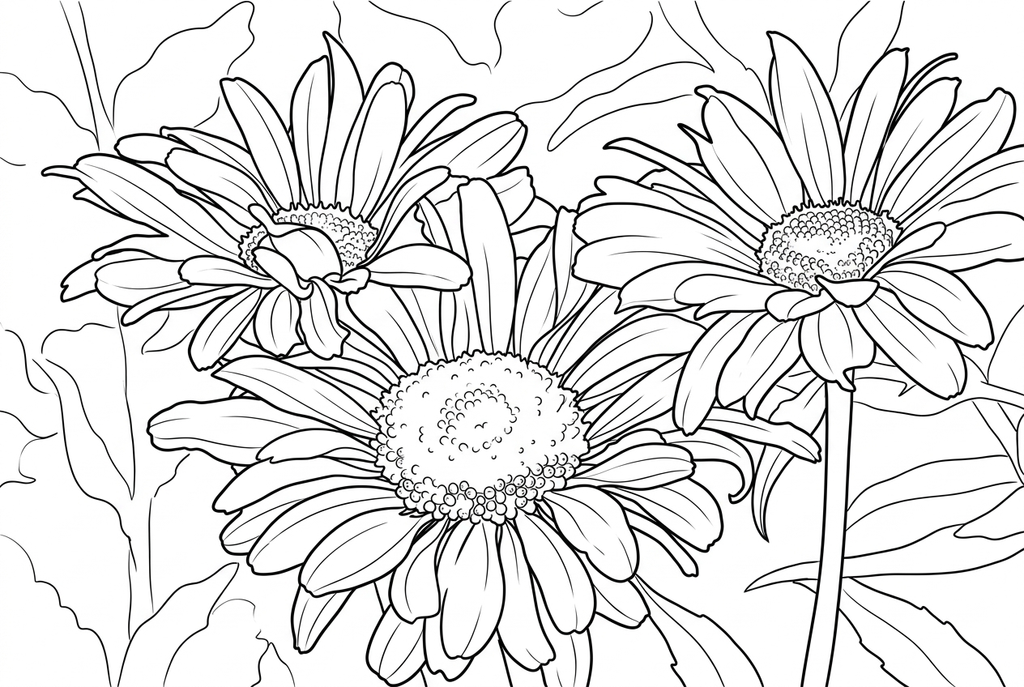
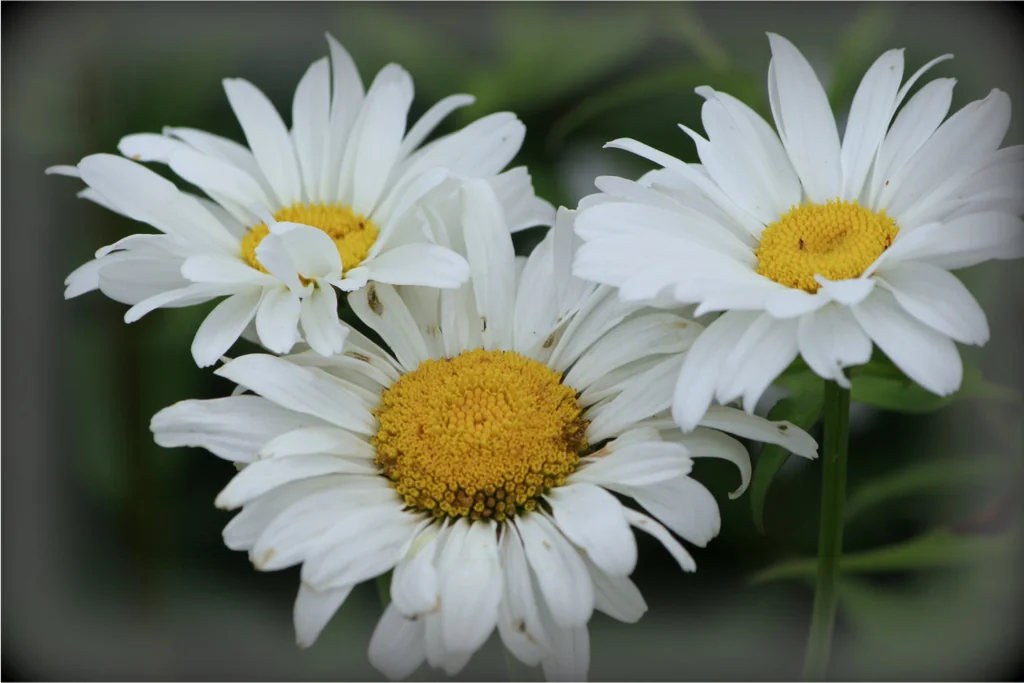
These drawings retain the scene. AI can change small features, so compare your result with the original before printing.