
Coloring projects from your photos
Use a finished page for a pet portrait, a nature activity or a small personal gift.
From photograph to printable outlines
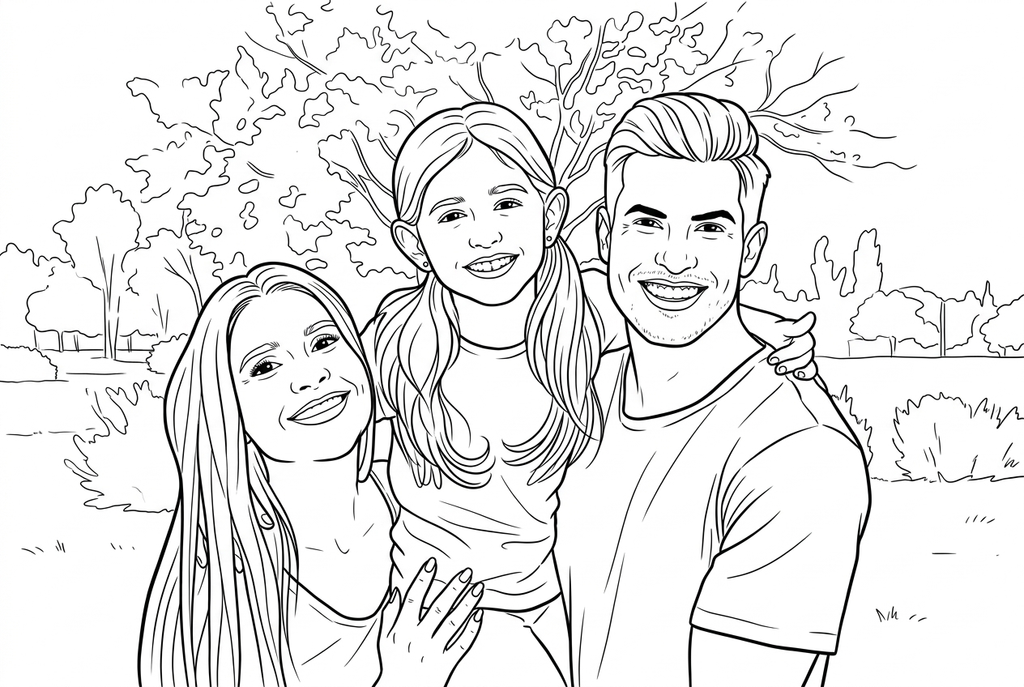
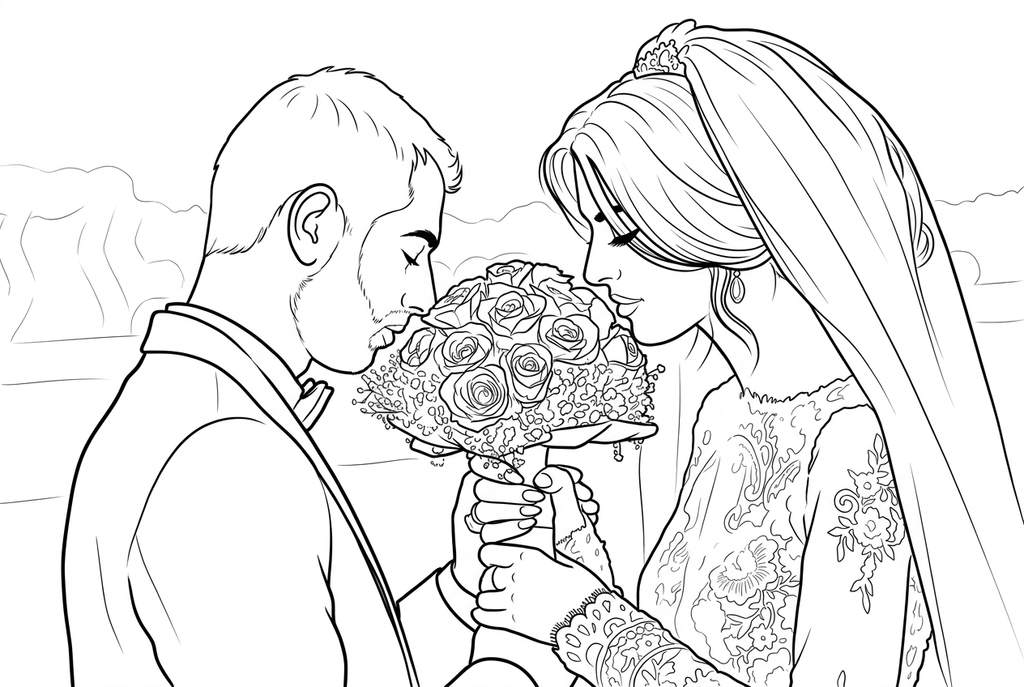
Explore real drawings from family, wedding and flower photos. Each caption shows the settings used.
A family moment

A wedding keepsake

Three flowers
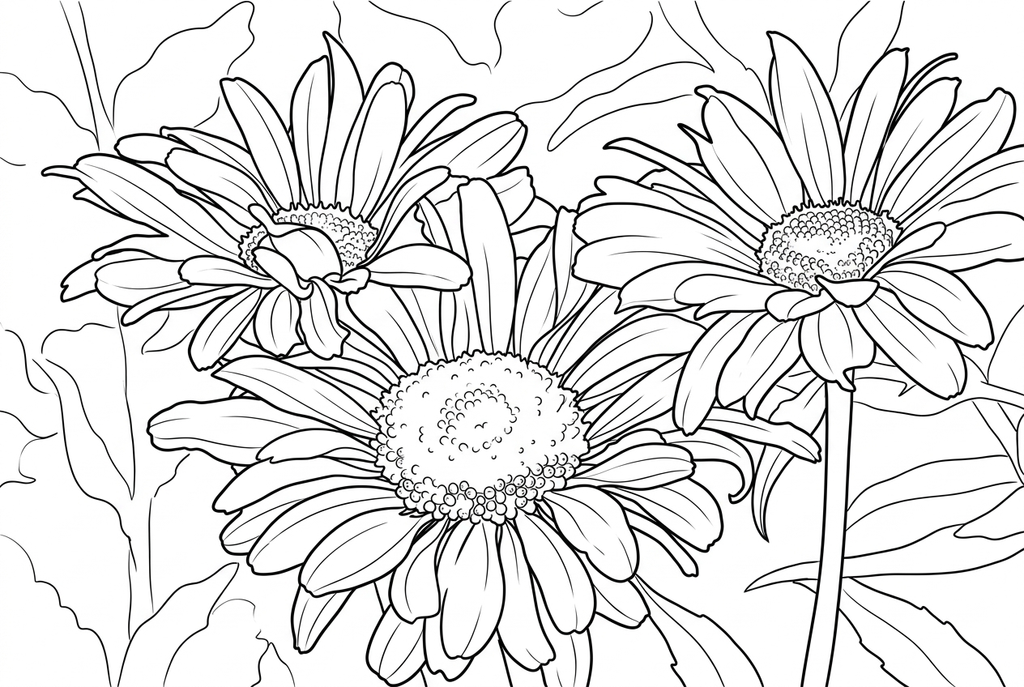
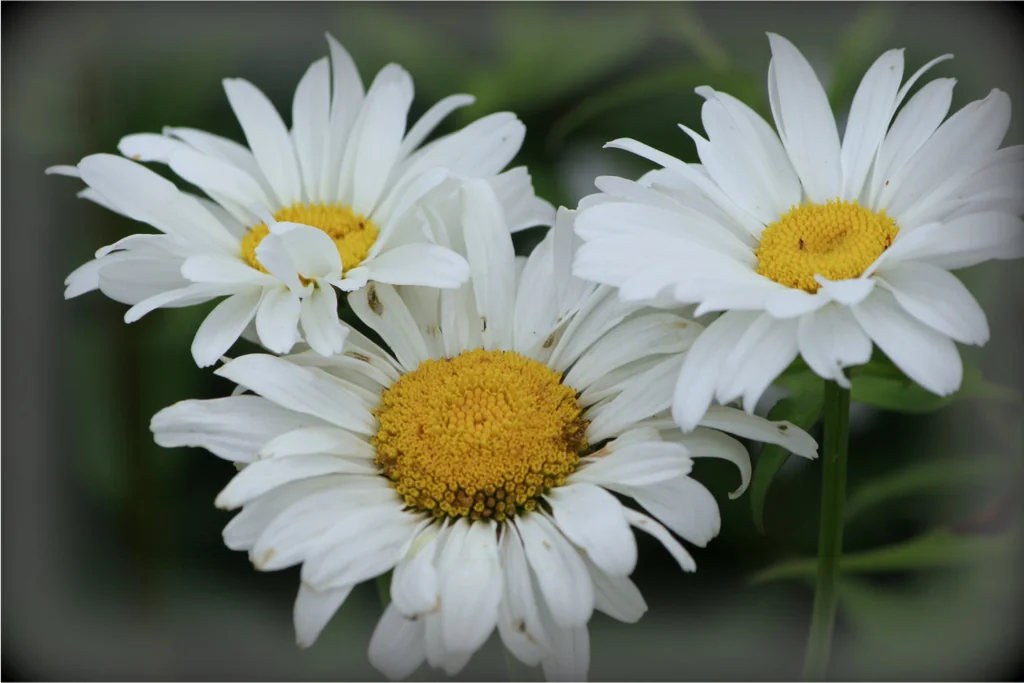
These drawings retain the scene. AI can change small features, so compare your result with the original before printing.
A portrait of your pet
Choose a clear photo, convert it and check the eyes, nose and ears. Print one copy per person, color the markings differently, and add your pet’s name by hand.
You will need your finished page, plain paper, a printer and crayons or pencils.
- Choose a close, sharp photo showing your pet’s eyes, ears and nose. For two pets, keep both faces clear and separated; compare the dog and cat example above.
- Try free outlines first, or use AI with Classic and Medium detail. Simplify can reduce a busy background; compare the finished eyes and coat markings with your photo before continuing.
- Download the finished PNG and print one copy per person. Choose A4 or Letter to match your paper; check the preview so ears and paws are inside the margins. You can print a free result without saving it.
- Color the coat patches using the photo as a guide. Leave space below the portrait, add the pet’s name by hand, and let each person choose their own background colors.
You will have a named pet portrait to display together. Compare the different color choices; do not treat changed AI markings as a faithful record of the pet.
A flower observation sheet
Photograph one flower, then compare its colors and petal shapes with the outlines. Color a printed copy and write down what you noticed beside the drawing.
A small coloring gift
Save a few finished pages and add them to a print set. Check their order and paper size, print the PDF, then staple the sheets with a handwritten cover.
Keep your work organized
Free conversion results stay temporary until you choose Save to my creations. AI results appear there when completed. Saved pages can join print sets. AI originals are managed separately; deleting an original does not delete a completed page.