
Turn Christmas Photos into Coloring Pages
Turn a family moment beside the tree, a pet portrait or a favorite decoration into a Christmas coloring picture. Decide whether the page should focus on the people or preserve the festive scene, then choose a photo with enough light to see both.
- Clean outlines
- Custom styles
- Adjustable detail
Checking your account…

See what your photo can become
My creations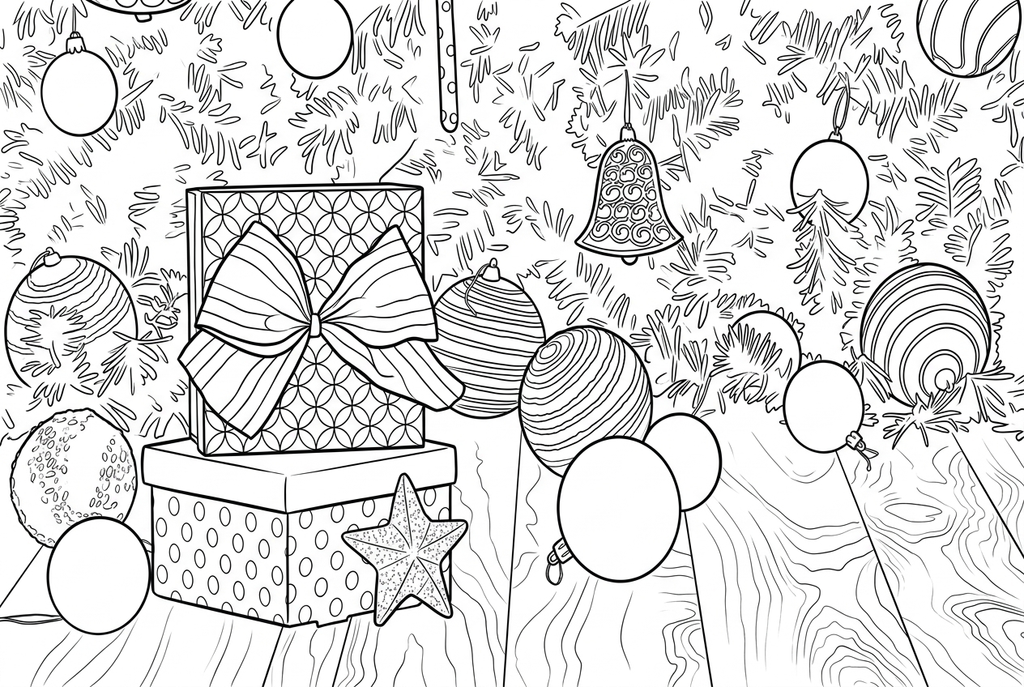
Generating your page
This result is temporary and has not been saved to your account.
Optional: save only the result to your account. Uses storage, not credits.
Match the paper size in your browser’s print dialog.
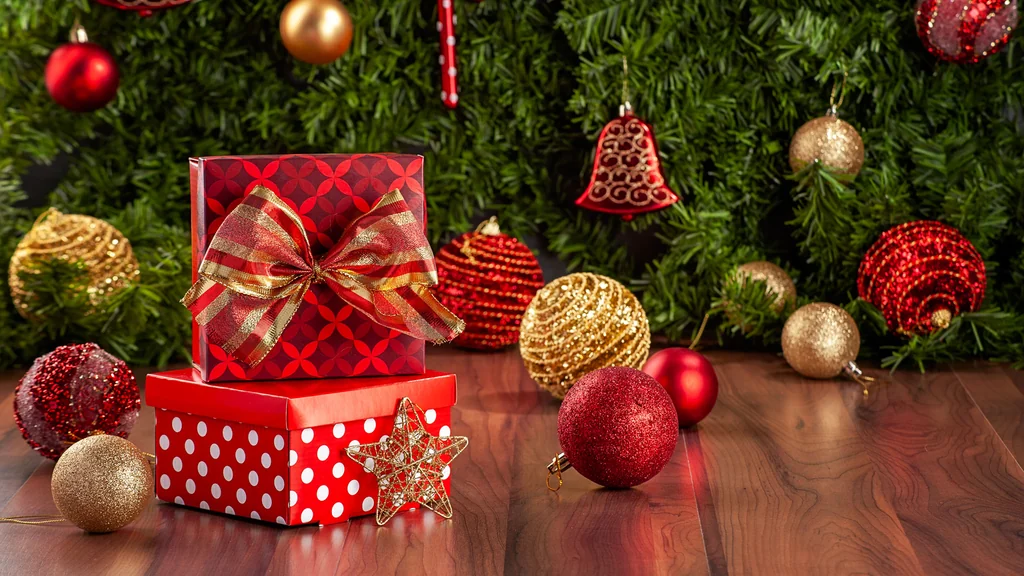
Photo: Pexels · Pexels License · License
Redraw photo textures as clean outlines, with clearer shapes and open spaces for coloring.
- Keep the tree and the festive room scene
- Adjust ornament detail for the size you will print
Conversion status
You can leave this page and come back. Your AI task continues in the background.
Choose the Christmas memory and the paper size together
A family scene and a small ornament need different amounts of detail.
Choose a scene or one clear subject
Use a room photo when the tree tells the memory. Choose a closer person, pet or decoration for a small card or hanging panel.
Keep meaningful decorations, reduce crowding
Start AI with Classic, Medium detail and Keep background. Compare Simplify for a close portrait; tinsel and tree branches can also make a Free result busy.
Inspect the actual keepsake size
Compare faces and decorations, then print a test at the intended card or ornament size. Add the greeting or year by hand after coloring.
Photo tips: Christmas photos
- Use room light or daylight as well as decorative lights so faces remain visible.
- Choose a small family group when expressions matter; a wide room view makes every face smaller.
- Photograph one ornament against a plain background if it will become a small paper keepsake.
- Check reflective baubles, ribbons and tinsel for glare or overlapping edges.
Christmas gifts and ornaments to color
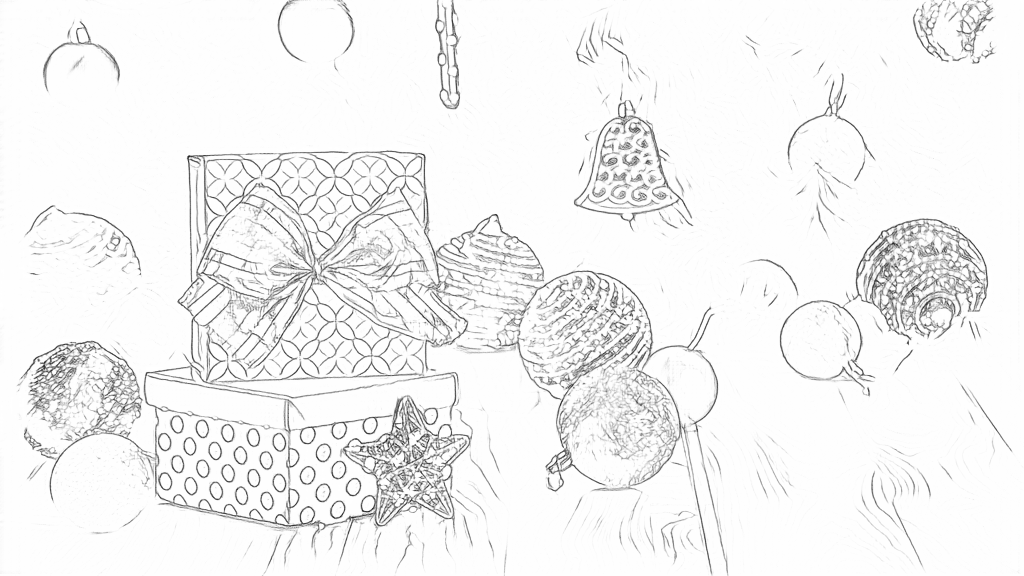
Free follows gift patterns and glitter, with faint branch and bauble edges. AI redraws the boxes, bow, bell and star with clearer contours and a denser branch background.
Free: follow the visible edges
AI: simplify the drawing for color
AI changes ornament patterns and positions, and the drawing is less wide than the photo. Compare the decorations before printing.
Explore other AI drawing choices
Compare the starting point with two drawing choices from the same photo. Look at the shapes and lines, then use the settings beneath the result you prefer.
Starting point: AI changes ornament patterns and positions, and the drawing is less wide than the photo. Compare the decorations before printing.
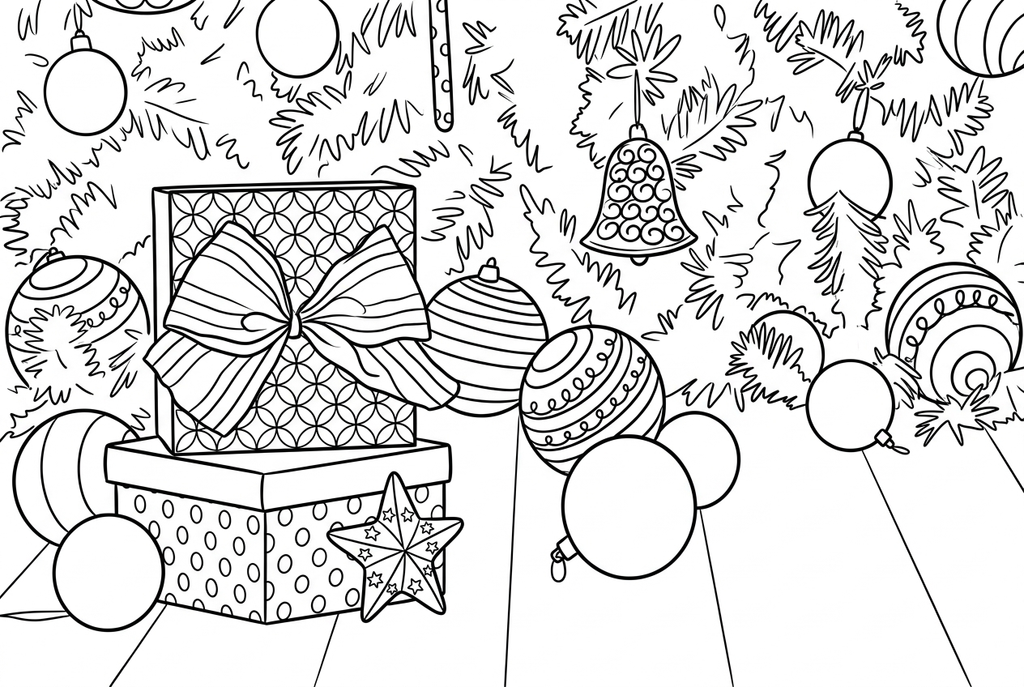
Compare gift patterns, branches and coloring spaces with Medium.
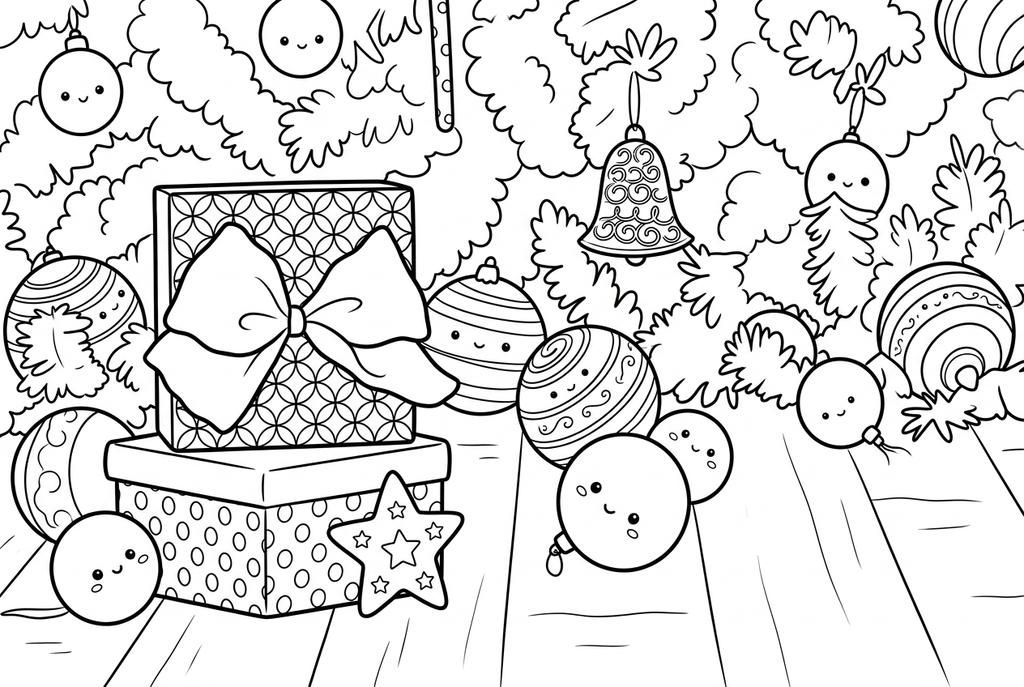
Kawaii adds smiling faces to the bow, star and baubles. Those faces are not in the photo.
Keep the tree when it tells the story
For a room scene, leave space around the people and include the tree or decorations that make the memory specific. AI Keep background is a starting choice here. Compare the family with the source, because faces can change in a redraw.
For a pet or person portrait, a closer photograph and Simplify background may leave more useful coloring space. More decoration is not always better: dense branches and tinsel can dominate a small print.
Match detail to the finished paper size
- Classic
- Medium
- Standard
- Keep background
Free follows visible edges, including branches, lights and reflective highlights. Try its line controls on your actual photo. AI Simple detail may help open up crowded ornaments; Medium is a starting point for a scene with recognizable decorations.
A drawing that looks clear on screen may be too intricate on a small ornament. Print one at the intended size before making copies. Larger drawing dimensions add pixels, but do not automatically make tiny coloring spaces easier to fill.
Choose a card, ornament or full-page keepsake
Keep a full-page result for a family coloring session, or mount a smaller print on a blank card. Add the greeting and year yourself; generated lettering should be checked rather than assumed correct.
For a hanging paper ornament, choose one clear subject and leave a border for mounting and a ribbon hole. The ornament activity explains a handmade finish without an automatic card or ornament template.
Check the drawing before making copies
Inspect the features that matter to this photo and its intended paper use.
Compare faces, pet features and the main decorations with the Christmas source photo.
Look at tinsel, tree branches and reflective ornaments for overly dense or changed details.
Test the actual card or ornament print size; a clear full-page drawing may become too intricate when reduced.
Keep a result you can use again
Free: keep the file before leaving
Download the PNG or print on A4 or Letter. Conversion runs on your device; refreshing does not retain an unsaved result. Sign in only if you choose to save to My creations.
Free photo conversionAI: return to the finished task
Sign in and submit with the displayed credits. Open the saved result to download, export or print. Review the drawing beside your source before using it for the activity.
AI photo conversionPrint another copy of a selected result without generating again. A new AI submission uses credits. For a PDF from Free, use your browser's print-to-PDF option where available.
A ready-to-print page can work alongside your photo
These free coloring collections offer another picture for the activity, or a starting point when you do not want to use a photo.
- Explore Christmas coloring pages
Add a festive drawing beside a family photo keepsake without generating another picture.
Choose a printable page - Choose a printable Christmas tree
Use a separate tree picture when the branches in your photograph make the portrait too busy.
Choose a printable page - Browse simpler coloring designs
Look for broad shapes that remain readable at a small card or ornament size.
Choose a printable page
Questions about Christmas photos
A family scene and a small ornament need different amounts of detail.
Can I keep the Christmas tree in the drawing?
Use a source that clearly includes it and try AI Keep background. Free traces the visible scene. Review the branches and ornaments before printing; AI does not guarantee an exact copy.
Which photo works for a small paper ornament?
One face, pet or decoration with a clear silhouette is easier to recognize at a small size than a whole room. Test the actual print size before preparing several copies.
Can the converter add a Christmas greeting?
This workspace converts the picture. Add a greeting by hand or with your own layout software after downloading; do not depend on generated text.
Can I use Christmas pages without uploading?
Yes. Browse the Christmas and Christmas tree collections below for existing free printable drawings.
Why does the tree look clear on screen but crowded on an ornament?
Reducing the physical print size makes the spaces between branches smaller. Choose a closer subject, less detail or a larger keepsake; extra pixels alone do not open those spaces.
Start with the photo you want to color
A family scene and a small ornament need different amounts of detail.