
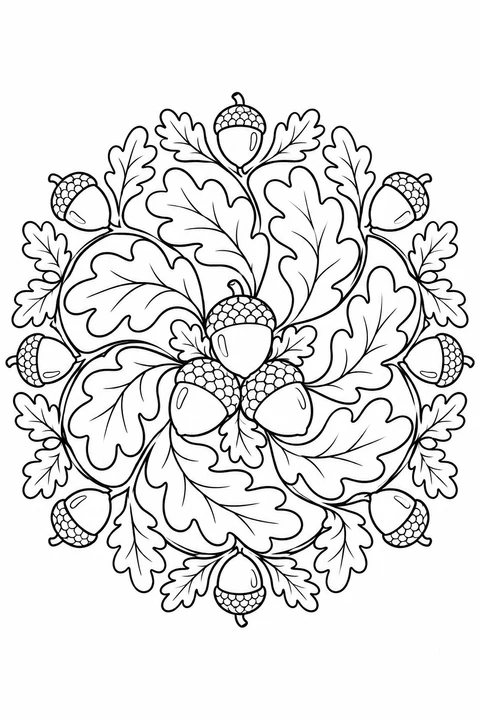
Acorn and Oak Leaf Mandala
medium


Choose circular designs with flowers, leaves or animals at the center, from a squirrel holding an acorn to a whale surrounded by waves. Look at the size of the spaces: some have broad shapes, while others include small petals and border details. On paper, try one color for each repeated motif or change colors as you move outward.
medium
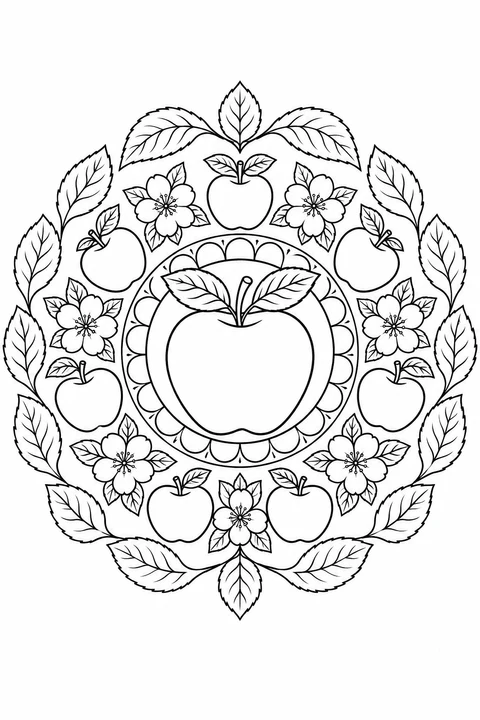
detailed
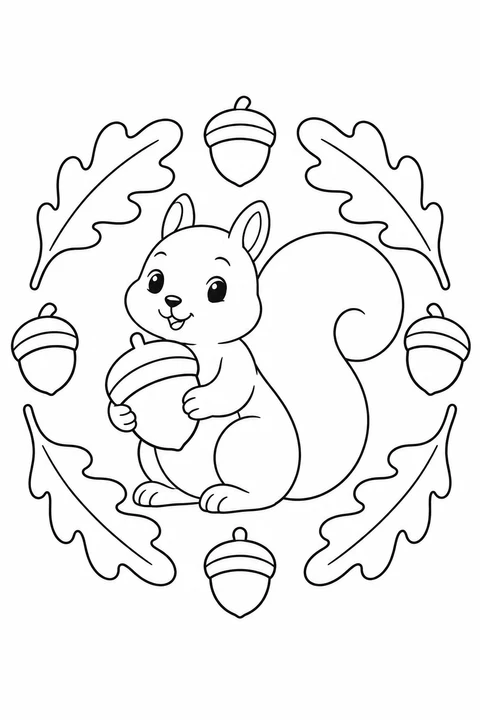
easy
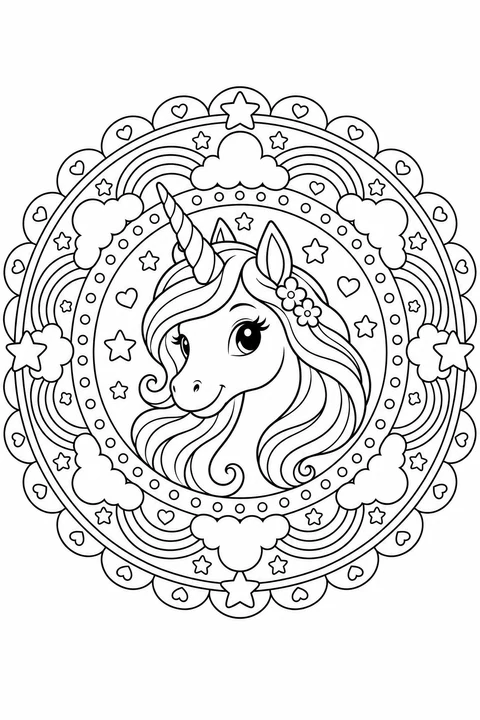
detailed
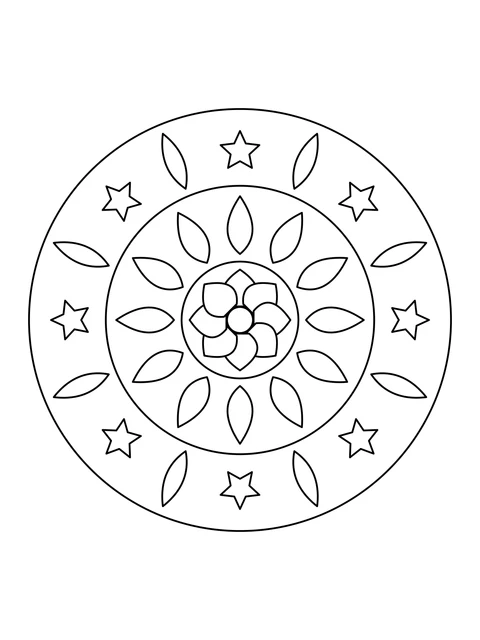
medium
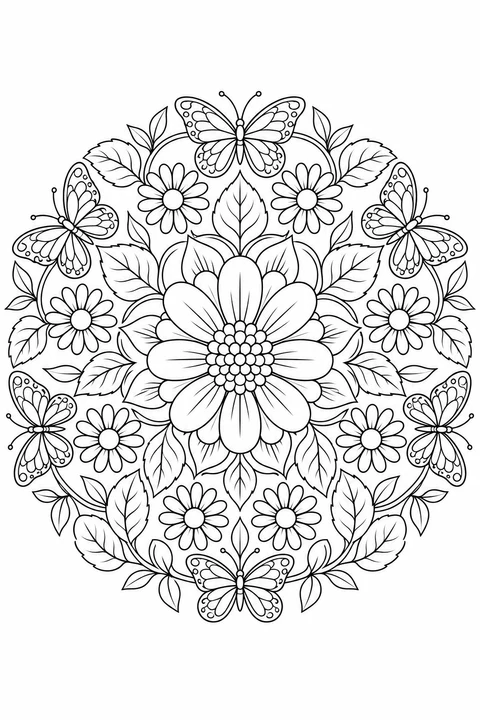
detailed
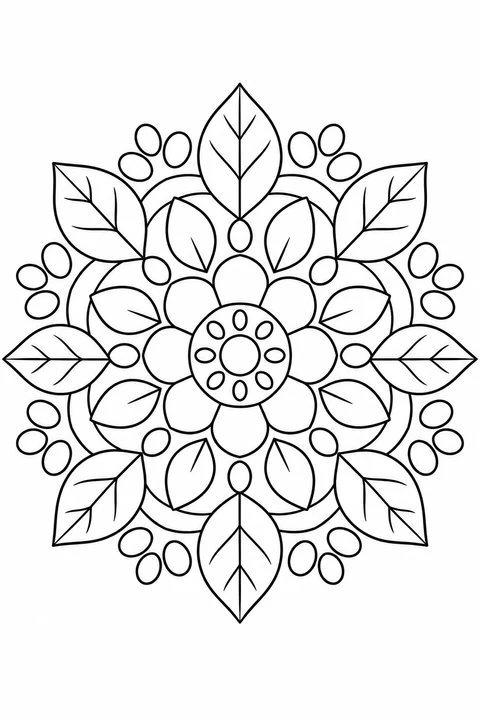
medium
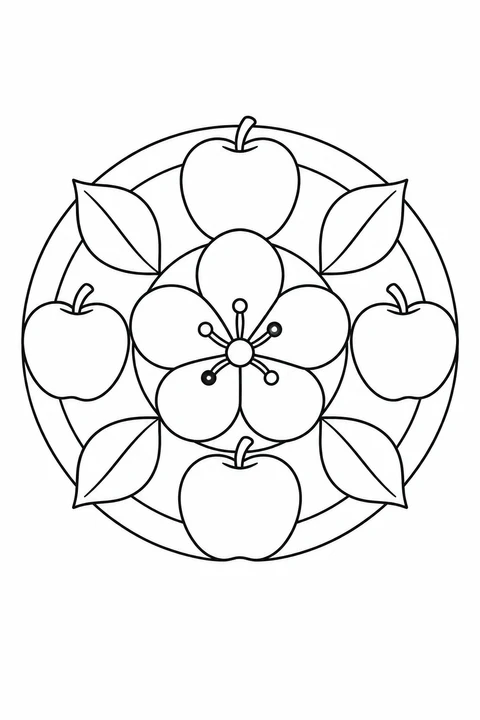
easy
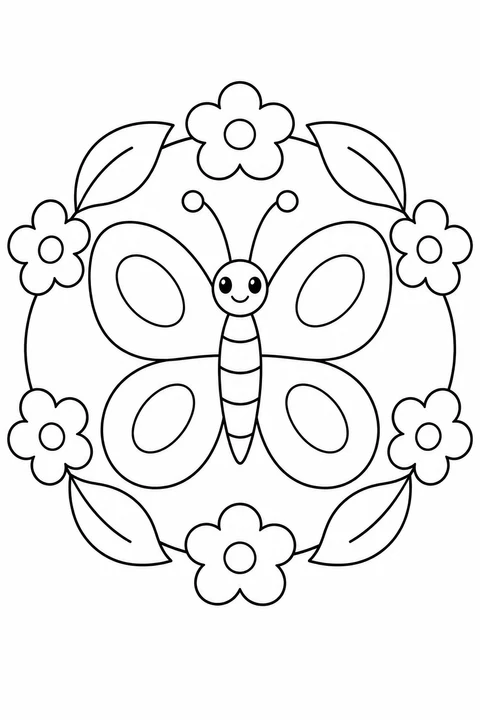
easy
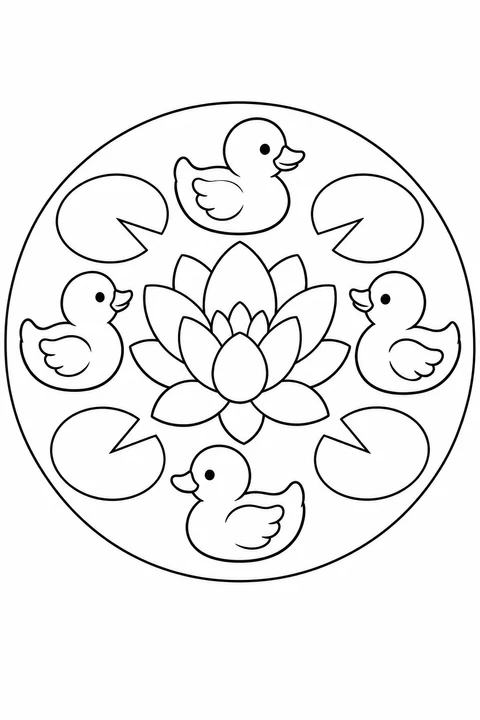
easy
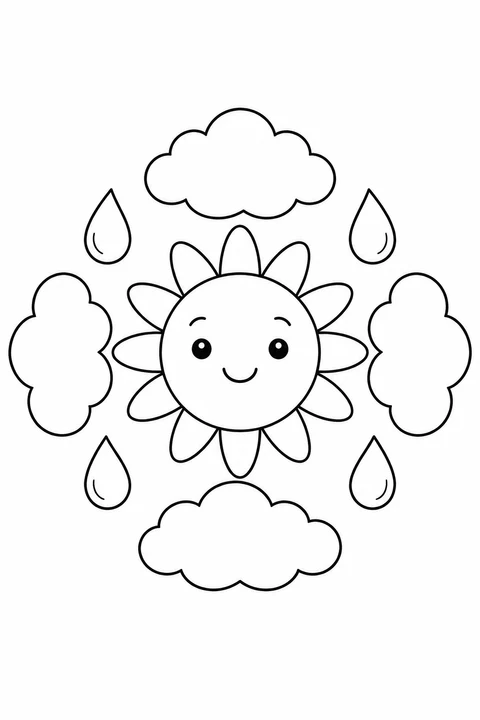
easy
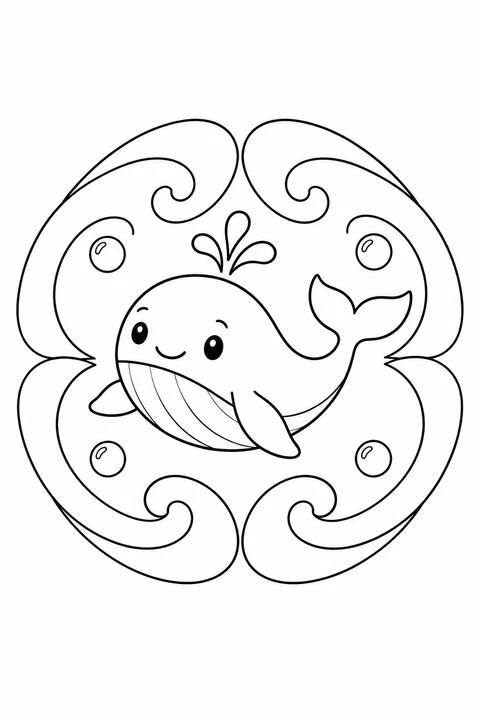
easy
Look at the size of the spaces, not just the circular outline. These three pages offer different ways to start.
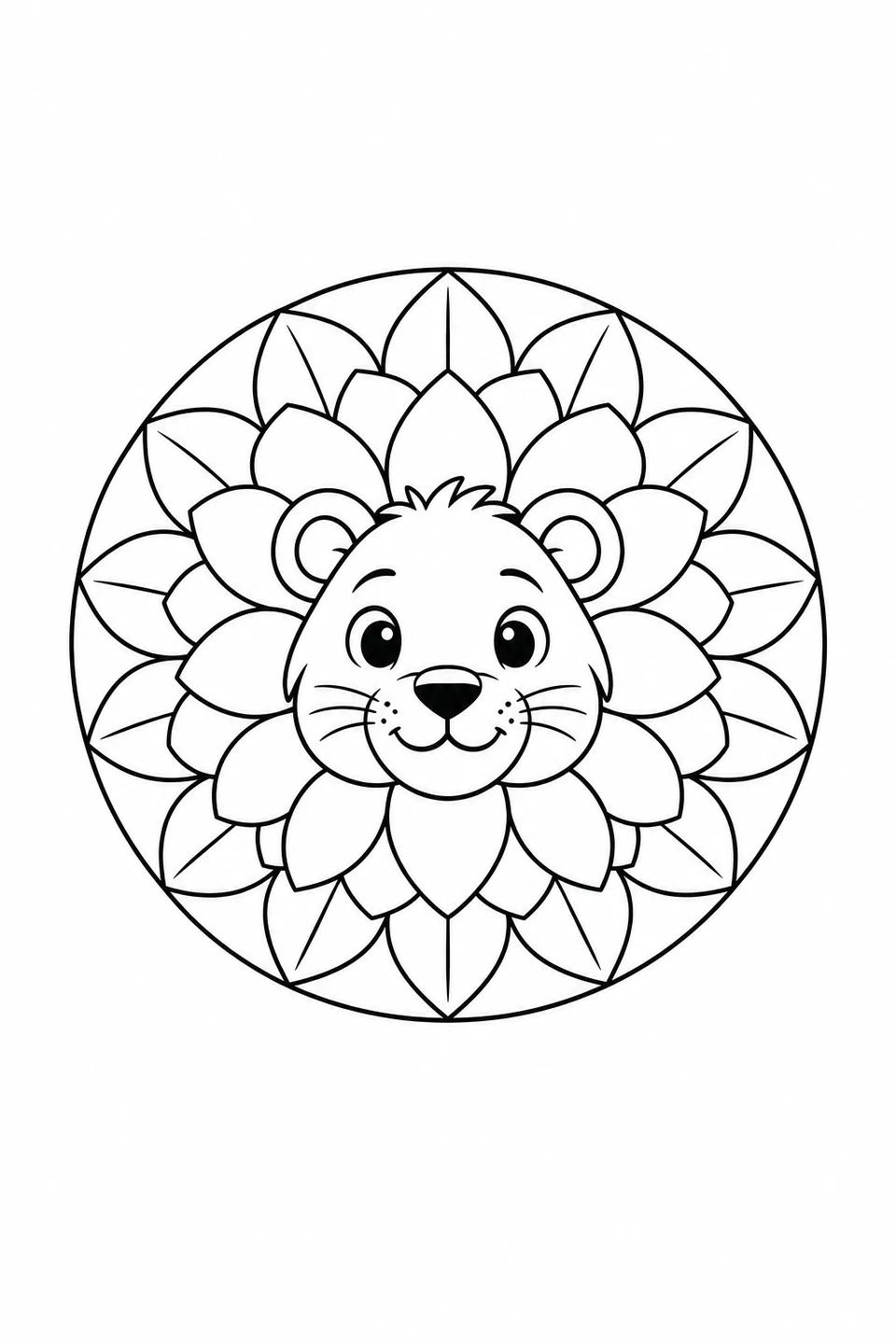
The lion’s face gives you a clear starting point. Color the mane petals one at a time; leave the outer leaves for later.
Lion Mane Mandala →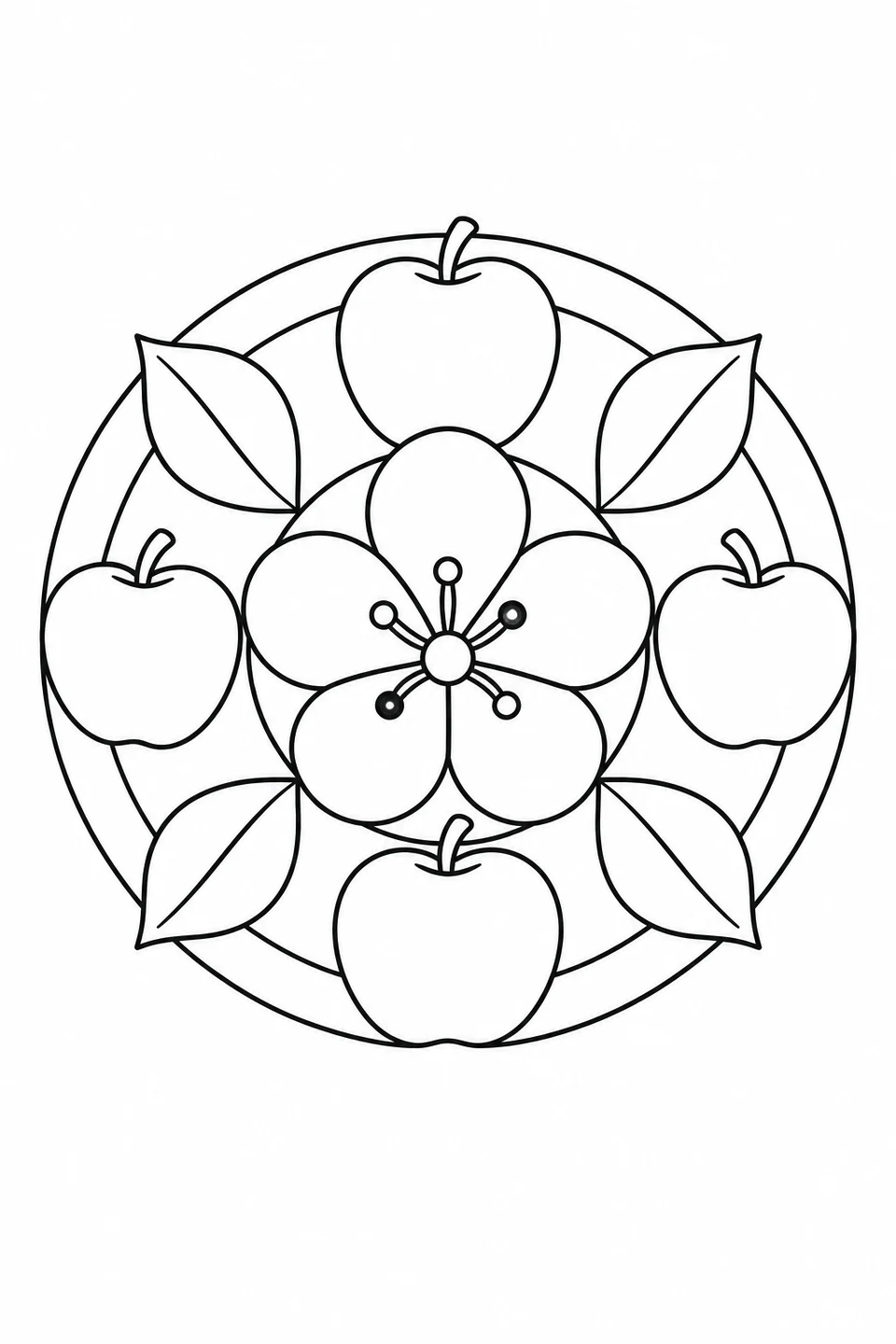
Four apples and broad leaves surround one flower. Choose this page to repeat colors without filling lots of tiny spaces.
Apple Blossom Mandala →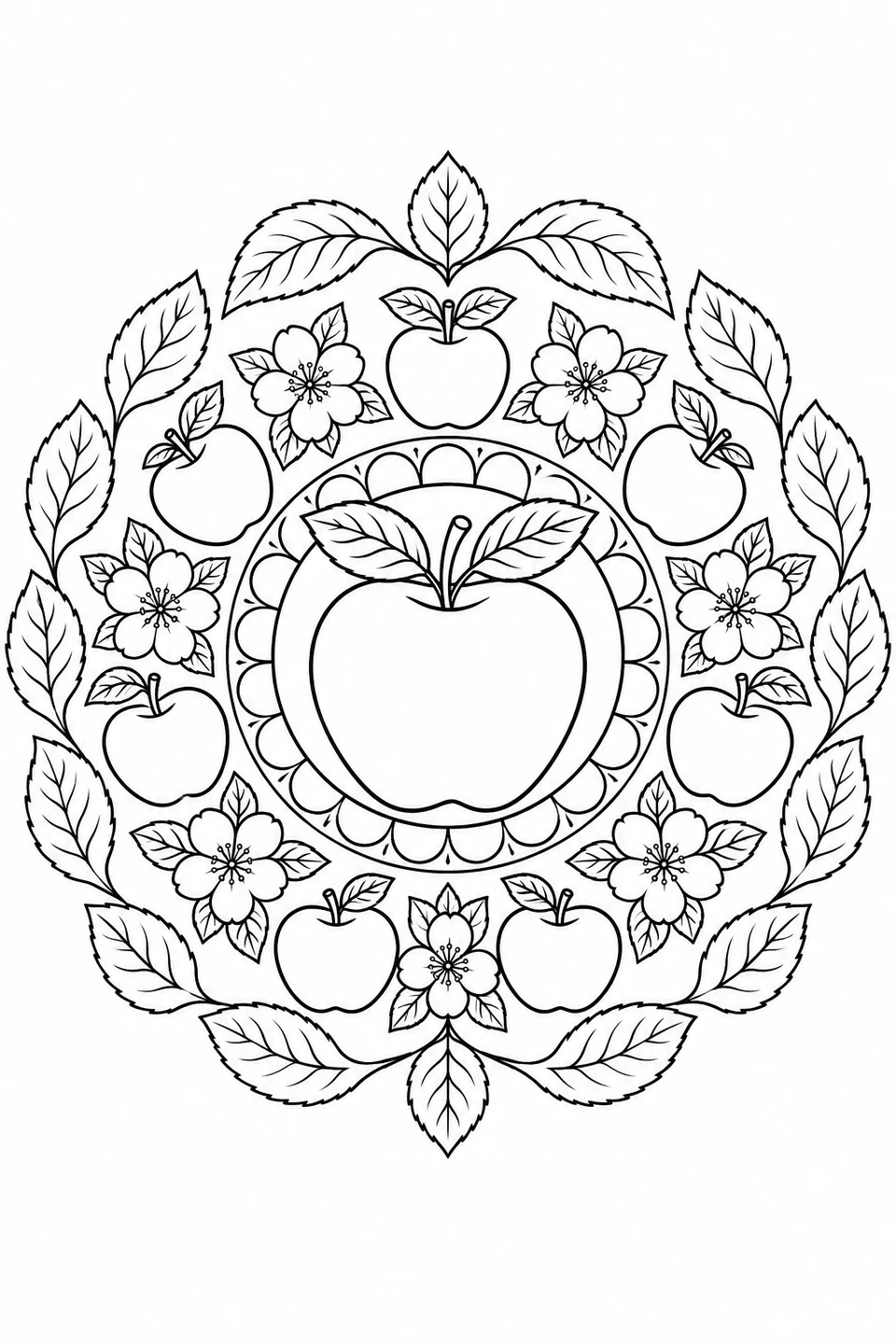
The other apple-blossom design has small flowers, leaf veins and several rings. A sharp pencil can reach these smaller spaces.
Apple Blossom Mandala →Try this three-color plan on the simpler apple-blossom page shown here. Follow the marked areas, then repeat the colors around the pattern.
Suggested color example
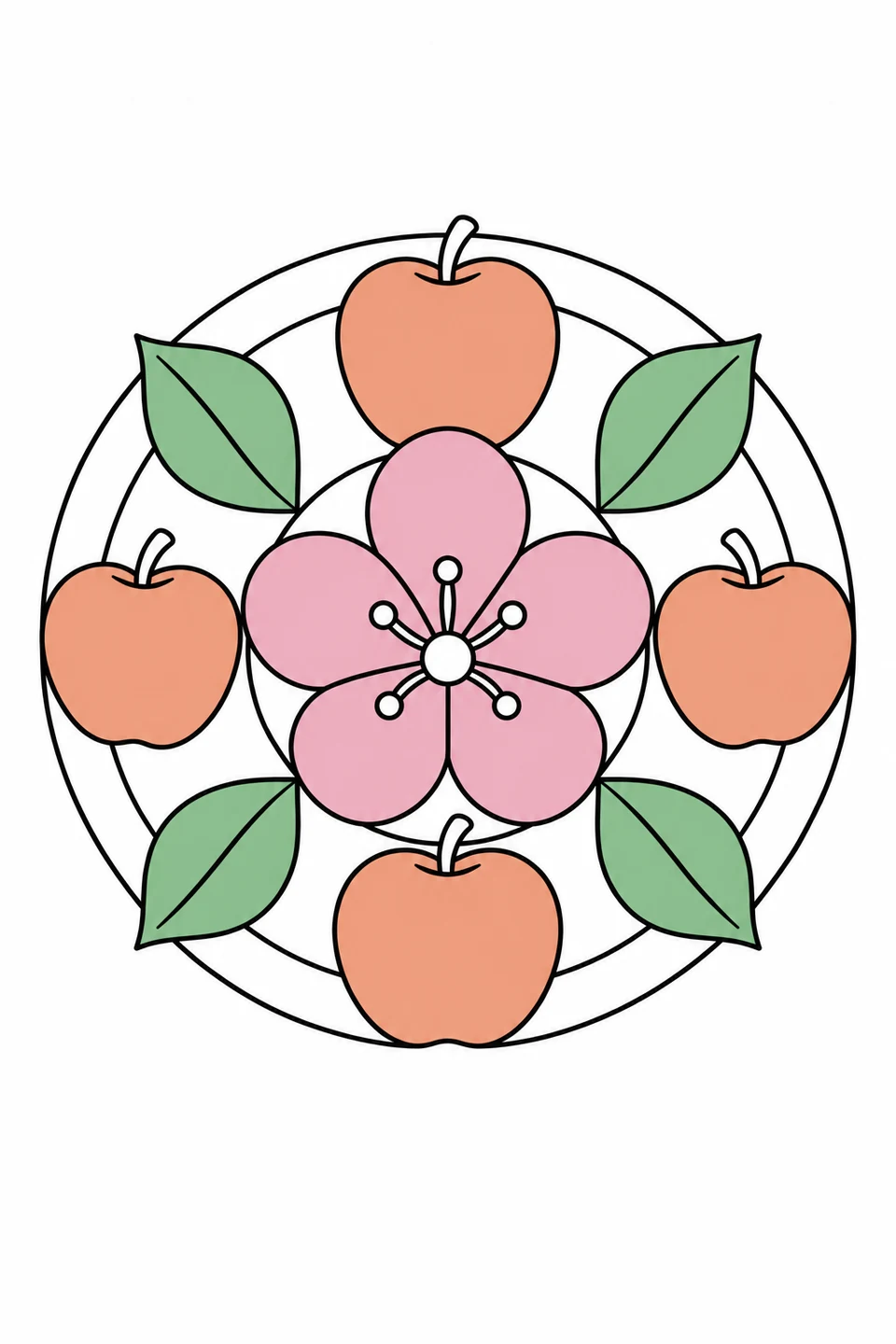
Stop after the flower, or continue around the ring. Matching colors are a choice, not a rule.
Choose a picture above if you want to print and start coloring. Use Mandala Maker when you want to create your own pattern with petals, leaves or repeated strokes.
These two images were exported from the same generated design, changing only Surprise density. Both use the same line width, black-and-white setting and white background.
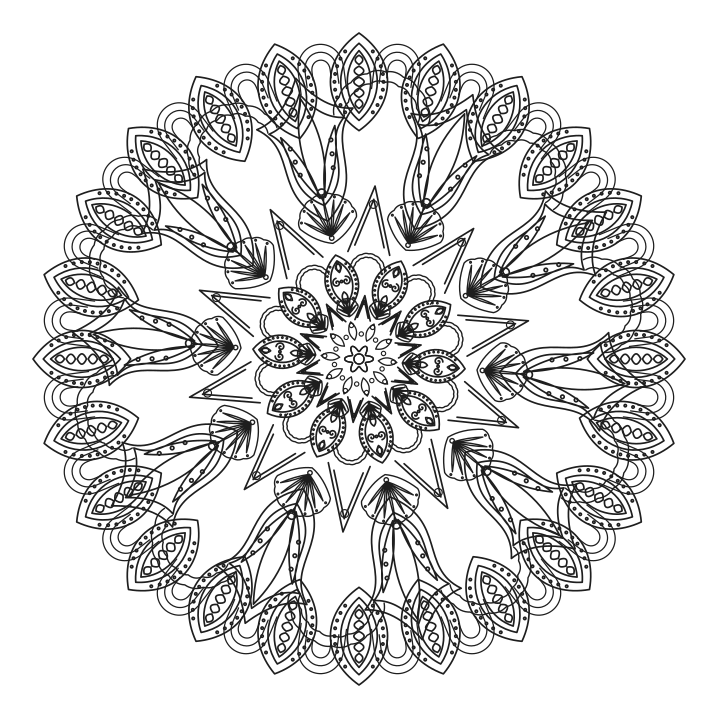
Look at the broad spaces between the middle rings. Start here if you prefer larger areas, while checking the fine details around the edge.
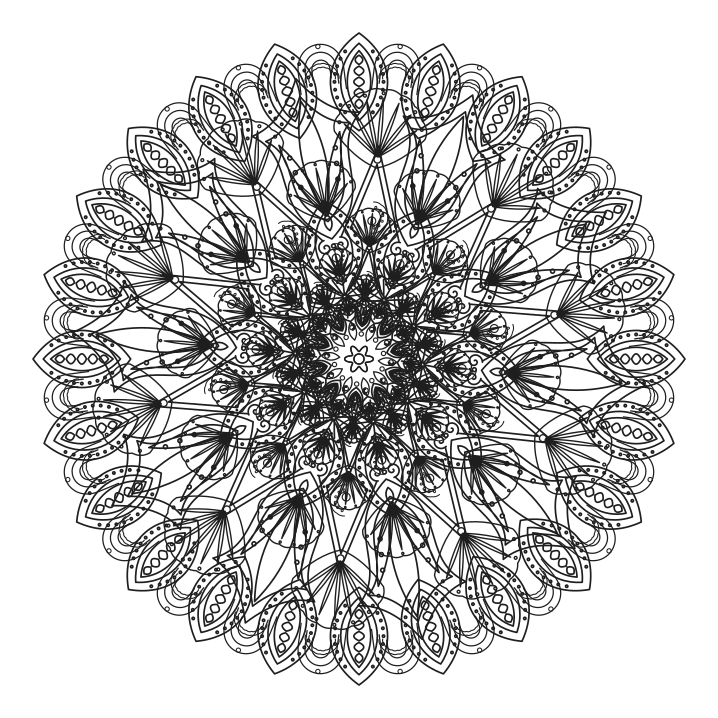
The center has more overlapping shapes and smaller spaces. Choose this kind of pattern if you enjoy working through fine details with a pencil.
Adjust density before editing individual layers. After a layer edit, this control applies to the next Surprise. Each new Surprise creates a different pattern.
Free · No sign-up · SVG, PNG & PDF