FreeKeep the outlines
Follow your photo’s edges and fine details.Busy photos may keep more texture.
Free, on your deviceNo upload, account or credits.
Convert for free

Ready for your favorite colors
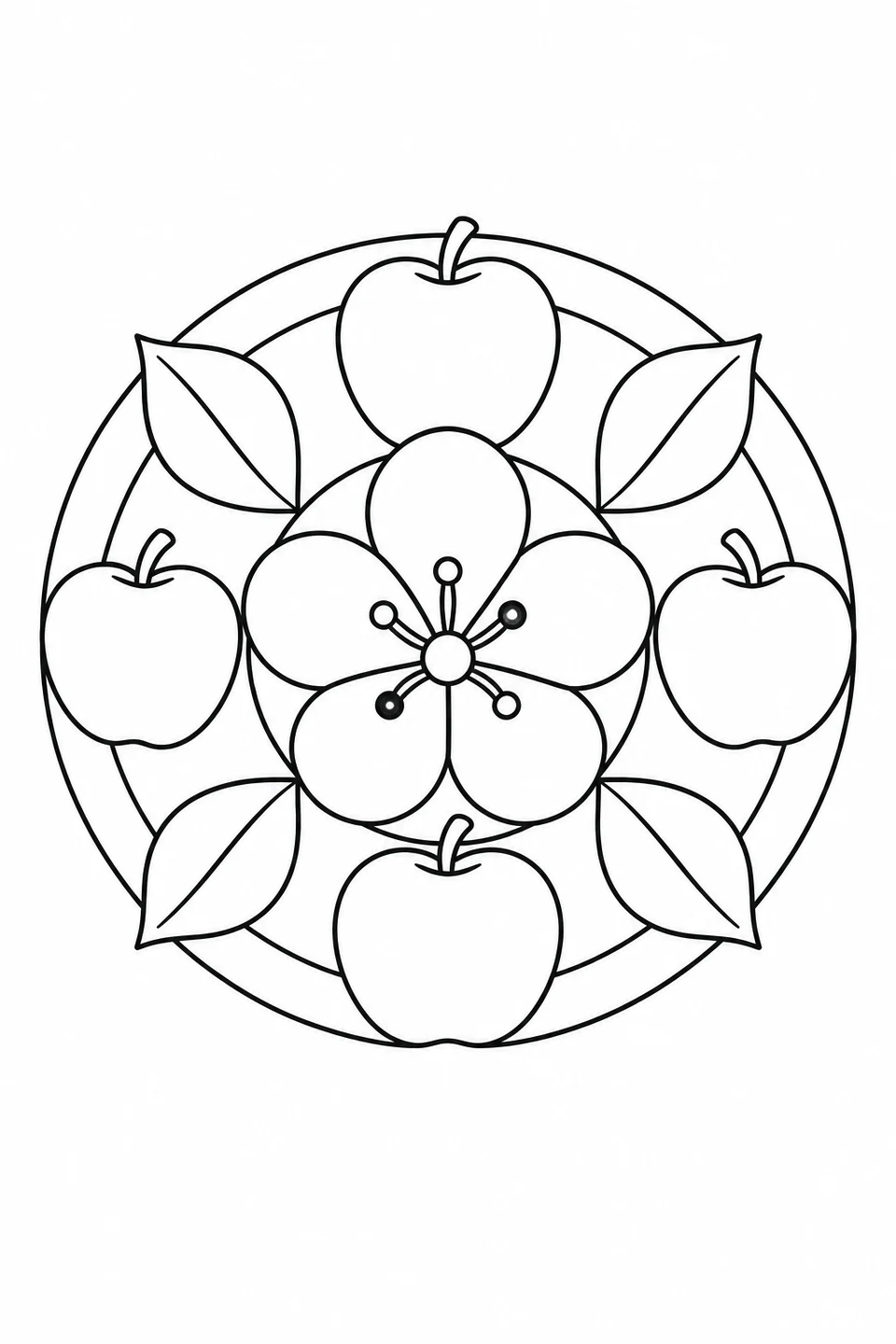
A large five-petaled flower sits among apples and leaves in a circular pattern.
Match the paper in your printer: US Letter or A4.
Print this pagePNG image · 1024 × 1536 px
Print and PDF keep the full picture, with a 10 mm safe margin.
Activity: 8
Any text you add is included in the image, PDF and printout.
Help saving or finding your file →Source & license
Third-party artwork keeps its original license. Follow the license shown for permitted uses.
For image permissions and sharing information, see usage rights.
The PDF uses the original image; it does not add resolution. See our printing guide for paper settings.
Try this three-color plan on the simpler apple-blossom page shown here. Follow the marked areas, then repeat the colors around the pattern.
Suggested color example
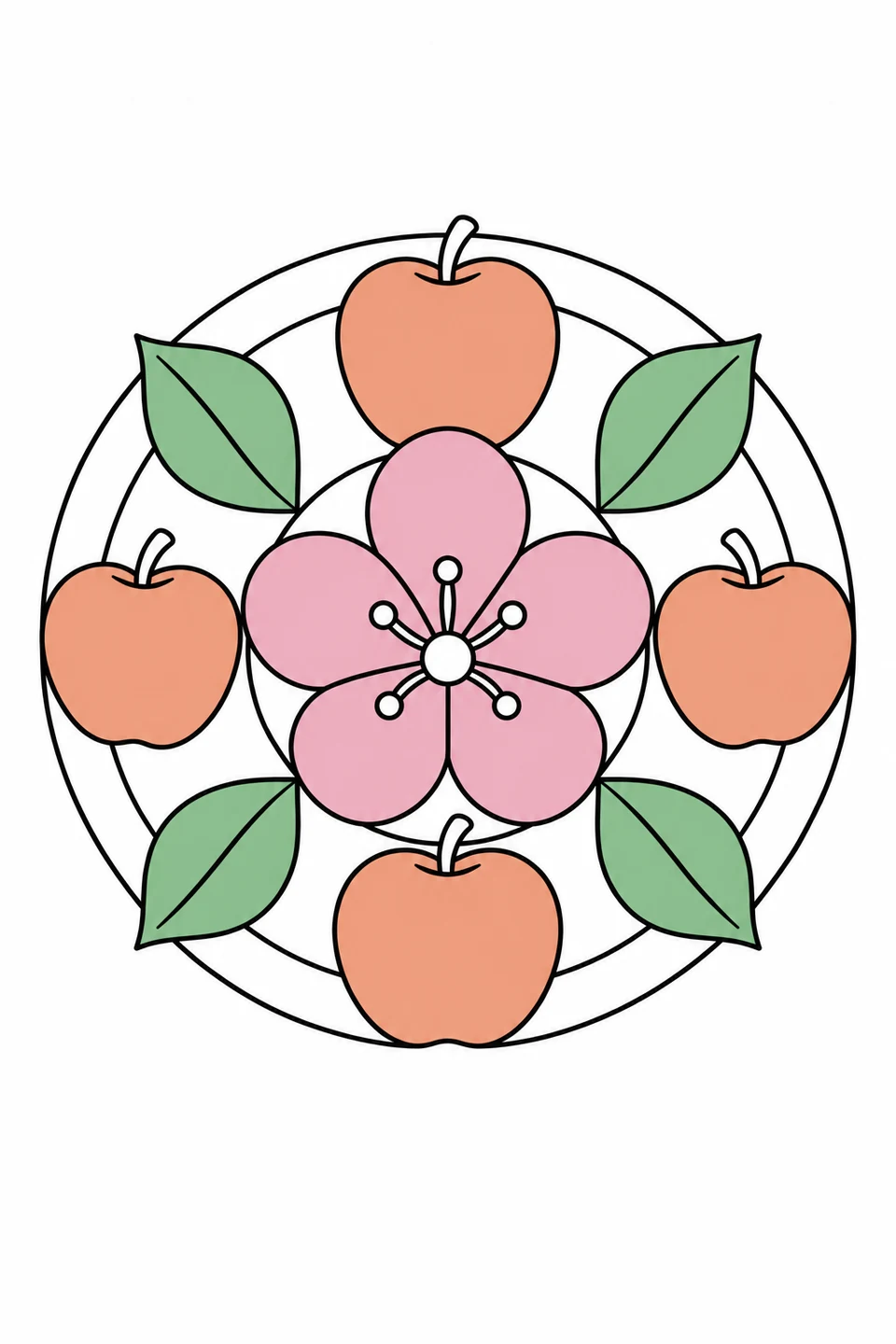
Stop after the flower, or continue around the ring. Matching colors are a choice, not a rule.
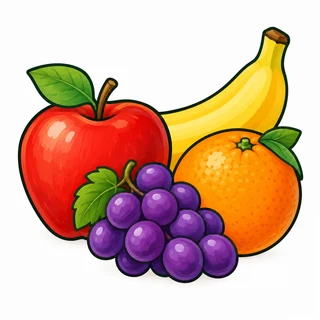
Explore bananas, strawberries, watermelon, citrus, grapes and pineapple, alongside apples, pears and fruit baskets. Choose broad outlines or harvest scenes, then download a free PDF to print.
More from Fruits →
Fruit, vegetables, bread, cakes, pizza, burgers and ice cream fill these food coloring pages. Explore single foods, baking scenes, picnics and food stalls, then download or print a favorite.
More from Food & Baking →
Choose circular designs with flowers, leaves or animals at the center, from a squirrel holding an acorn to a whale surrounded by waves. Look at the size of the spaces: some have broad shapes, while others include small petals and border details. On paper, try one color for each repeated motif or change colors as you move outward.
Compare pictures in Mandalas →
Color flower petals, roses, garden blooms and floral patterns. Choose a bold flower or a detailed scene, then download a free PDF to print.
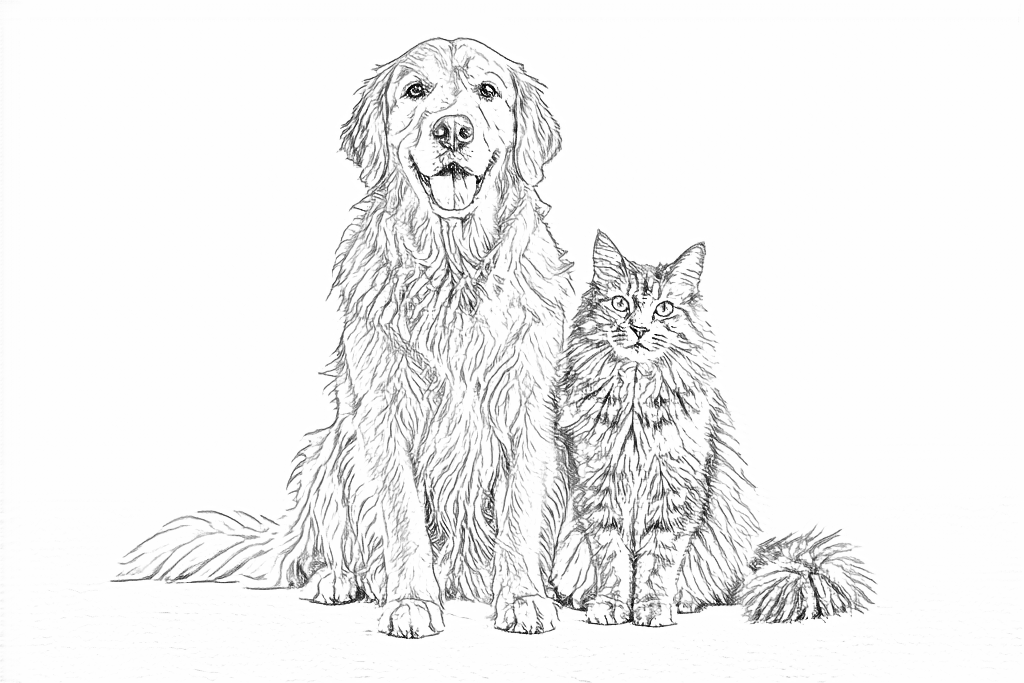
More from Flowers →Start with a pet, a family moment or something you love. Keep the photo’s outlines with Free, or try a new drawing style with AI.
The example images couldn’t load. You can still choose a tool below.
Follow your photo’s edges and fine details.Busy photos may keep more texture.
Free, on your deviceNo upload, account or credits.
Convert for freeClearer shapes in 4 drawing styles.Adjust detail, line weight and background.
50 welcome creditsNew accounts · Valid for 7 days
Create with AIPhone upload · Private library
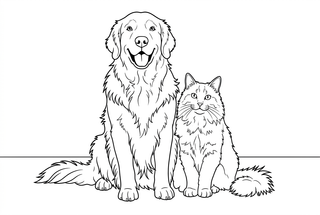
Try the colors on spare paper first. The color guide helps you choose a small palette before you begin.
Create a new pattern with petals, leaves or repeated strokes. The maker starts a fresh design; it won’t change this coloring page.
Compare the spaces: these examples use the same design at 30% and 80% density.
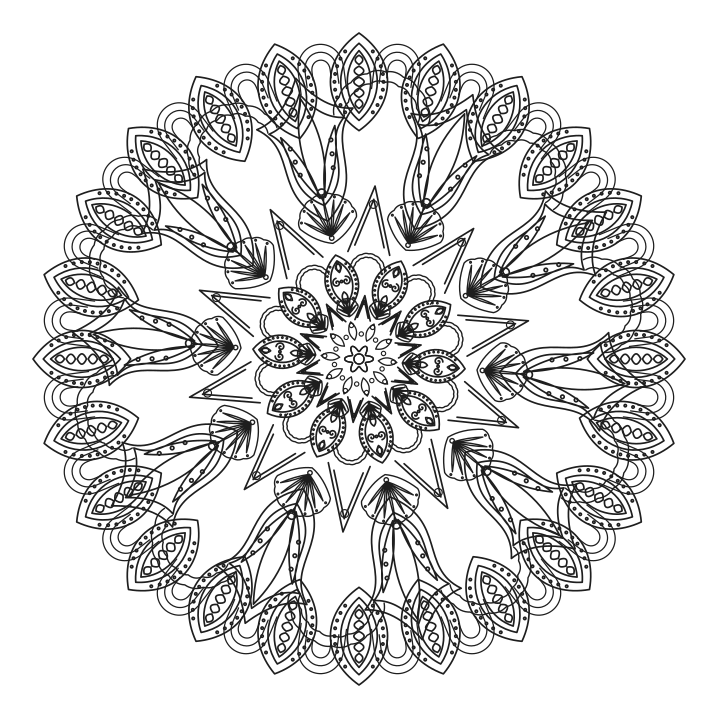
Choose wider spaces for a simpler coloring session; check the small shapes around the edge.
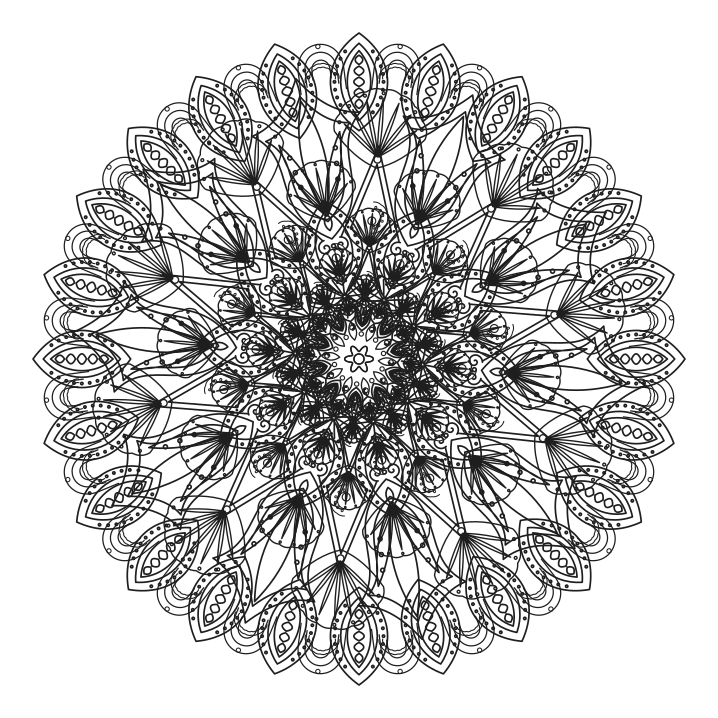
Choose the smaller spaces if you enjoy fine pencil work.
Free · No sign-up · SVG, PNG & PDF