
Turn a Portrait Photo into a Coloring Page
Create a printable portrait from one clear person photo. Choose whether you want a close face or more of the pose, and check the expression, glasses and hair in the result.
- Clean outlines
- Custom styles
- Adjustable detail
Checking your account…

See what your photo can become
My creations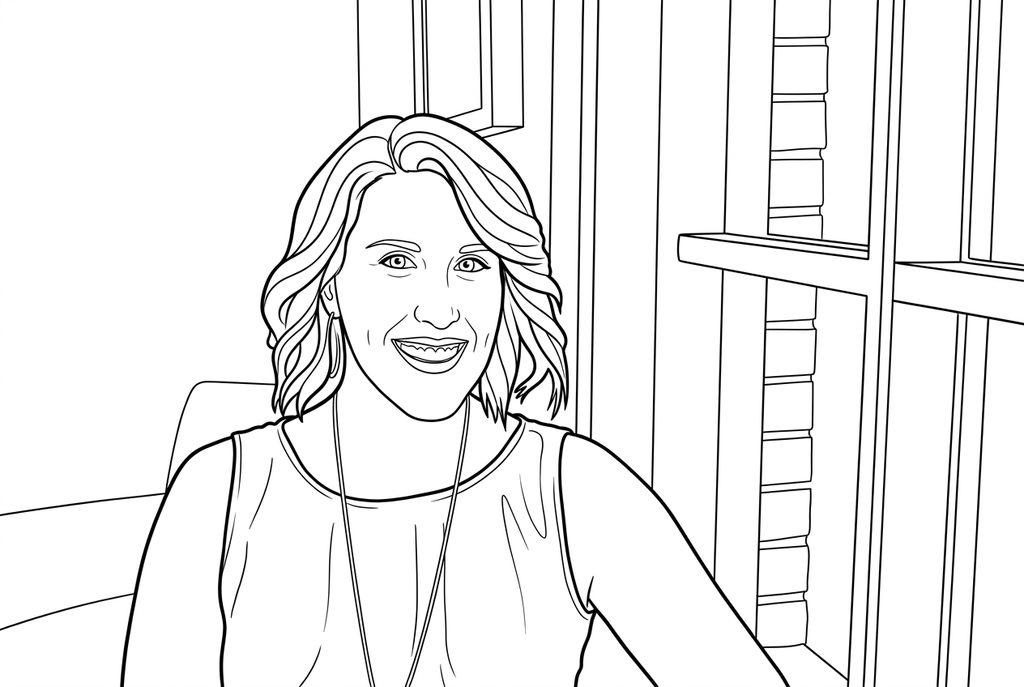
Generating your page
This result is temporary and has not been saved to your account.
Optional: save only the result to your account. Uses storage, not credits.
Match the paper size in your browser’s print dialog.
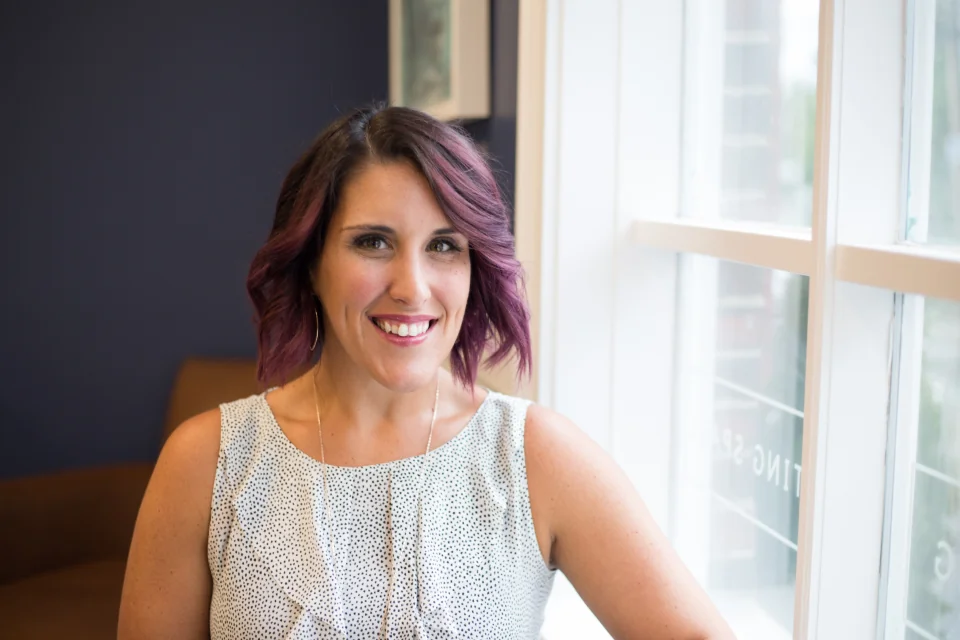
Photo: Kristin Hardwick · CC0 1.0 · License
Redraw photo textures as clean outlines, with clearer shapes and open spaces for coloring.
- Try four drawing styles on a familiar face
- Choose detail for hair, glasses and clothing
Conversion status
You can leave this page and come back. Your AI task continues in the background.
Choose a portrait by expression, then by drawing style
Leave space for the eyes, mouth and features you want to keep.
Choose an unobstructed expression
A close portrait gives the face more space. Check glasses, shadows and hands near the cheeks before selecting the photo.
Choose how much to reinterpret
Start AI with Classic and Simple detail for open clothing shapes, or compare a more playful style. Try Free when you want the photo's visible contours; neither method guarantees exact expression.
Inspect the face before making a keepsake
Compare eyes, mouth and hairline with the source. Print a test at the card or display size, then write a personal message outside the drawing.
Photo tips: Portrait photos
- Choose a face with visible eyes and a clear outline around the hair.
- Check that glasses do not hide the eyes with a strong reflection.
- Keep hands away from the face unless their gesture is part of the portrait.
- Use a larger face in the source when expression is more important than surroundings.
A familiar smile, with open spaces for color
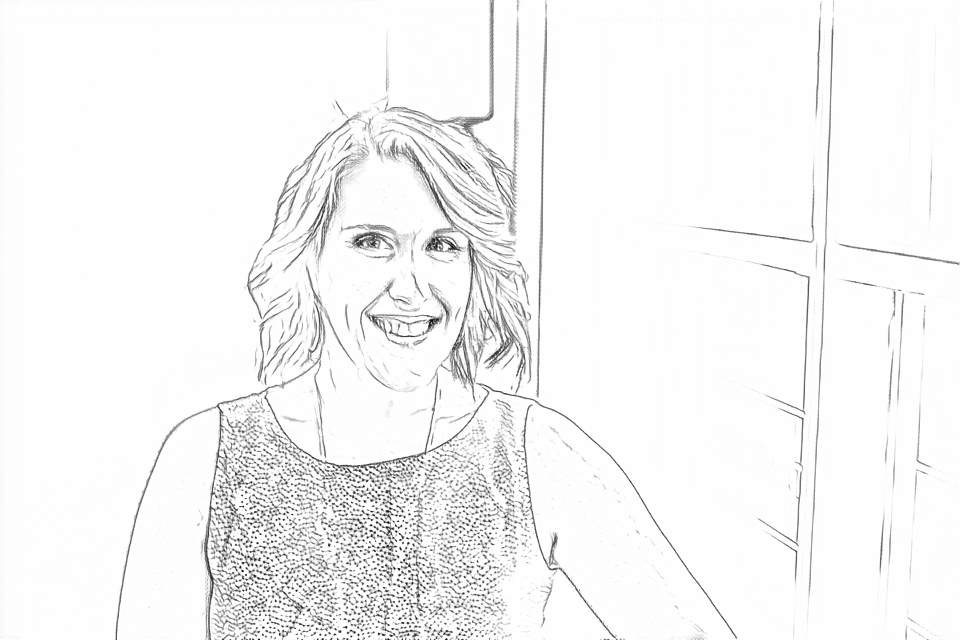
Free follows the blouse texture, hair and window edges. AI Simple groups the clothing into larger areas; compare the eyes and smile before choosing a portrait.
Free: follow the visible edges
AI: simplify the drawing for color
AI changes small facial and clothing details. Compare the eyes, smile and hair with the photo before making a keepsake.
Explore other AI drawing choices
Compare the starting point with two drawing choices from the same photo. Look at the shapes and lines, then use the settings beneath the result you prefer.
Starting point: AI changes small facial and clothing details. Compare the eyes, smile and hair with the photo before making a keepsake.
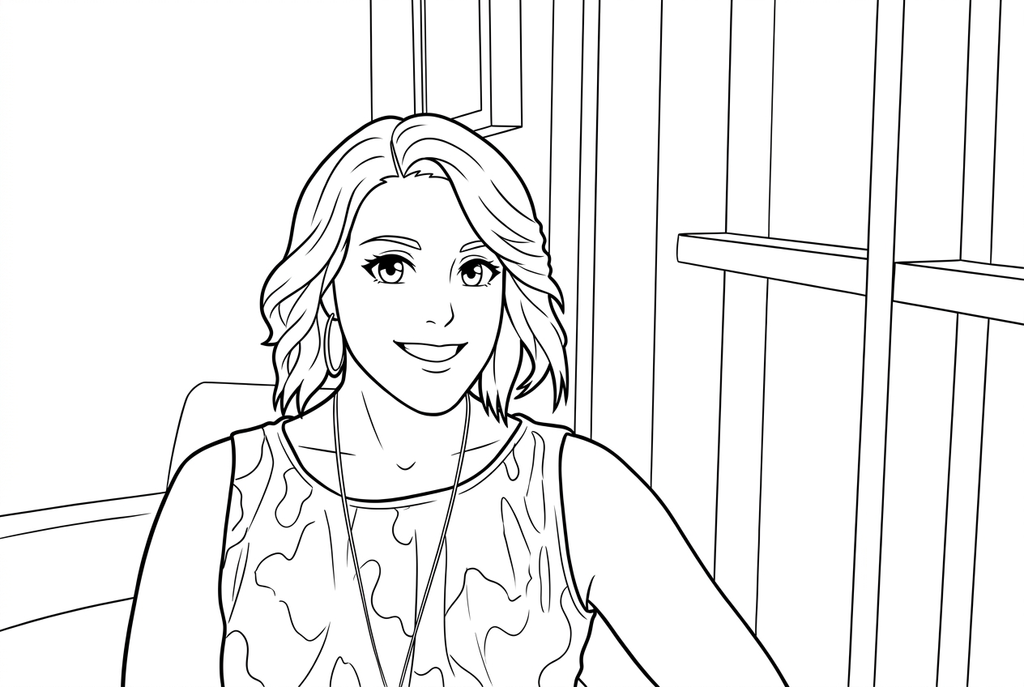
Anime enlarges the eyes and stylizes the smile and hair. The blouse pattern also changes; this is an interpretation of the portrait.
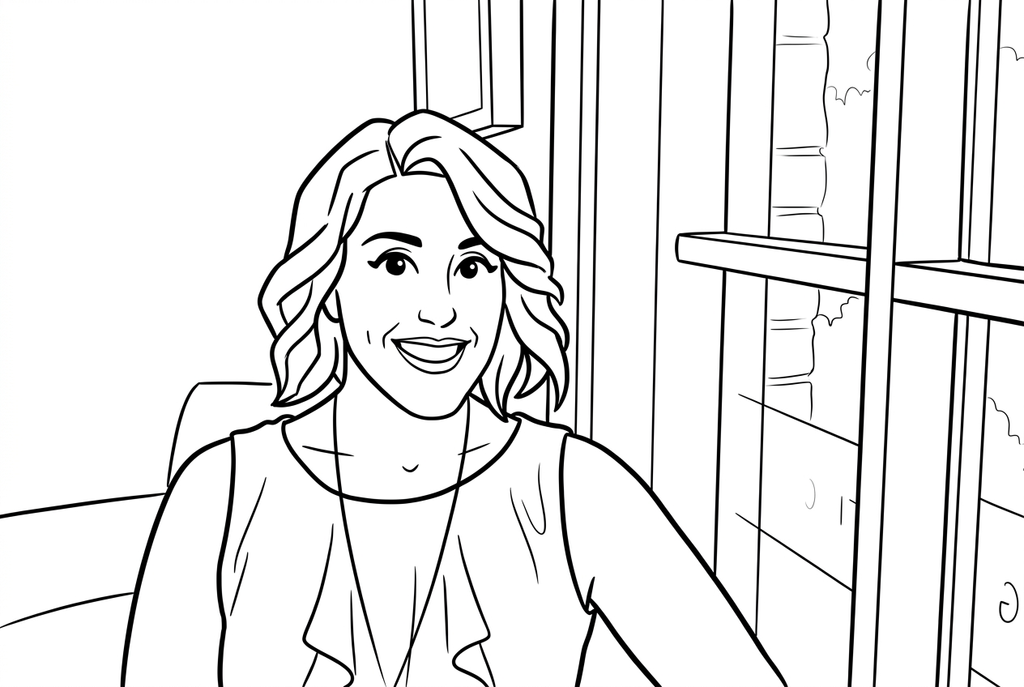
Comic uses stronger hair and face contours, with larger clothing folds. The expression, blouse and window details are reinterpreted.
Face, hair and glasses need room
A close face leaves more space for the features that make a portrait familiar. A full-body photo includes the pose, but the face will be smaller at the same print size.
Glasses can produce overlapping frame and reflection lines. Compare the eyes and frame shape after conversion instead of assuming the extra marks represent facial details.
Use style to decide how much interpretation you want
- Classic
- Simple
- Bold
- Keep background
Classic is a starting point for an AI redraw when you want a less stylized portrait. Anime, Kawaii and Comic are different drawing choices; none guarantees exact likeness.
Try Simple for larger clothing spaces, or Medium when smaller features matter. Inspect the mouth, eyes and hairline. Bold can help larger open shapes; small features may be clearer with Standard lines. Free offers an edge-based result from the original.
Prepare a portrait for a handwritten card
Leave space on the paper or mount the result on a larger sheet for a name or message written by hand. A message need not be part of the converted photo.
For a family keepsake, record a real memory beside the picture. A greeting card or grandparent story portrait turns the drawing into a task with a purpose beyond the conversion.
Check the drawing before making copies
Inspect the features that matter to this photo and its intended paper use.
Compare the expression, eyes, glasses and hairline with the source portrait.
Inspect where hands or clothing meet the face for stray or merged lines.
Try coloring a test print around the eyes and mouth; increase the physical size if these spaces are too small.
Keep a result you can use again
Free: keep the file before leaving
Download the PNG or print on A4 or Letter. Conversion runs on your device; refreshing does not retain an unsaved result. Sign in only if you choose to save to My creations.
Free photo conversionAI: return to the finished task
Sign in and submit with the displayed credits. Open the saved result to download, export or print. Review the drawing beside your source before using it for the activity.
AI photo conversionPrint another copy of a selected result without generating again. A new AI submission uses credits. For a PDF from Free, use your browser's print-to-PDF option where available.
A ready-to-print page can work alongside your photo
These free coloring collections offer another picture for the activity, or a starting point when you do not want to use a photo.
- Choose a ready-made people page
Try a general character drawing when you do not need a recognizable personal portrait.
Choose a printable page - Explore chibi coloring pages
Compare playful big-head proportions in existing drawings; this gallery does not change your photo settings.
Choose a printable page
Questions about Portrait photos
Leave space for the eyes, mouth and features you want to keep.
Can it keep my exact expression?
Inspect the result against the original. AI can change an expression, while Free may simplify faint details; a clear face gives you more to work with.
Can I remove a hand or glasses?
No dedicated object-removal control is provided. Choose or prepare another photo if those objects should not appear.
Should I choose Simple for every portrait?
Simple can open coloring spaces, but it may simplify features you want to recognize. Compare the actual result before printing.
Can I use a side-profile portrait?
Yes, if the nose, chin and hair silhouette are clear. Compare the profile after conversion and leave enough physical print space for its smaller features.
Start with the photo you want to color
Leave space for the eyes, mouth and features you want to keep.