
Turn a Wedding Photo into a Coloring Page
Create one coloring keepsake from a wedding photo, whether it shows a couple, a bouquet or a familiar moment. Decide which details matter most before choosing the photo and drawing settings.
- Clean outlines
- Custom styles
- Adjustable detail
Checking your account…

See what your photo can become
My creations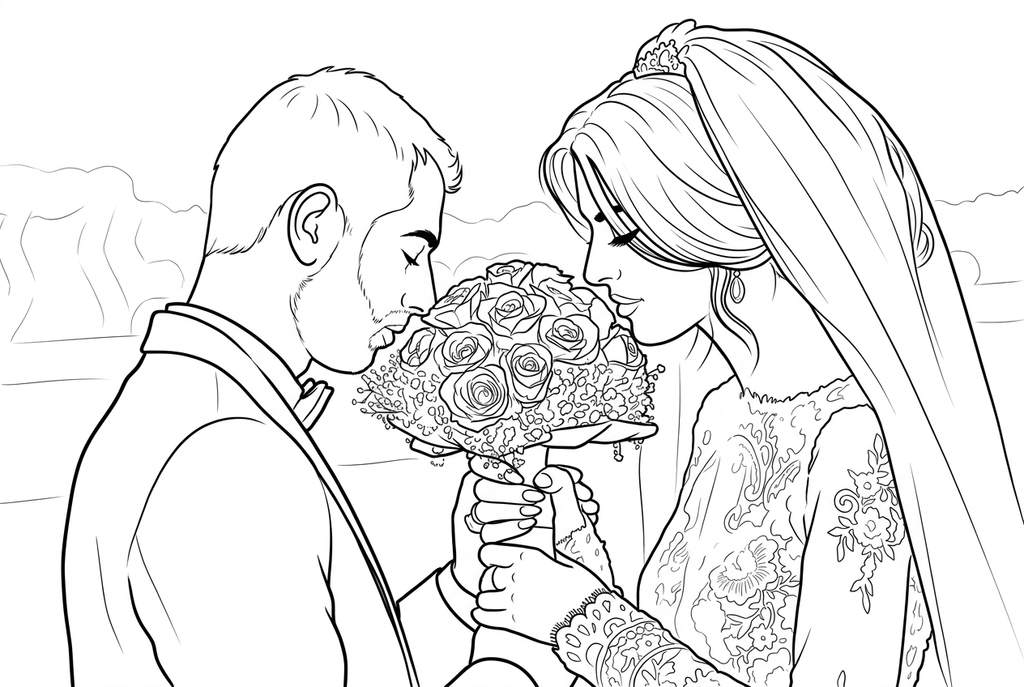
Generating your page
This result is temporary and has not been saved to your account.
Optional: save only the result to your account. Uses storage, not credits.
Match the paper size in your browser’s print dialog.
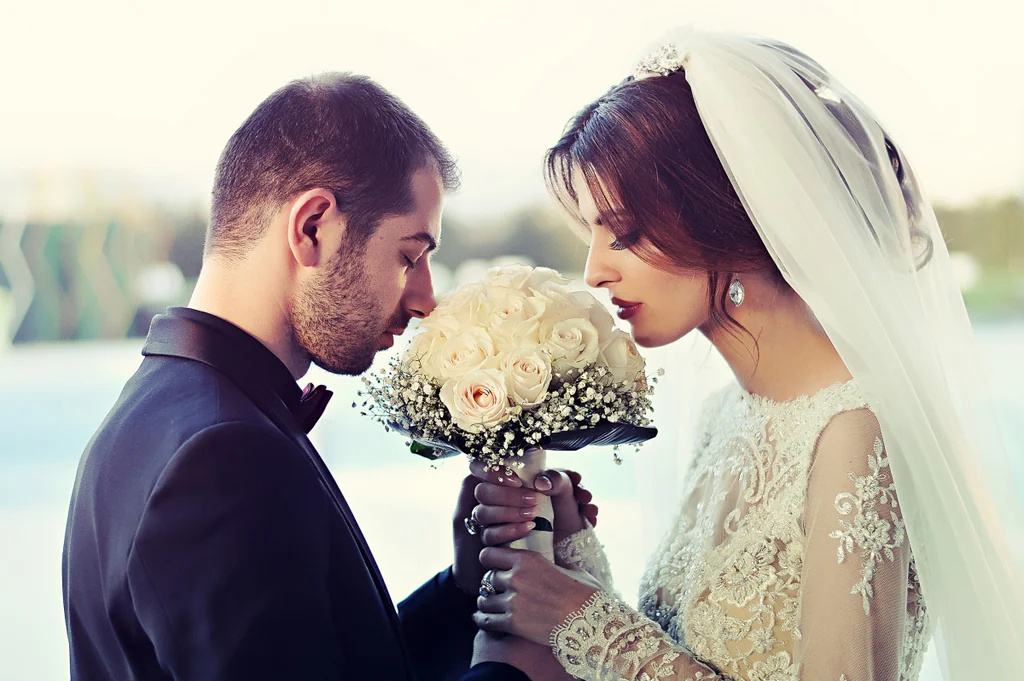
Photo: PxHere · CC0 1.0 · License
Redraw photo textures as clean outlines, with clearer shapes and open spaces for coloring.
- Keep the couple, bouquet and celebration setting
- Adjust lace and flower detail for coloring
- Download a checked drawing for a personal gift
Conversion status
You can leave this page and come back. Your AI task continues in the background.
Choose a wedding memory that still works on paper
Faces, flowers and fabric need different amounts of drawing space.
Choose the couple or the wider celebration
Use a closer photo when the faces matter most. Keep the bouquet and meaningful pose visible without relying on very small background guests.
Balance decoration with the main outlines
Try Classic and Medium detail for AI. Keep the location when it tells the story, or simplify the setting for a more focused keepsake.
Check the couple before giving the page
Compare faces, hands and bouquet with the original. Print at the intended gift size and add names or the date by hand.
Photo tips: Wedding photos
- Choose a frame where both faces are visible if the couple is the focus.
- Check whether a veil or bouquet hides hands or part of the face.
- Look at lace and decorative fabric at the size you plan to print.
- Use a photo you can use for this activity; a downloaded preview may also contain a watermark or heavy compression.
A couple, a bouquet and space for color
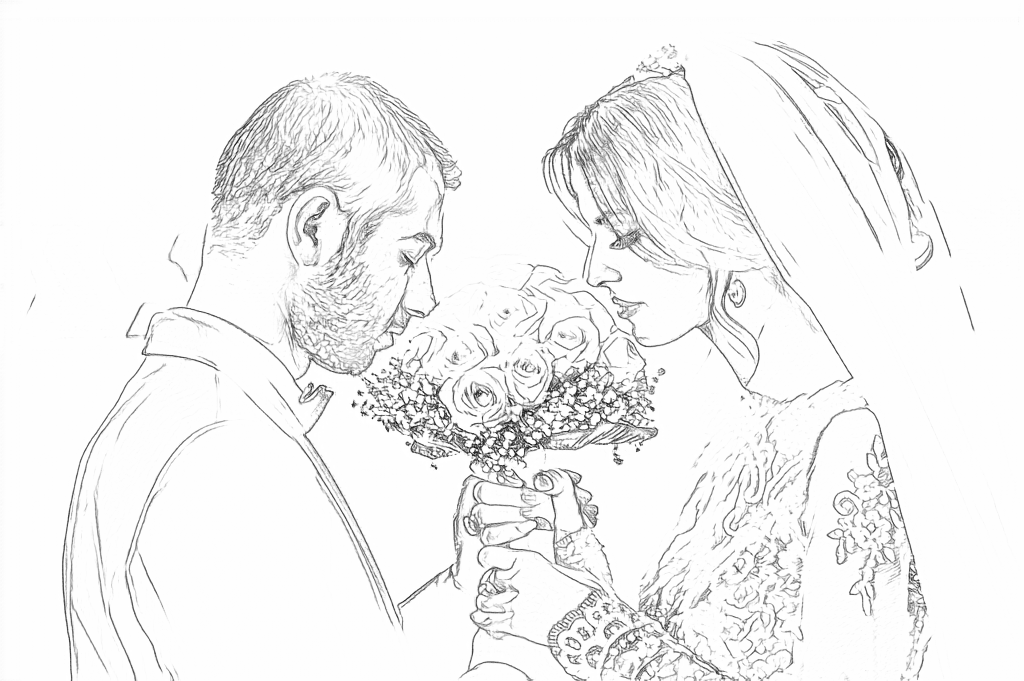
Free traces the dress texture and flowers. AI keeps the two people and bouquet while drawing more open clothing areas.
Free: follow the visible edges
AI: simplify the drawing for color
AI can change small features. Compare the drawing with the photo before printing or making a keepsake.
Explore other AI drawing choices
Compare the starting point with two drawing choices from the same photo. Look at the shapes and lines, then use the settings beneath the result you prefer.
Starting point: AI can change small features. Compare the drawing with the photo before printing or making a keepsake.
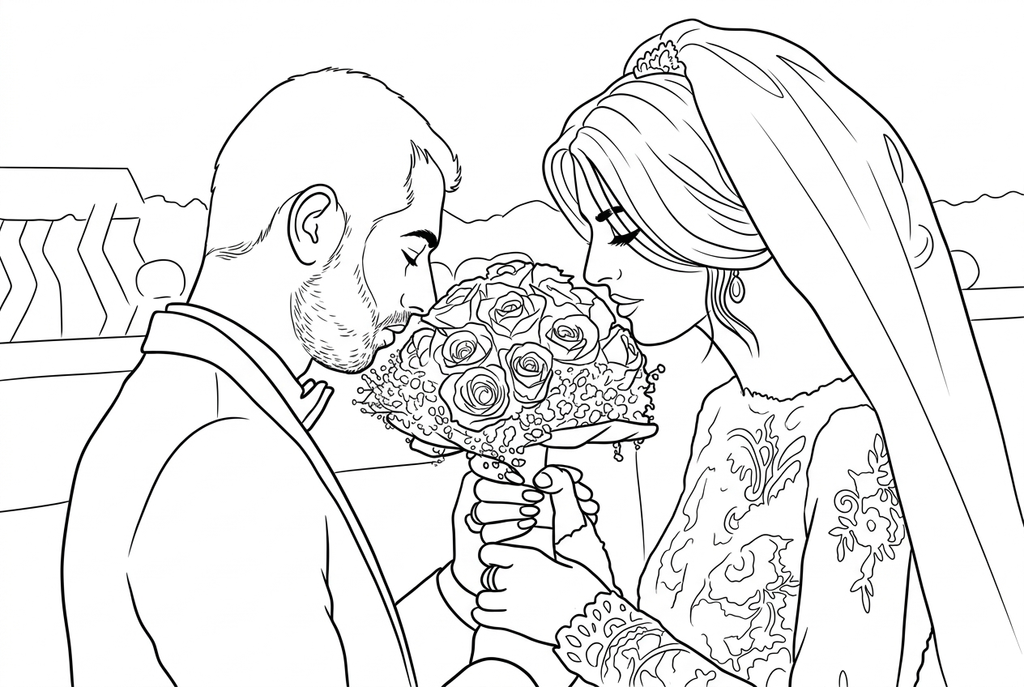
Simple reduces some hair, bouquet and lace marks while retaining the couple and bench. Compare the floral dress shapes with the starting point.
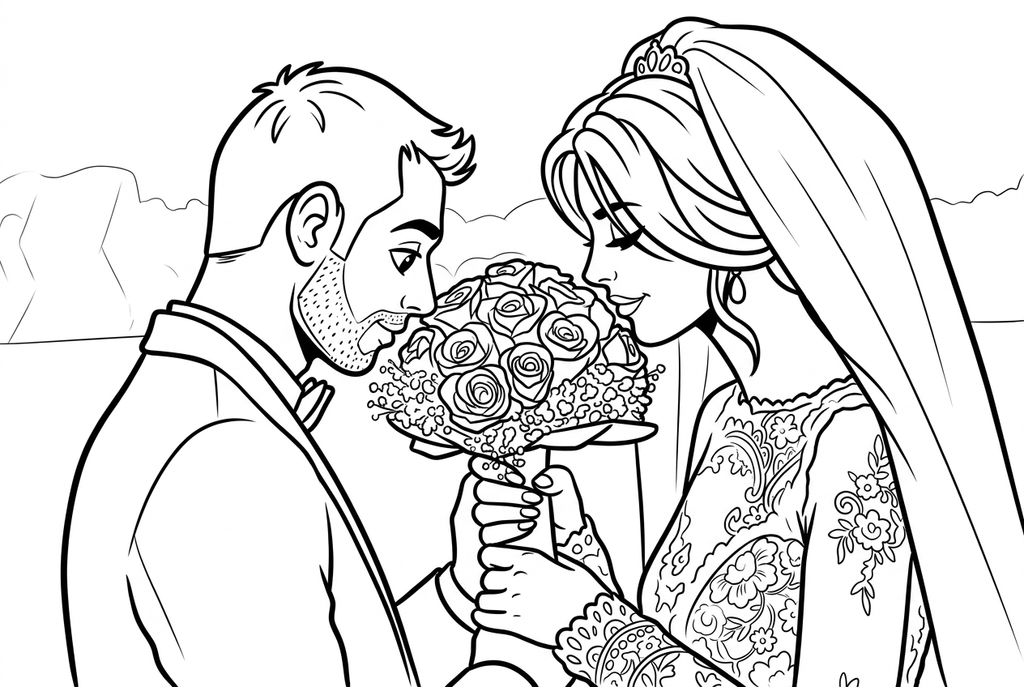
Comic uses more graphic hair, faces and clothing contours. Beard, bouquet and lace details change; compare them with the photo.
See more results from this photo (1)
These are additional real conversions of the same source. Compare their settings and smaller features before choosing a drawing.
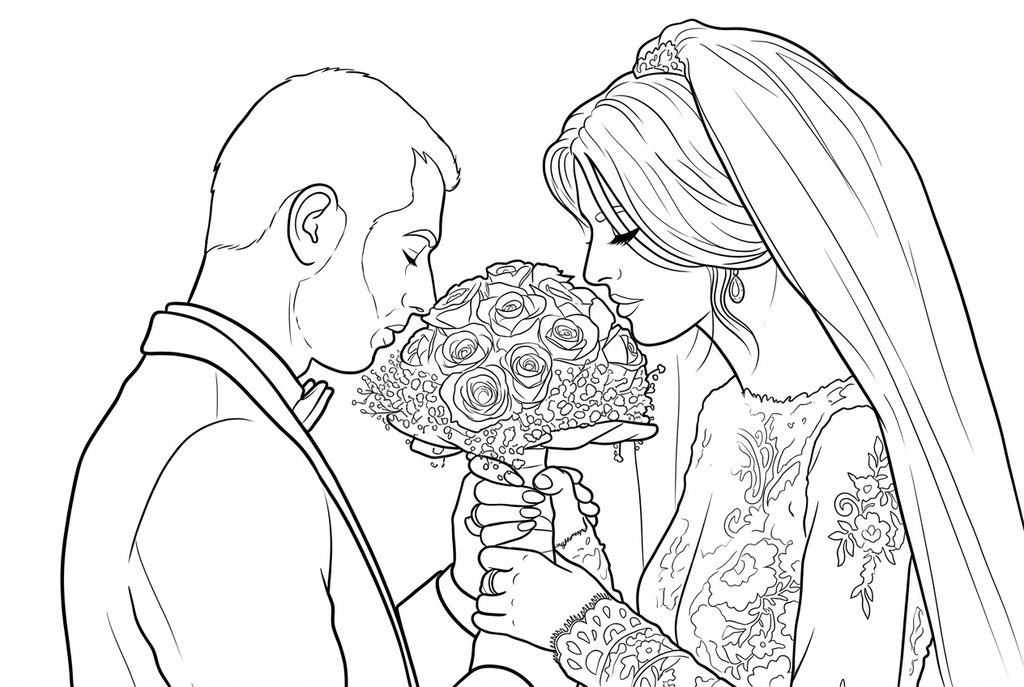
Look at dress and bouquet detail; differences from Medium can be subtle.
Faces and lace compete for detail
- Classic
- Medium
- Bold
- Keep background
A scene can contain clear faces and very dense fabric at the same time. Start with Classic and Medium detail for AI, then check which small spaces you would actually want to color.
Bold lines can help larger outlines, but densely drawn lace may become crowded. A closer portrait or a simpler dress area can be more useful than increasing detail everywhere.
Choose what the surroundings contribute
Keep background when the location helps tell the memory. Simplify can reduce a crowded scene, but it is not a guarantee that every chair, guest or decoration will disappear.
Free may retain edges from patterned fabric and decorations. Try it on a cleaner photograph if your goal is a straightforward outline.
Make a single-page gift
Print a result, color it and add a handwritten message or date on a separate card. Check the faces, bouquet and hands against the original before presenting the keepsake.
This page prepares individual drawings. It does not supply a wedding coloring-book editor, commercial license or automatic cover layout.
Check the drawing before making copies
Inspect the features that matter to this photo and its intended paper use.
Compare both faces, hands and the main pose with the original couple photo.
Inspect lace, flowers and jewelry for crowded marks or details changed by a redraw.
Print one keepsake at its final size; choose a larger panel if faces are lost in the decoration.
Keep a result you can use again
Free: keep the file before leaving
Download the PNG or print on A4 or Letter. Conversion runs on your device; refreshing does not retain an unsaved result. Sign in only if you choose to save to My creations.
Free photo conversionAI: return to the finished task
Sign in and submit with the displayed credits. Open the saved result to download, export or print. Review the drawing beside your source before using it for the activity.
AI photo conversionPrint another copy of a selected result without generating again. A new AI submission uses credits. For a PDF from Free, use your browser's print-to-PDF option where available.
A ready-to-print page can work alongside your photo
These free coloring collections offer another picture for the activity, or a starting point when you do not want to use a photo.
Questions about Wedding photos
Faces, flowers and fabric need different amounts of drawing space.
Can I turn a full group wedding photo into a page?
You can try it, but small overlapping faces are harder to recognize. Use a smaller group or a closer frame if likeness matters.
Which setting keeps the lace?
Compare Medium and Detailed on the result, checking whether the lace remains open enough to color. More lines are not automatically more useful.
Can it add a date and names to the drawing?
Write them by hand after printing or use your own layout software. Text generation is not part of this photo workspace.
Can I make a small wedding card from a wide scene?
You can try, but shrinking a wide photo makes faces and lace harder to color. A closer couple portrait or a larger mounted panel is usually a clearer starting point.
Start with the photo you want to color
Faces, flowers and fabric need different amounts of drawing space.