
Turn Flower Photos into Coloring Pages
Make a page from a flower you photographed, then use it for a color study or a handmade card. Choose clear petals and a visible center before deciding how much detail to draw.
- Clean outlines
- Custom styles
- Adjustable detail
Checking your account…

See what your photo can become
My creations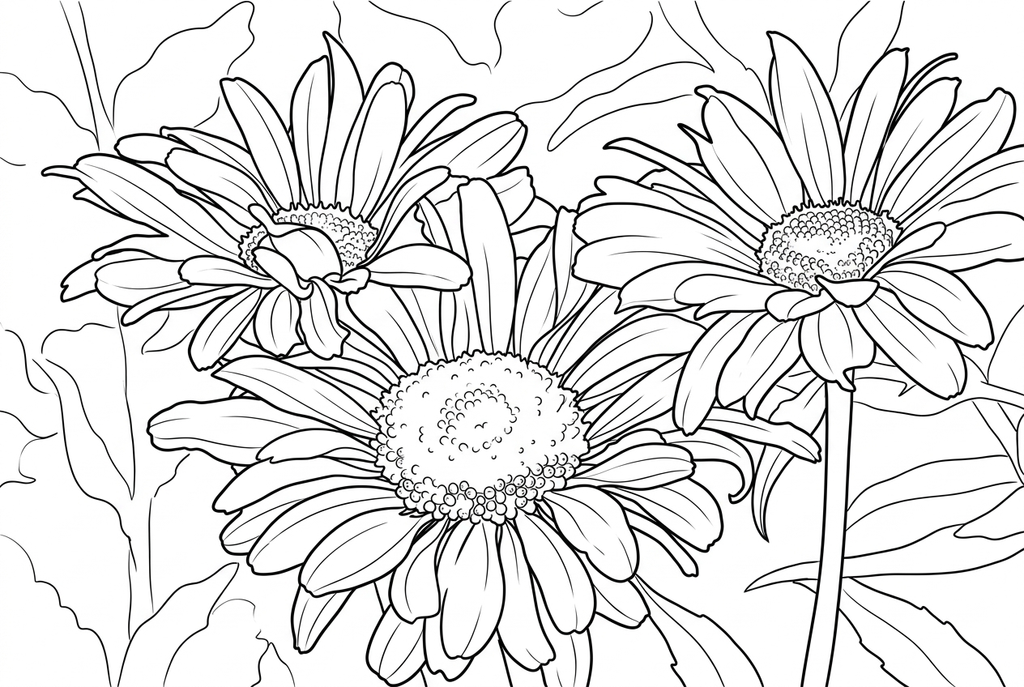
Generating your page
This result is temporary and has not been saved to your account.
Optional: save only the result to your account. Uses storage, not credits.
Match the paper size in your browser’s print dialog.
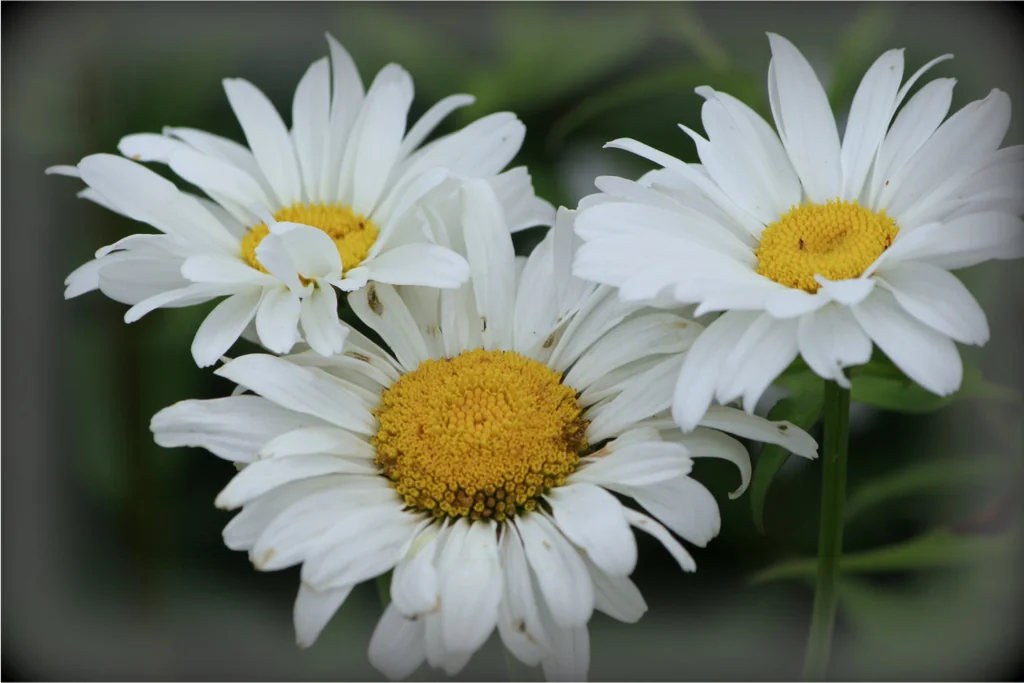
Photo: PxHere · CC0 1.0 · License
Redraw photo textures as clean outlines, with clearer shapes and open spaces for coloring.
- Turn petal texture into spaces you can color
- Keep multiple blooms, stems and leaves together
- Print more copies to try different palettes
Conversion status
You can leave this page and come back. Your AI task continues in the background.
Start with petals you can see and spaces you can fill
A single bloom suits a color study; a bouquet makes a fuller composition.
Choose one bloom or an arrangement
Keep the flower center, petal edges and any useful stem in view. For a bouquet, check the overlaps before selecting the photograph.
Choose texture for the task
Try Classic, Medium detail and Standard lines for AI. Reduce detail if the petal spaces become crowded; Free also retains visible veins and surrounding edges.
Use the drawing for color or a card
Compare the main petals with the source. Print two copies for observed and imagined colors, or test a smaller panel for a greeting card.
Photo tips: Flower photos
- Choose a bloom with petal edges that are easy to distinguish.
- Check that the center is not lost in shadow or hidden by other petals.
- For a bouquet, decide which flower should be the main shape.
- Look for a background that does not add more lines than the flower itself.
The same flowers, two ways to draw them
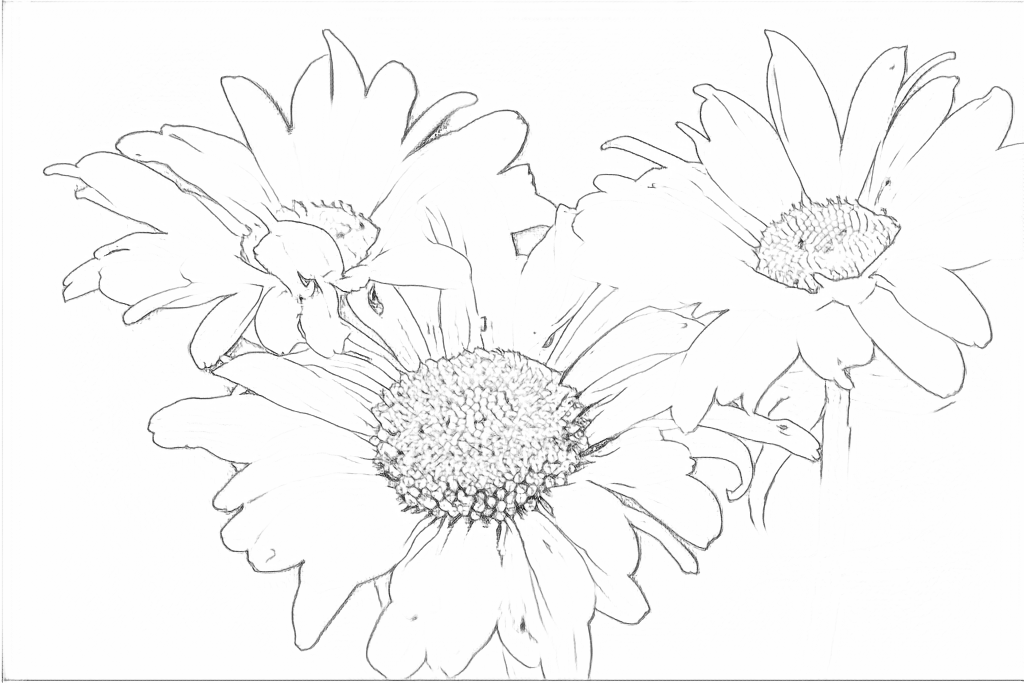
Both results keep three main blooms. Free follows photographed texture; AI simplifies flower centers and draws darker contours with larger spaces for color.
Free: follow the visible edges
AI: simplify the drawing for color
AI can change individual petals. Use the photo to check important shapes before making an observation page.
Explore other AI drawing choices
Compare the starting point with two drawing choices from the same photo. Look at the shapes and lines, then use the settings beneath the result you prefer.
Starting point: AI can change individual petals. Use the photo to check important shapes before making an observation page.
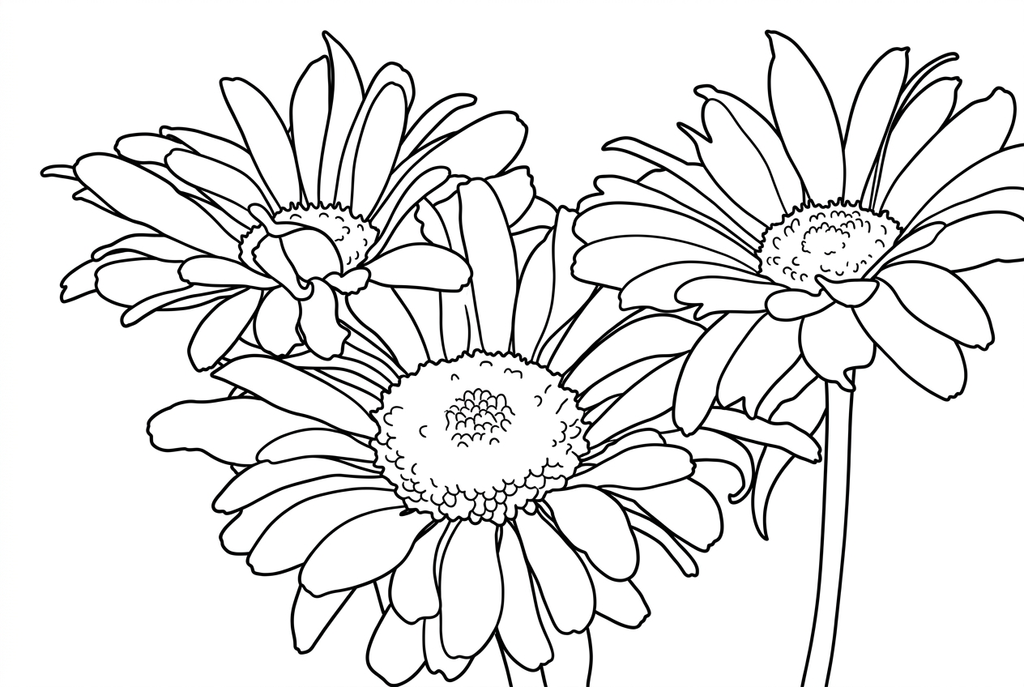
Compare the background and open spaces around the petals.
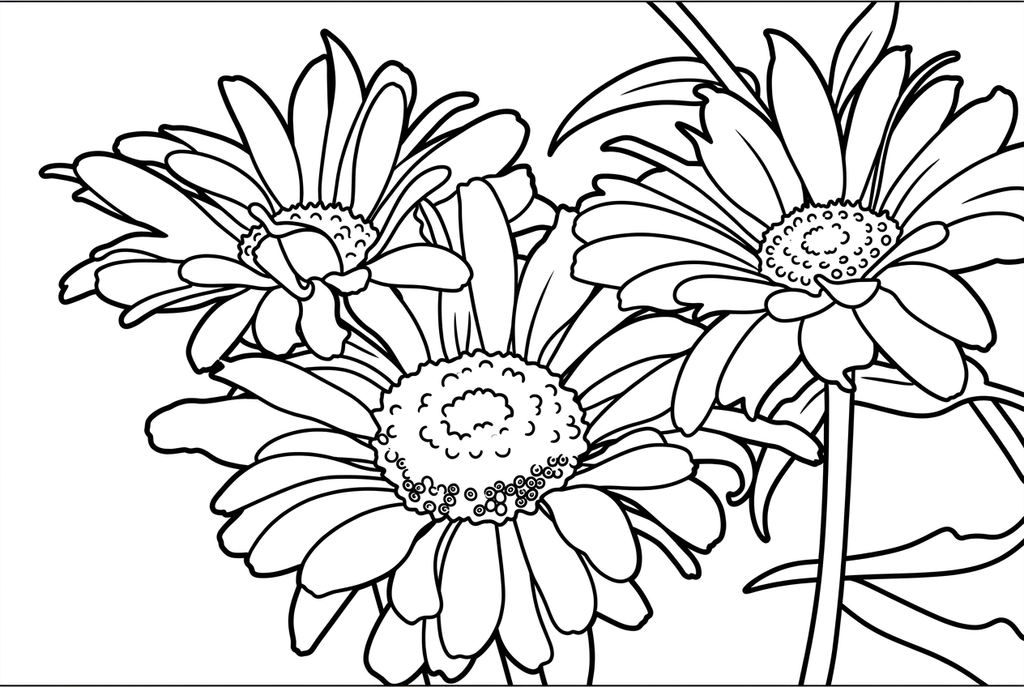
Heavier petal contours and fewer center marks leave larger spaces within the three flowers. This output also adds thin boundary lines at the image edges.
See more results from this photo (2)
These are additional real conversions of the same source. Compare their settings and smaller features before choosing a drawing.
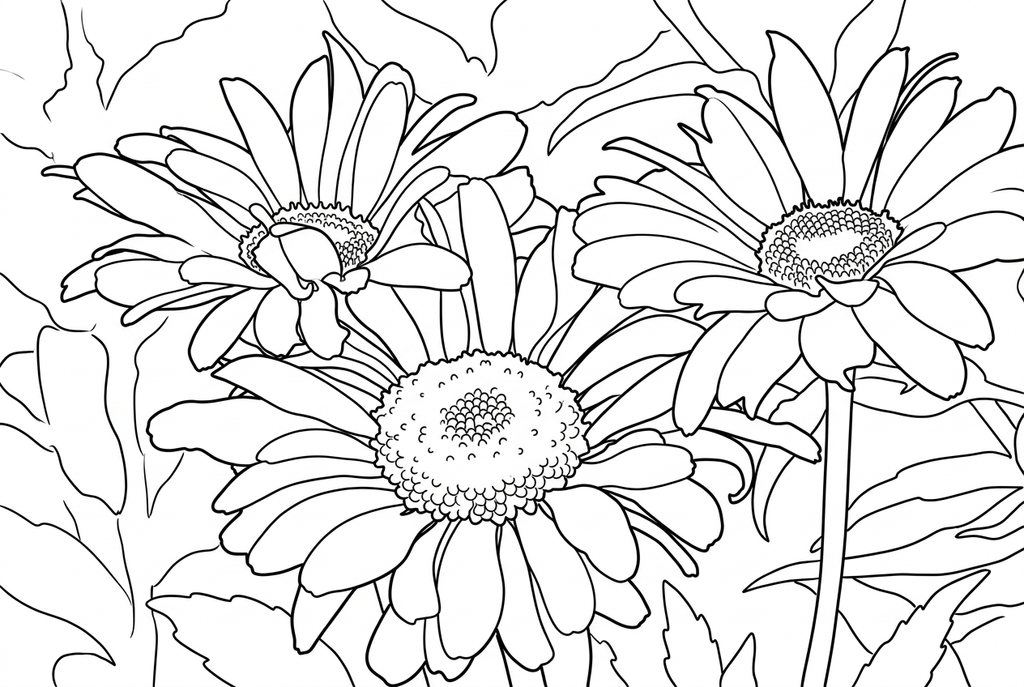
Three blooms remain; the change from Medium is modest.
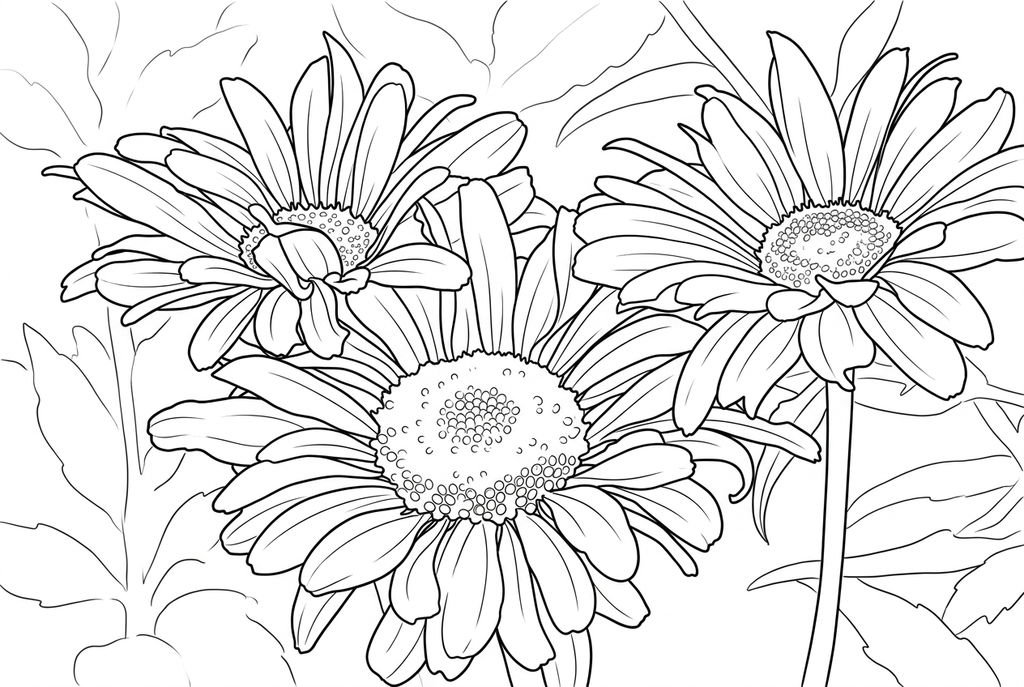
More lines appear in the flower centers and leaves.
One bloom and a bouquet make different pages
A single bloom gives space to compare petal shapes and colors. A bouquet includes overlapping stems, leaves and wrapping, which can be useful for a fuller scene but harder to color.
Use the flower as the main reference for a color study. If the activity needs a particular petal arrangement, compare the result with the photograph before printing.
Choose lines that leave room inside petals
- Classic
- Medium
- Standard
- Keep background
Classic with Medium detail and Standard lines is an AI starting point. Simple may open the spaces in a dense bloom; Detailed may preserve more visible texture while also adding tiny areas.
Free keeps visible edges, including veins and background texture. A larger local output may retain extra detail, but a clear subject still matters.
Explore observed and imagined colors
Print one selected result twice. Use the photograph as the reference for one copy, then invent a different palette on the other. Discuss the difference between the petals and the center.
A flower can also become a card front or a small gift tag. Check that its outline remains readable at the smaller size before cutting.
Check the drawing before making copies
Inspect the features that matter to this photo and its intended paper use.
Compare the main petals, center and stem with the flower photograph.
Check whether overlapping petals leave clear coloring boundaries rather than a dense cluster of marks.
Color one test print with your planned pencils or crayons before duplicating a color-study sheet.
Keep a result you can use again
Free: keep the file before leaving
Download the PNG or print on A4 or Letter. Conversion runs on your device; refreshing does not retain an unsaved result. Sign in only if you choose to save to My creations.
Free photo conversionAI: return to the finished task
Sign in and submit with the displayed credits. Open the saved result to download, export or print. Review the drawing beside your source before using it for the activity.
AI photo conversionPrint another copy of a selected result without generating again. A new AI submission uses credits. For a PDF from Free, use your browser's print-to-PDF option where available.
A ready-to-print page can work alongside your photo
These free coloring collections offer another picture for the activity, or a starting point when you do not want to use a photo.
Questions about Flower photos
A single bloom suits a color study; a bouquet makes a fuller composition.
Will the drawing keep the exact number of petals?
AI may alter petal shapes or counts, and Free may miss overlapping edges. Use the original photo for any observation that depends on those details.
Can it identify the flower?
No plant identification is included. Use a name only if you already know or have checked it.
Should a bouquet use Keep background?
Use it when the wrapping or setting belongs in the scene. Simplify is a starting point when the bloom is the main subject.
Why do overlapping petals become hard to color?
Their boundaries may blend in the photograph or become dense marks in the result. Try a clearer bloom, a larger print or less AI detail, and check that the petal shapes still make sense.
Start with the photo you want to color
A single bloom suits a color study; a bouquet makes a fuller composition.