FreeKeep the outlines
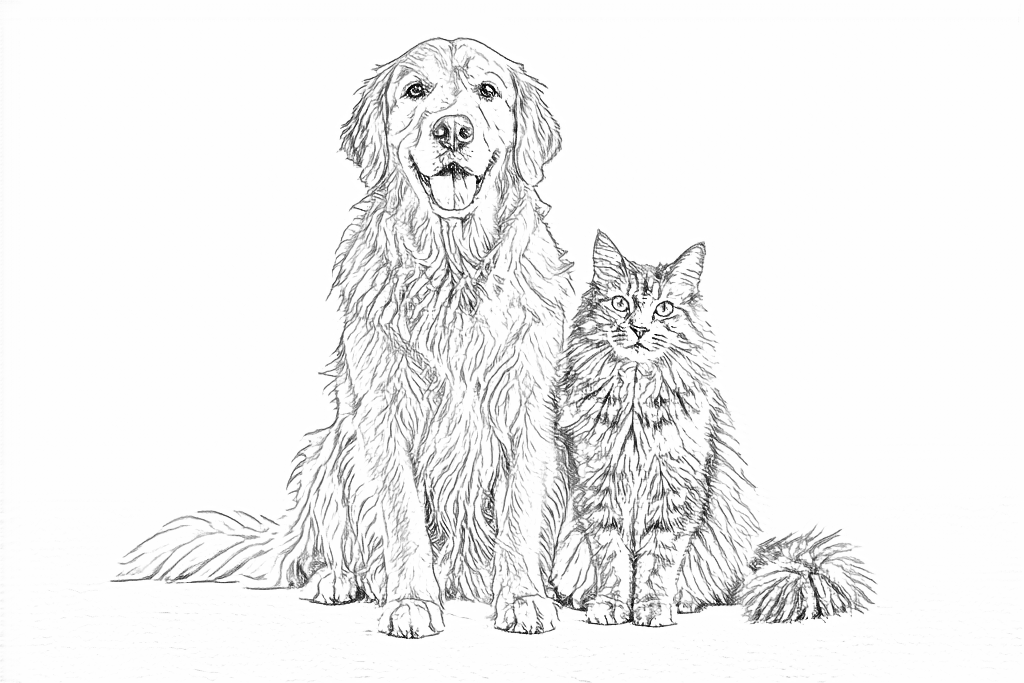
Follow your photo’s edges and fine details.Busy photos may keep more texture.
Free, on your deviceNo upload, account or credits.
Convert for free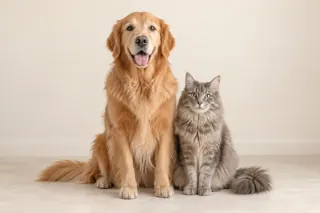

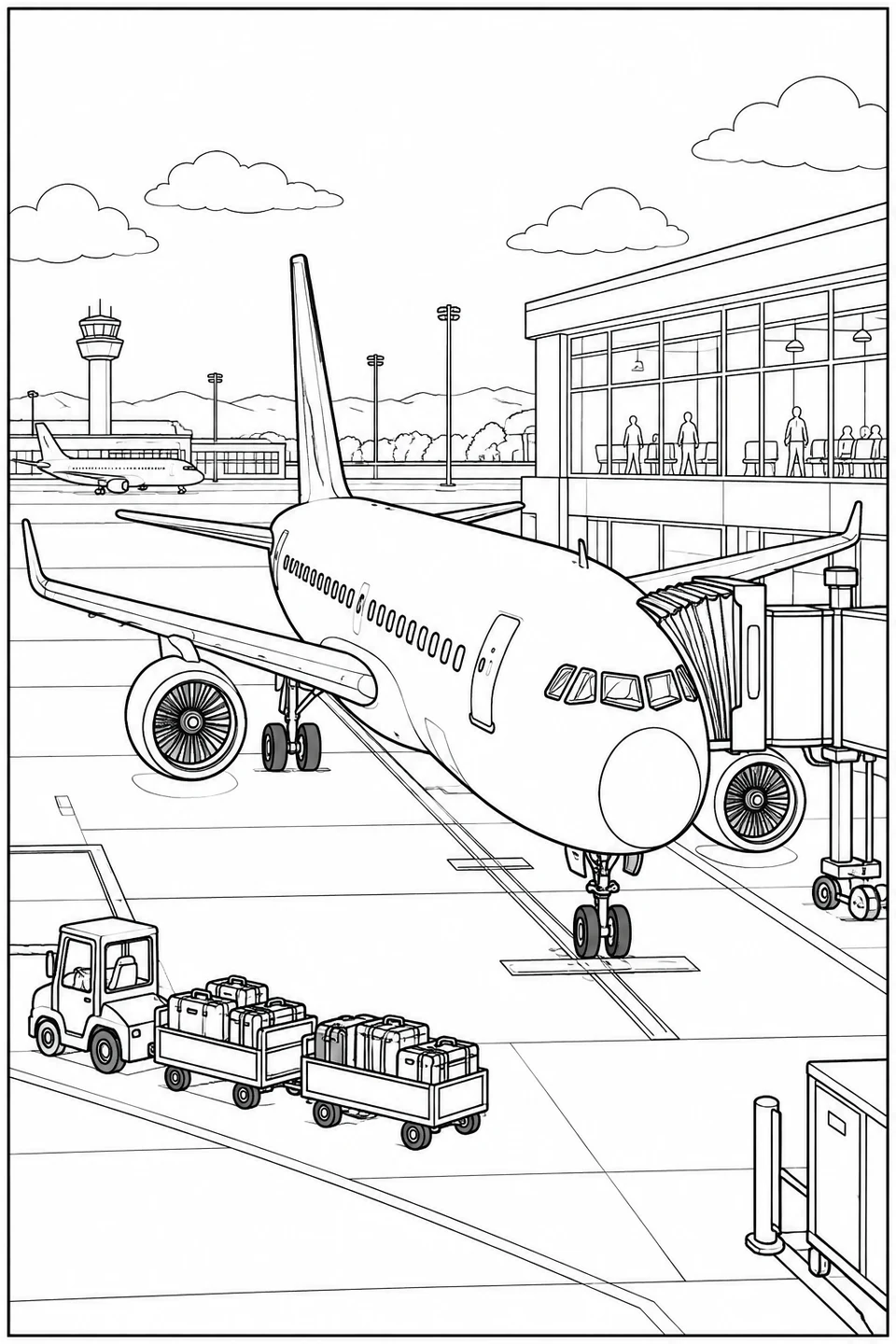
Ready for your favorite colors
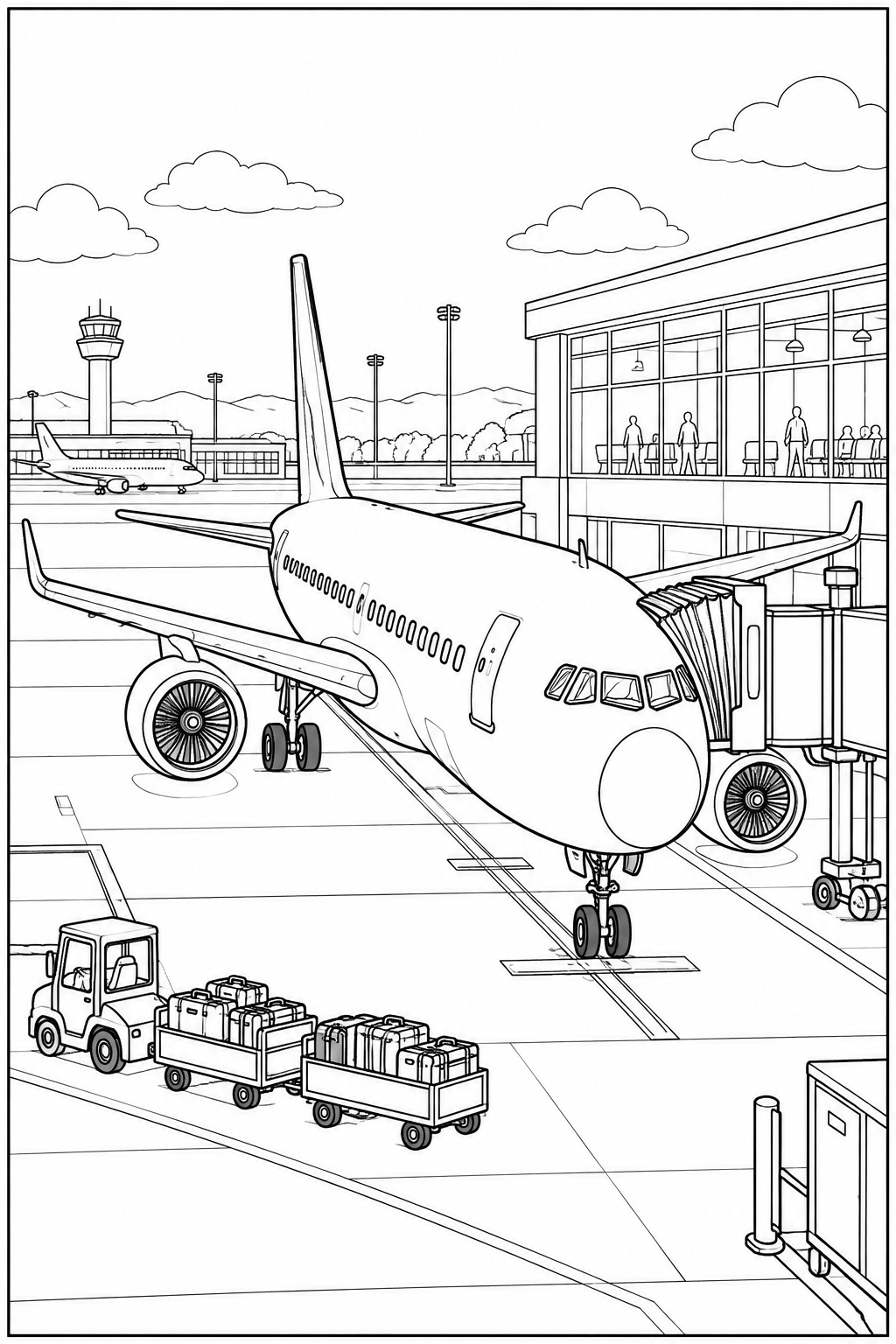
A passenger airplane waits beside a jet bridge, with a baggage tug and luggage carts in the foreground. A terminal, control tower and another airplane fill the background. The nose and fuselage have broad coloring areas, while the engine fans, windows and suitcases add smaller details.
Match the paper in your printer: US Letter or A4.
Print this pagePNG image · 1024 × 1536 px
Print and PDF keep the full picture, with a 10 mm safe margin.
Activity: 17
Any text you add is included in the image, PDF and printout.
Help saving or finding your file →Source & license
Third-party artwork keeps its original license. Follow the license shown for permitted uses.
For image permissions and sharing information, see usage rights.
The PDF uses the original image; it does not add resolution. See our printing guide for paper settings.
In this busy airport scene, color only three parts of the foreground airplane. Leave the rest of the aircraft and the airport uncolored so the selected details stand out.
Digital coloring example
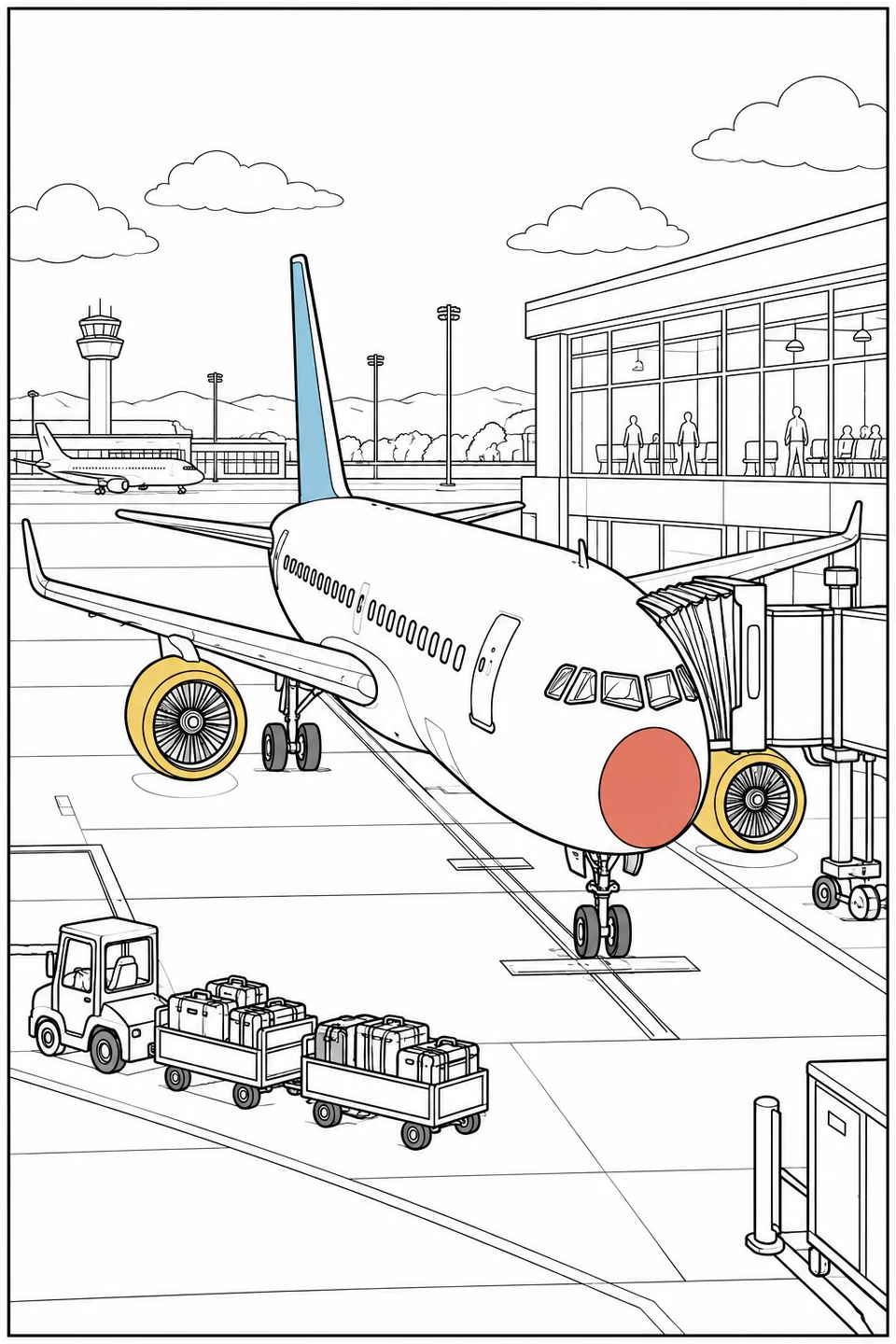
Find one blue tail, one red nose panel and two yellow engine rims. Everything else, including the terminal, luggage carts and small distant plane, stays as line art.
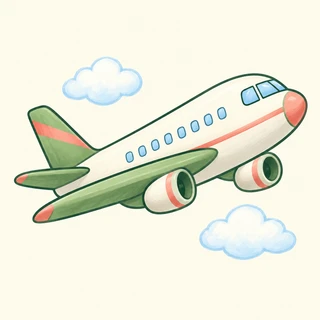
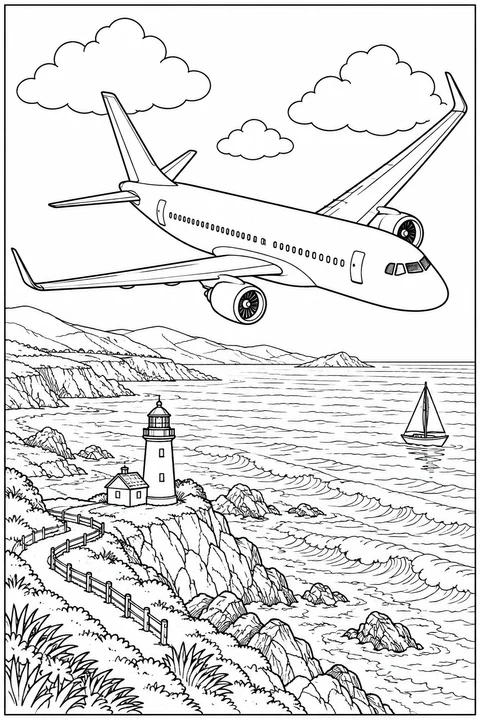
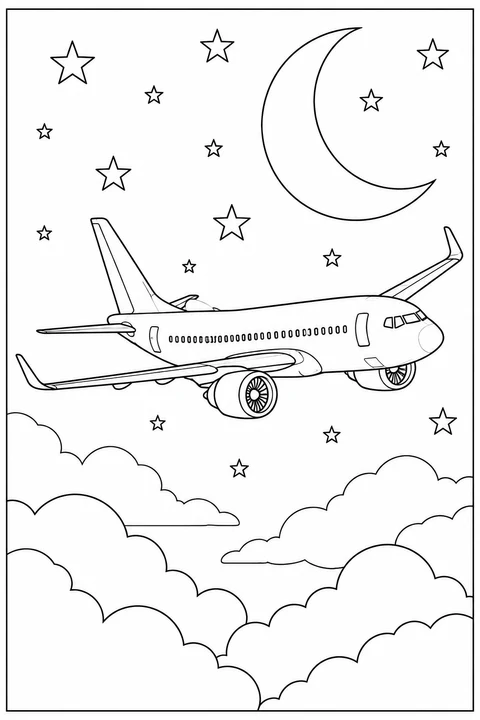
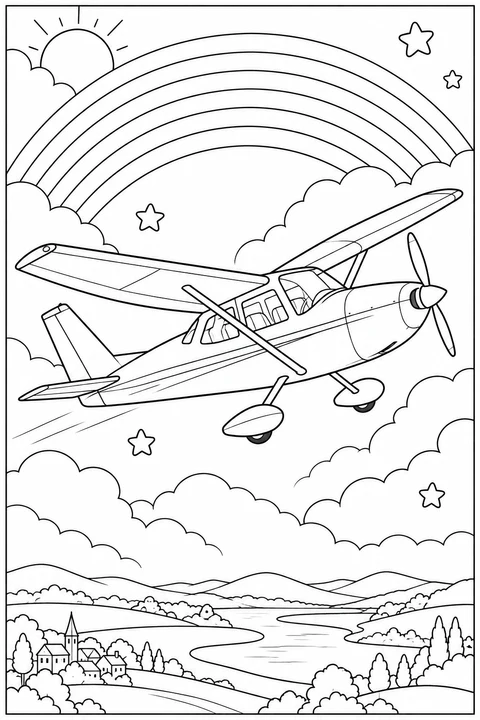
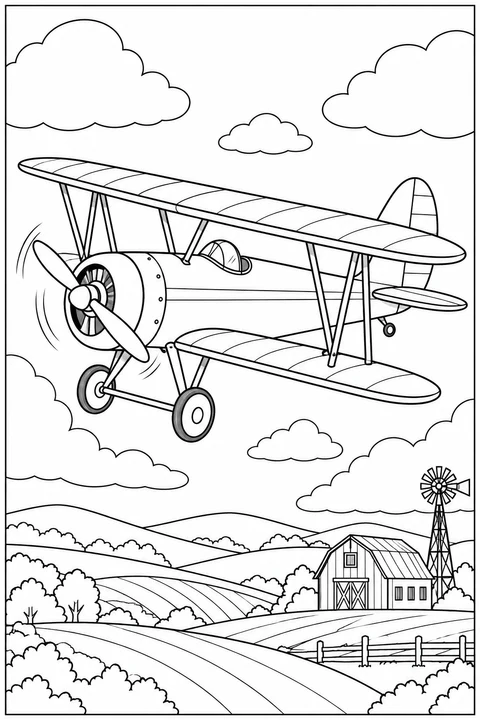
Choose free printable airplane coloring pages, from simple outlines to passenger jets at an airport, planes over countryside and a four-panel paper-airplane story.
Compare pictures in Airplanes →
Explore cars, airplanes, trucks, bicycles and boats to color. Browse simple outlines and more detailed vehicles, then download a free PDF or print your favorite.
More from Vehicles →
Color cheerful animals, friendly characters and playful everyday scenes, with simple shapes or finer details. Explore Comic for stories arranged in panels, or Doodle for loose line drawings and decorative scenes. Download a free PDF and color on paper.
More from Cartoon →Start with a pet, a family moment or something you love. Keep the photo’s outlines with Free, or try a new drawing style with AI.
The example images couldn’t load. You can still choose a tool below.
Follow your photo’s edges and fine details.Busy photos may keep more texture.
Free, on your deviceNo upload, account or credits.
Convert for freeClearer shapes in 4 drawing styles.Adjust detail, line weight and background.
50 welcome creditsNew accounts · Valid for 7 days
Create with AIPhone upload · Private library