New Year
Hello, New Year!
Make a paper chain, count down to midnight and welcome the first morning with pancakes.
No account needed to browse or print.
Inside this book
Preview every page below. Open any picture to download or print it on its own.
- 1
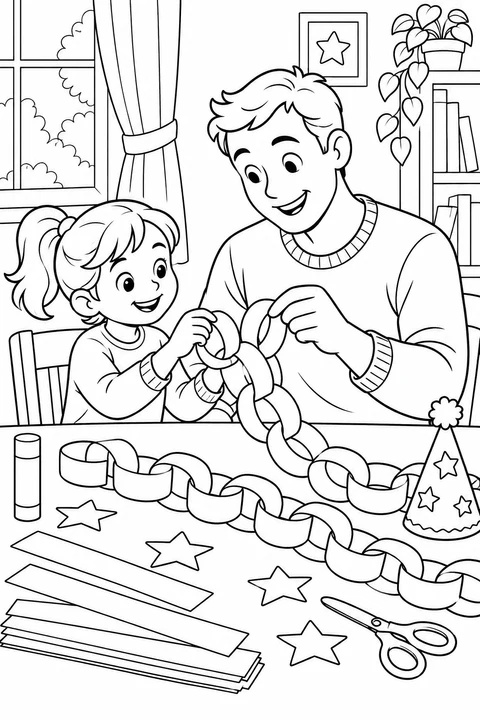
One more loop
Slip one strip through the last loop. The paper chain gets a little longer.
View coloring page - 2
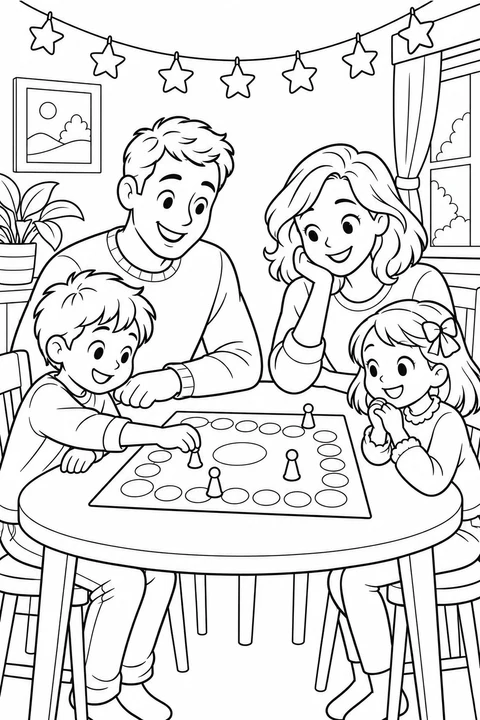
Time for a game
The stars hang above the table. There's time for one more turn before midnight.
View coloring page - 3
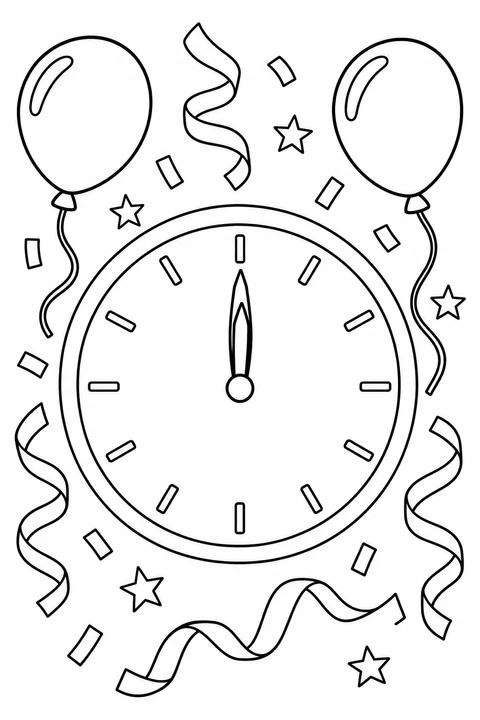
Twelve at last
Both hands point up. Color the balloons to welcome the new year!
View coloring page - 4
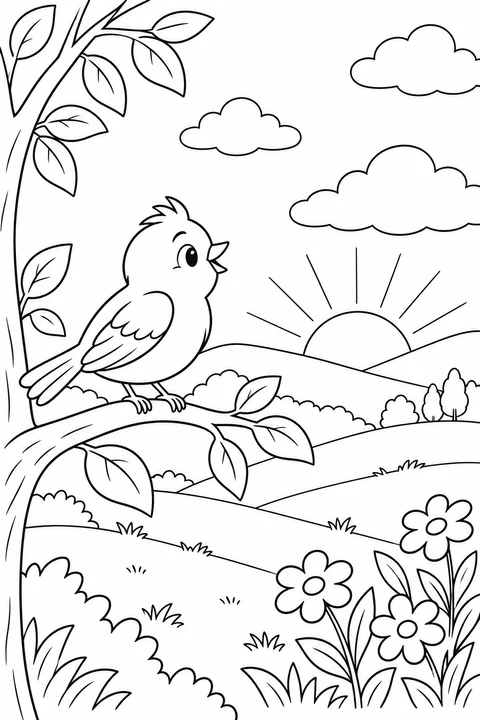
The first sunrise
The sun peeks above the hills. A little bird is already up to greet it.
View coloring page - 5
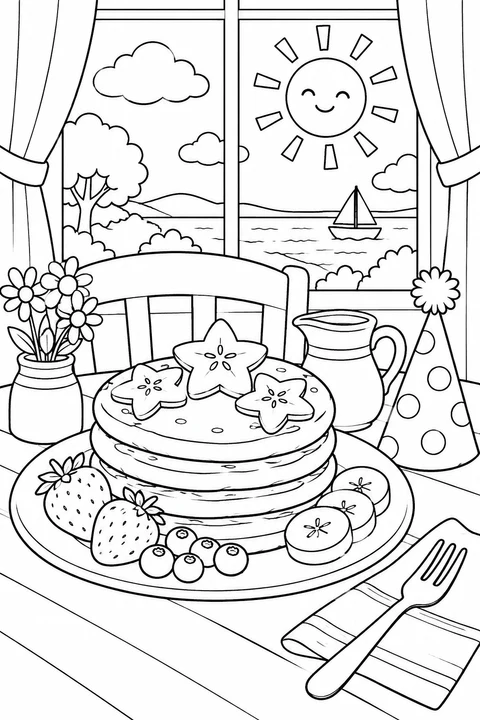
Breakfast in the sunshine
Star-shaped fruit sits on the pancakes. Which part of breakfast will you color first?
View coloring page
Questions & answers
Download & print
Can I download just one coloring page?
Yes. Click a page in “Inside this book” to open its existing coloring-page detail, where you can download or print that picture. The book’s PDF button exports the complete book. For just part of the book with its story lines, use the book maker and remove the pages you do not want.
Where will the words appear in the printed book?
The PDF and printed book start with a cover, followed by the pages in the order shown. Each page’s title and short text appear below the picture. To change or remove the words, or adjust their layout, open these pages in the book maker.
How do I save the PDF on my phone?
Keep this page open while the PDF is prepared. When it is ready, choose “Save or share PDF” if available. On iPhone or iPad, choose “Save to Files” in the system menu, select a folder and save. “Download PDF” is also available. If it opens a preview instead, use the browser’s share menu to save the file. If an in-app browser has no save controls, open the book page in Safari or your usual browser and download again.
Can I print a book at home or for my class?
Check faces, fine lines and empty coloring areas before exporting. Try the first sheet at actual size on A4 or US Letter, then print the remaining pages one-sided. For personal and educational use. Read the usage rights for sharing and other uses. Usage Rights
Make a book with these pictures
Can I change the cover or combine these pages with my own?
Choose “Use these pictures in my book” to open the pictures and story text in the maker. You can change the title, cover and page order or add your own pictures. Adding to an existing book keeps its name and cover; repeated pictures are skipped.
What if these pictures will not fit in my current book?
After you choose “Use these pictures in my book”, we check how many new pages fit in your current book. The limit is 10 inside pages plus a cover; repeated pictures are skipped. If there is not enough room, choose “Manage pages in the maker” to remove pages, or “Start a new book” to make a separate draft with these pictures and story text. An unsaved current draft is replaced only after a second confirmation, and replacement cannot be undone. To keep it editable, open it and finish saving to My Library first; sign in if needed, then choose Save again. Signing in alone does not save it. Books already saved in My Library are kept.