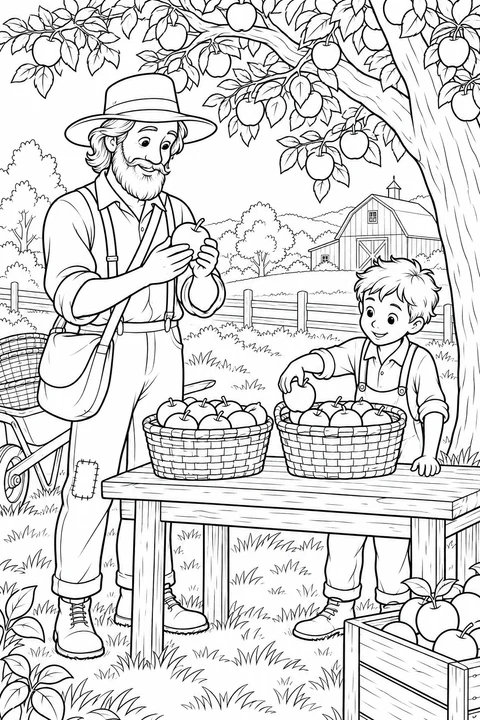
Apple Baskets with Johnny Appleseed
medium

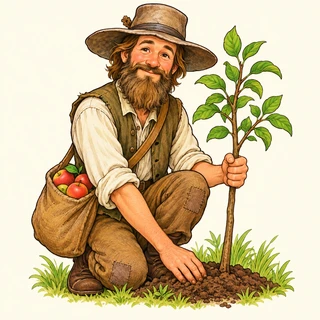
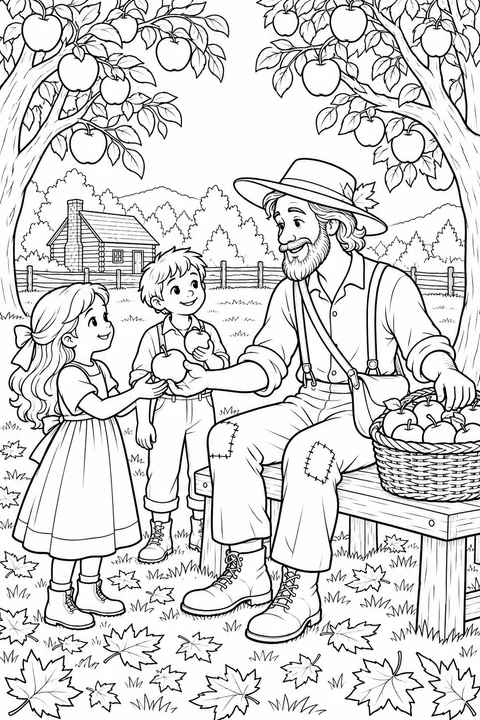
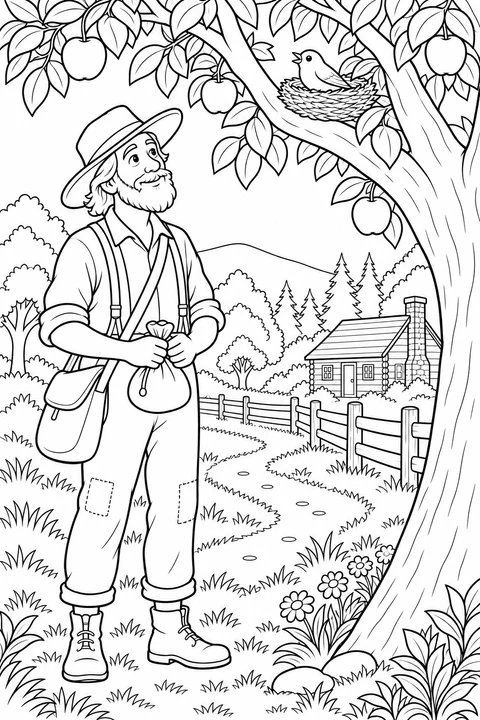
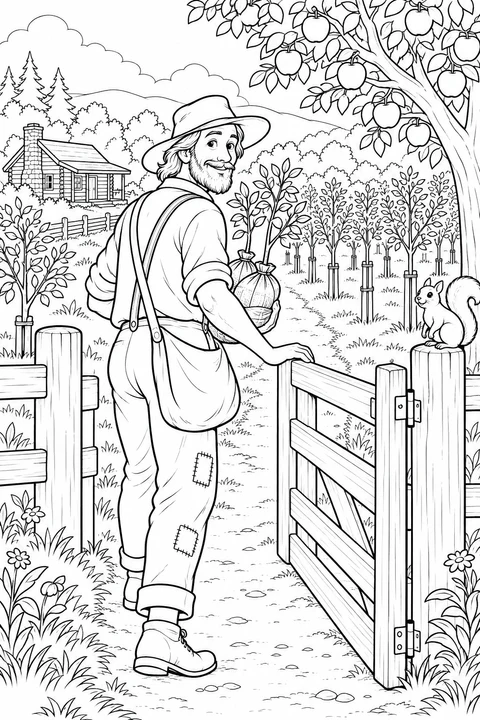
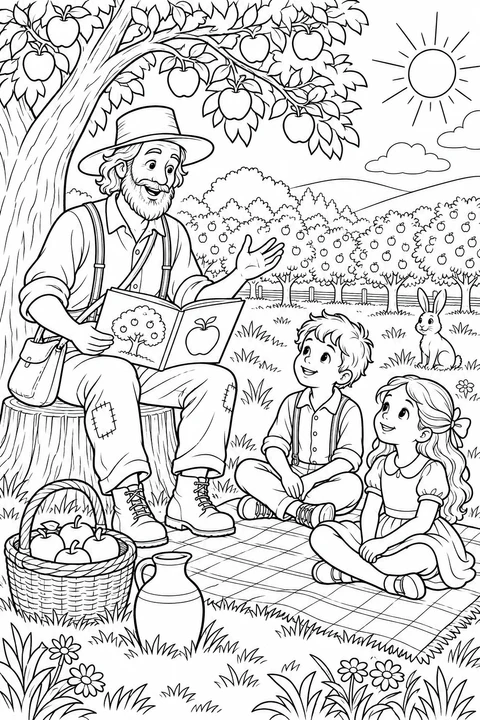
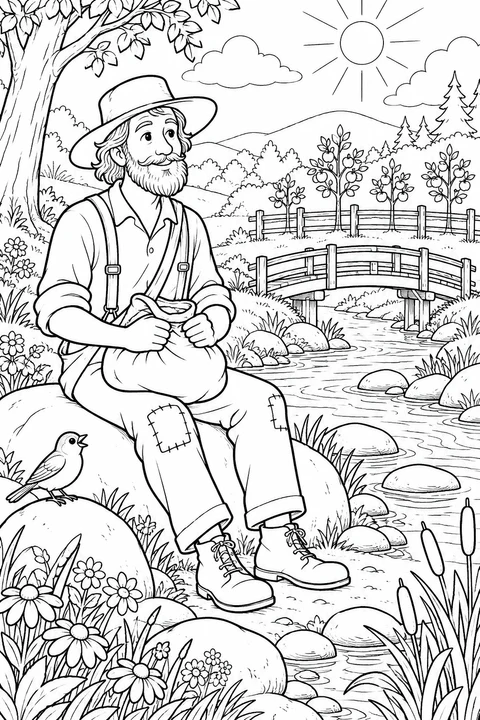
Meet Johnny Appleseed, the nickname of John Chapman, through imagined storybook scenes of planting seeds, caring for saplings, sharing apples and walking through an orchard. Choose the single-figure page for larger open areas, or a garden scene with baskets, blossoms and tree rows for smaller details. Download and print a page to color on paper.
medium
detailed
medium
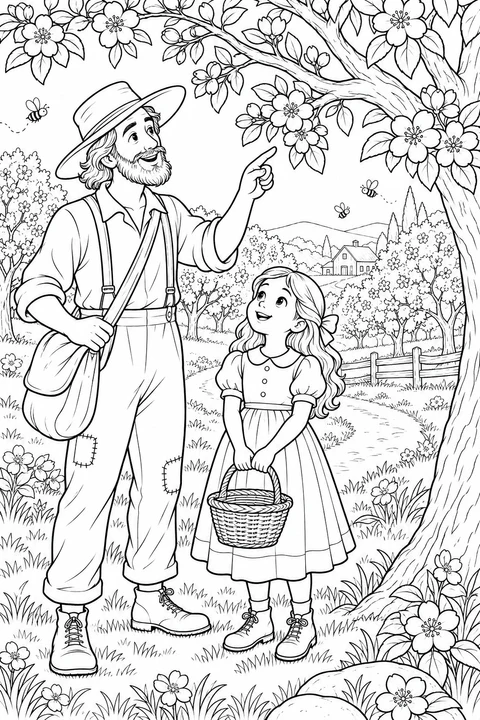
detailed
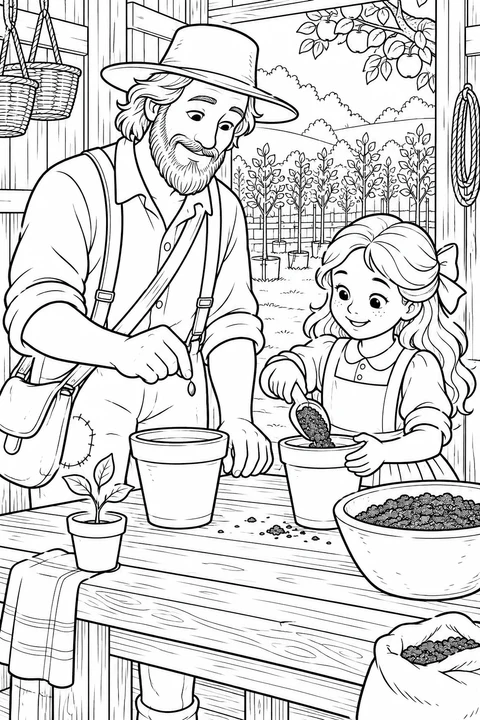
medium
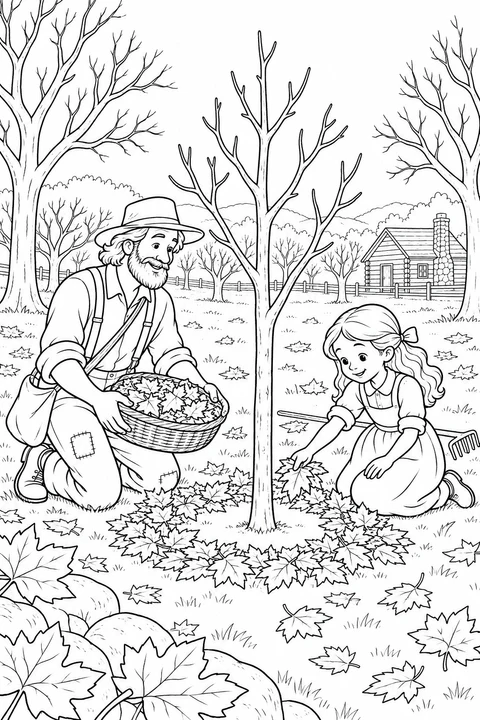
medium
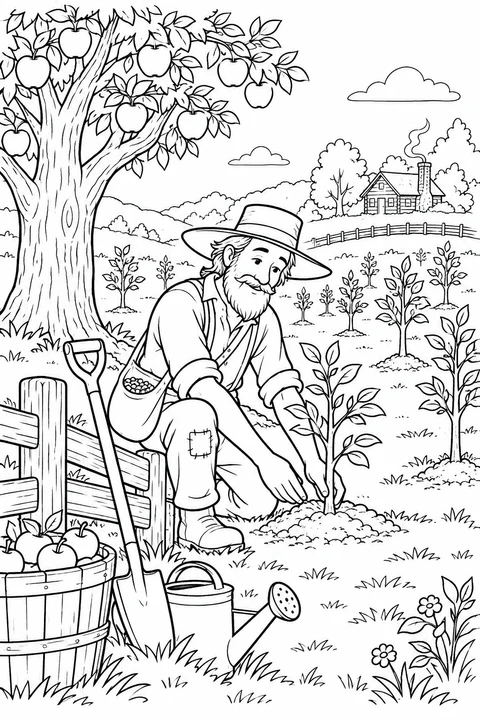
detailed
detailed
detailed
medium
medium
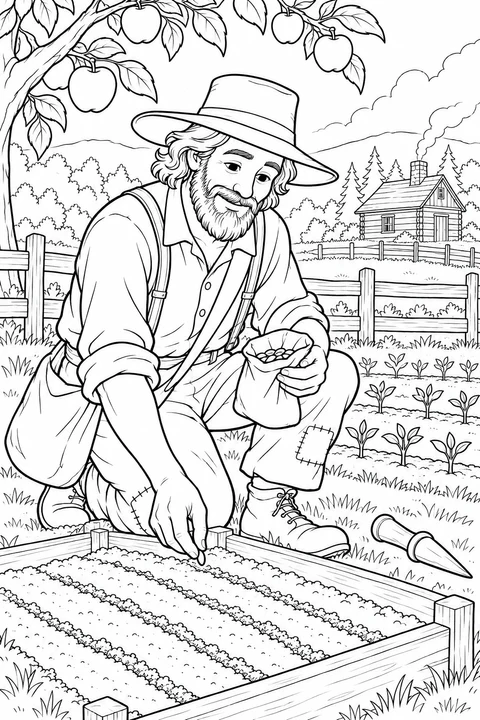
detailed
Look at the hands, plant and surrounding objects before choosing how much of the page to color.
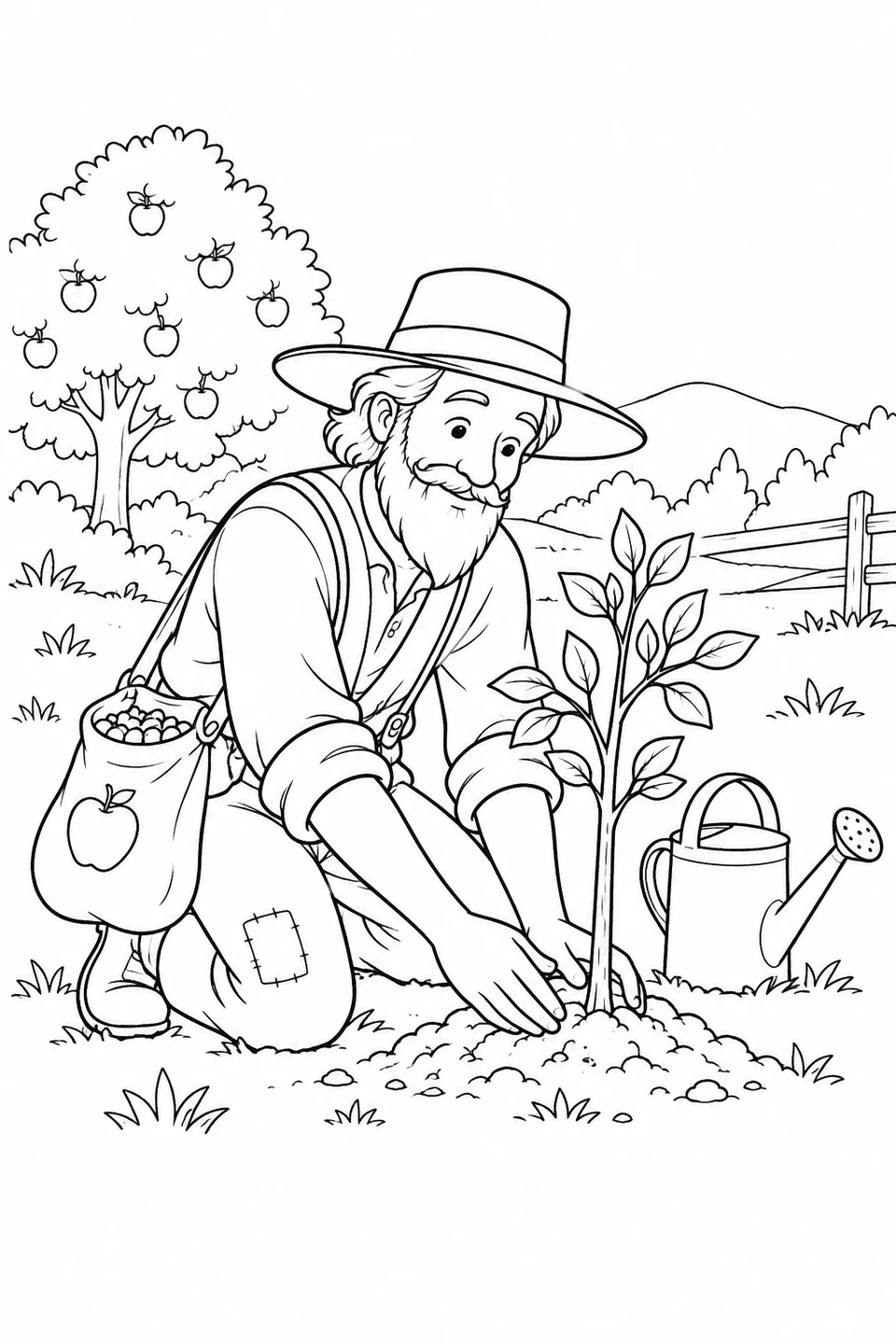
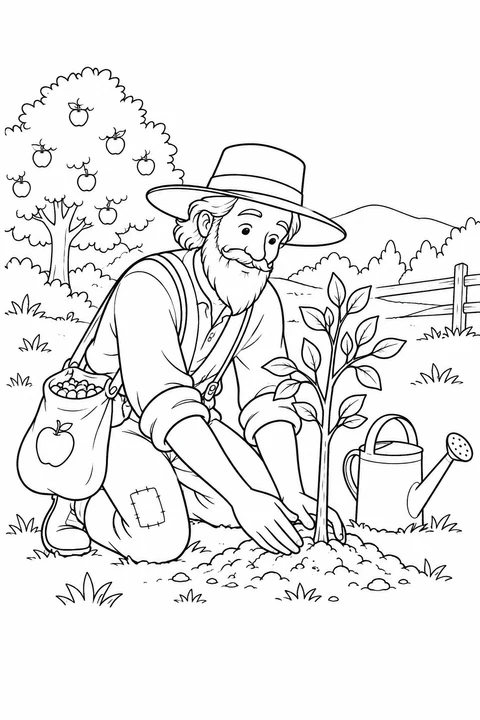
One figure kneels beside a sapling, with a can and seed bag nearby. Choose this to focus on the leaves, soil and clothing.
Johnny Appleseed Plants a Tree →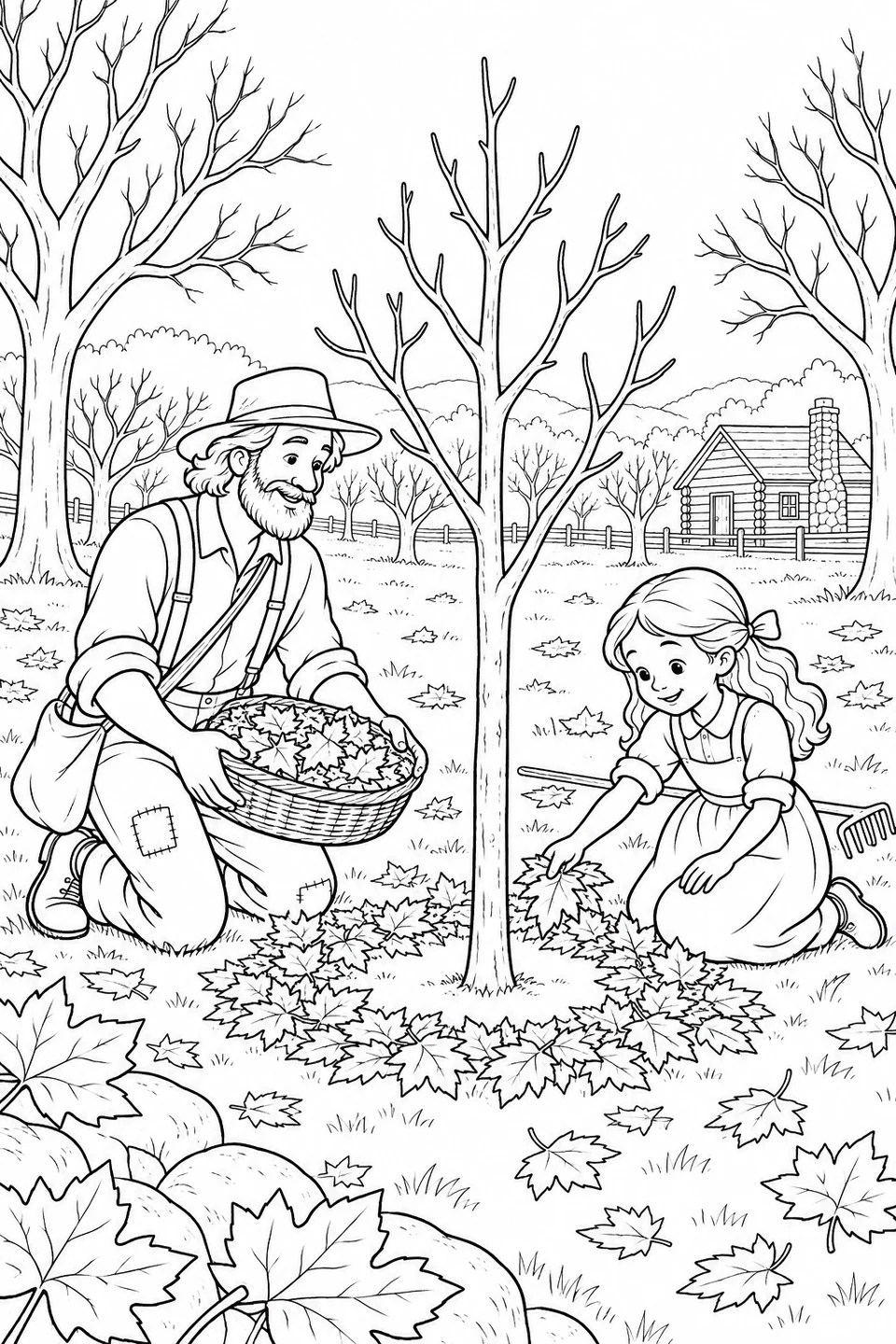
Two figures work among fallen leaves and garden tools. Choose it for a shared scene with more small shapes to sort.
A Ring of Leaves with Johnny Appleseed →Print the original line drawing below. Match the numbered areas to the color key and steps, then compare your result with the example.
Digital coloring example
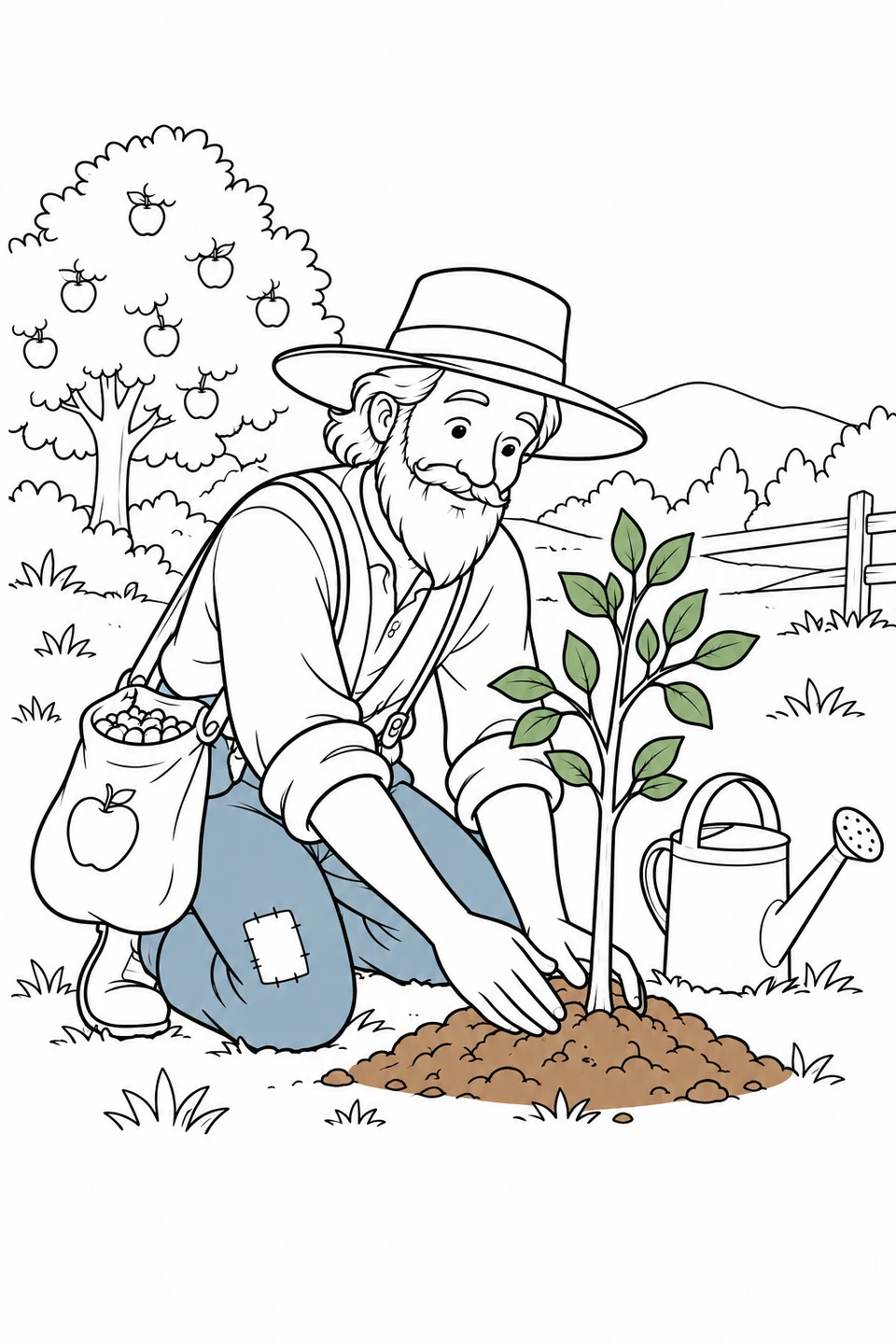
The sapling, hands and soil should remain separate; you can add the rest in a later session.
Ask what happens before and after this planting moment, then write a short caption. The scene is an imagined illustration, not a record of a specific historical event or a complete planting guide.