
Make a Family Pet Coloring Gallery
Start with one pet drawing, give each person a copy and arrange the colored pages together. The shared photo makes it easy to compare real markings with different imagined colors.
A small gallery of different color versions of the same familiar pet.
An idea for the finished piece
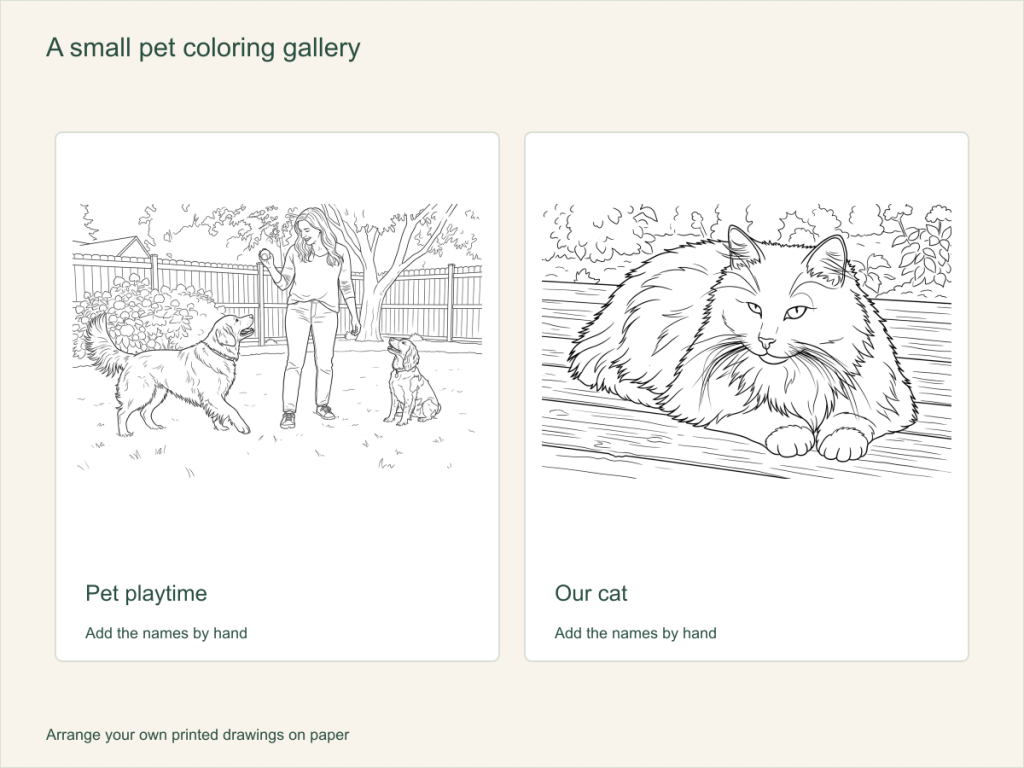
Use this paper activity illustration as a guide, then assemble your own printed pictures.
Gather what you need
- One clear photo of a familiar pet and one chosen coloring result
- One printed copy per person, crayons or colored pencils
- The original photo as a reference, plus a display board or large sheet
Choose a drawing that fits this activity
Choose a clear pet face or pose, then compare eyes, ears and coat patches. Classic with Medium detail is an AI starting point; a readable Free result works too. Pick one outline with room for color and reuse it for the group copies.
FreeConvert on your device, with no account or credits.
AIChoose drawing settings, sign in and submit with the displayed credits.
Build your shared pet gallery
Choose the pet everyone recognizes
Pick a clear face or pose that family members know. Use the Pet photos tool, or the dog and cat pages for more specific advice. Inspect the face, ears and important coat patches before settling on a result.
Decide what stays alike
Look at the original together. Agree on one feature to keep, such as a dark ear or white paw, or decide that every color can be invented. This gives people a shared starting point without requiring identical pages.
Print and color the copies
Choose A4 or Letter and check the page preview. Print the same result for each person, keeping the outline size consistent so the pages sit comfortably together. Put the original nearby for anyone choosing realistic colors.
Arrange a small gallery
Let everyone add a handwritten name or title. Lay the pictures on a board before attaching them, leaving space between pages. Place them in a row or a simple grid and talk about the different color choices.
Compare the finished portraits
Invite each person to point out one choice: a color, a coat patch or a background they drew by hand. You have a display of several versions of the same pet, rather than several unrelated portraits.
When the page is too busy
Try a simpler result or a clearer photo before printing the group copies. If family members prefer different complexity, use two selected results and group the display by outline.
Help with paper size and marginsA ready-to-print page can work alongside your photo
These free coloring collections offer another picture for the activity, or a starting point when you do not want to use a photo.
Questions about Family pet coloring gallery
A small gallery of different color versions of the same familiar pet.
Is this different from making one pet portrait?
Yes. The activity uses shared copies, a color-choice discussion and an arranged group display. The basic portrait steps remain on the pet tool page.
Do I need to regenerate for each person?
No. Print several copies of the chosen result.
Must everyone match the real coat colors?
No. Use the original when you want an observation task, or allow invented palettes for a creative gallery.
How can we keep the gallery looking like a set?
Print the selected result at the same size for everyone, leave similar gaps between pages and add names on separate labels. Different palettes are part of the activity.
Choose your picture and make it on paper
A small gallery of different color versions of the same familiar pet.