
Turn Your Dog Photo into a Coloring Page
Make a printable page of your dog with a face you can recognize. Look for visible eyes, a clear muzzle and a pose that leaves useful spaces to color.
- Clean outlines
- Custom styles
- Adjustable detail
Checking your account…

See what your photo can become
My creations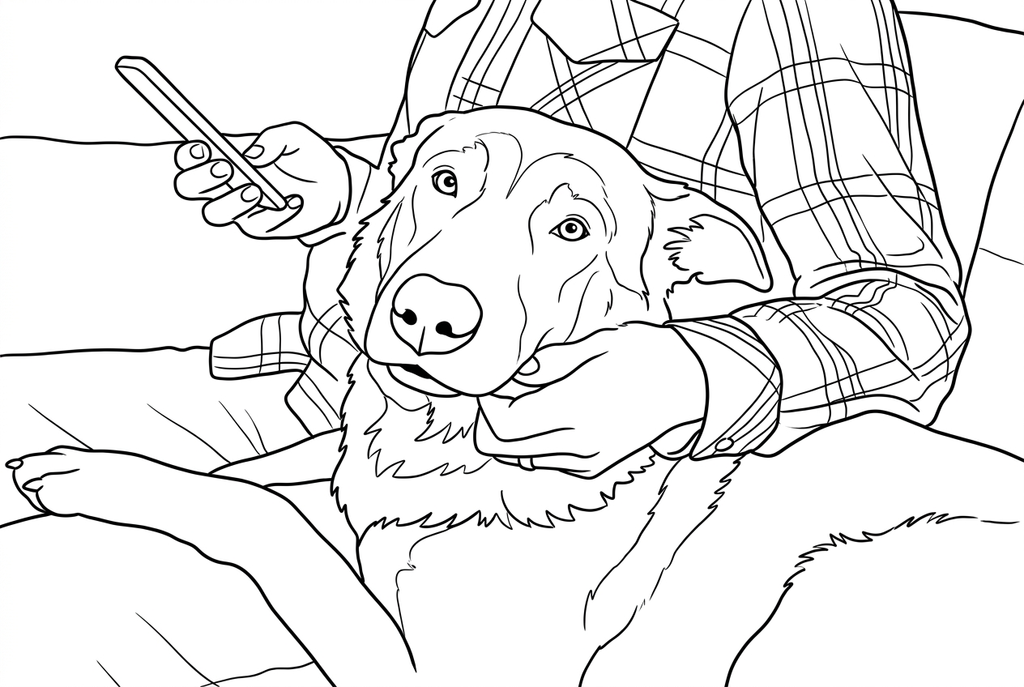
Generating your page
This result is temporary and has not been saved to your account.
Optional: save only the result to your account. Uses storage, not credits.
Match the paper size in your browser’s print dialog.
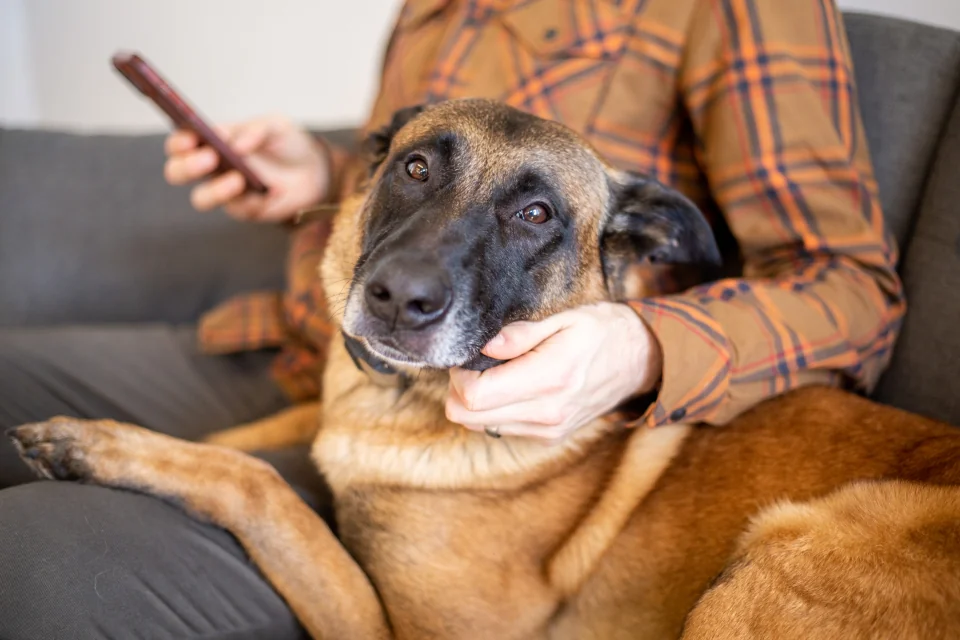
Photo: Kristin Hardwick · CC0 1.0 · License
Redraw photo textures as clean outlines, with clearer shapes and open spaces for coloring.
- Choose open shapes for fur and floppy ears
- Keep the collar, paws and setting in view
Conversion status
You can leave this page and come back. Your AI task continues in the background.
Keep the features that make your dog familiar
A readable muzzle and ear shape matter more than drawing every hair.
Look for a clear muzzle
Use a still photo with visible eyes, nose and mouth. Leave the full ears in the frame and avoid a toy or hand covering the face.
Balance coat texture and space
Classic with Medium detail is the AI starting point. Compare Simple for long fur; a brighter source helps dark coats more than increasing detail.
Check paws and collar on paper
Compare the nose, ears, paws and distinctive patches with the source. Test the intended print size before preparing family copies.
Photo tips: Dog photos
- Check that the nose and mouth are visible rather than lost in dark fur or deep shadow.
- Keep the full ear shapes in the frame; ears often help a dog portrait feel familiar.
- Choose a still frame for a moving dog so paws and the head are not blurred together.
- For two dogs, leave enough separation to distinguish their faces and front legs.
A dog in your arms, with a face you can recognize
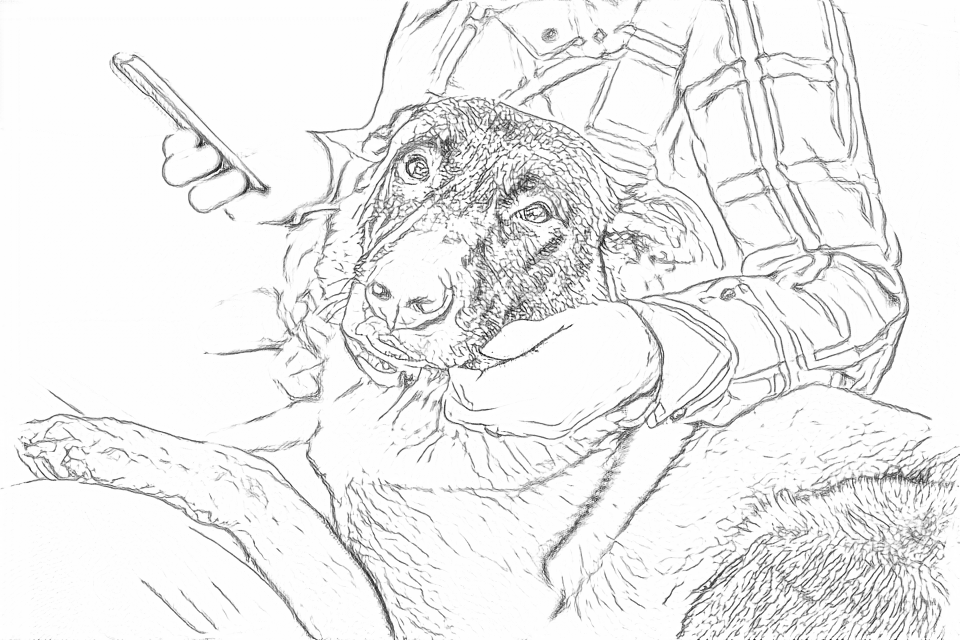
Free follows fine fur and shirt checks. AI groups these details into larger areas for coloring while keeping the dog and the person together.
Free: follow the visible edges
AI: simplify the drawing for color
Compare the eyes, muzzle and hands with the photo. AI can change small features.
Explore other AI drawing choices
Compare the starting point with two drawing choices from the same photo. Look at the shapes and lines, then use the settings beneath the result you prefer.
Starting point: Compare the eyes, muzzle and hands with the photo. AI can change small features.
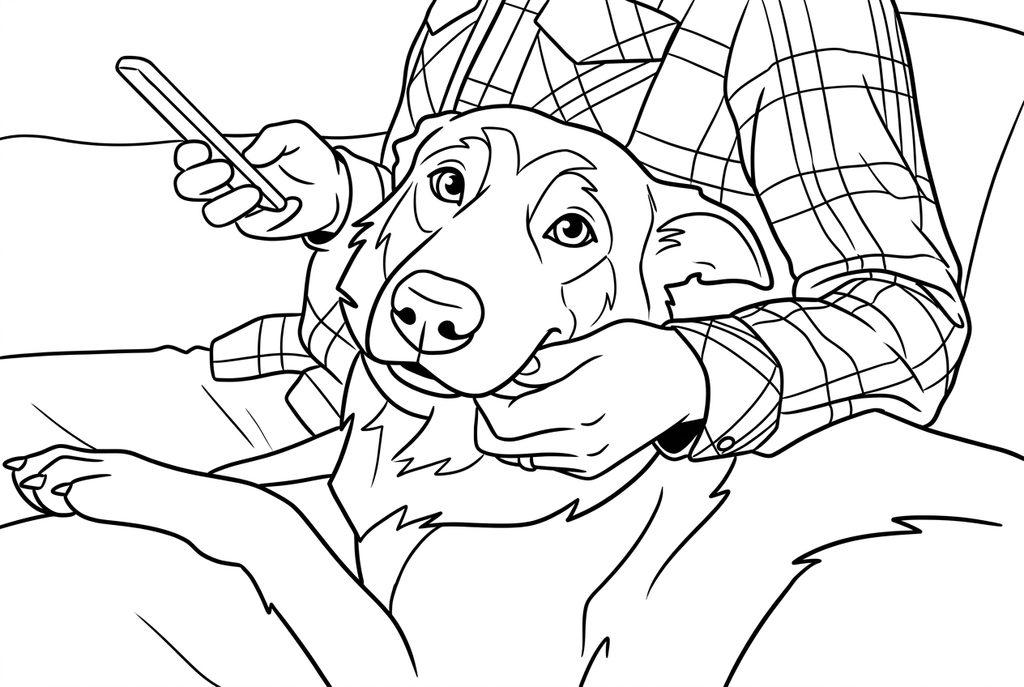
Comic enlarges the eyes and uses more angular fur contours. Compare the face and paws with Classic.
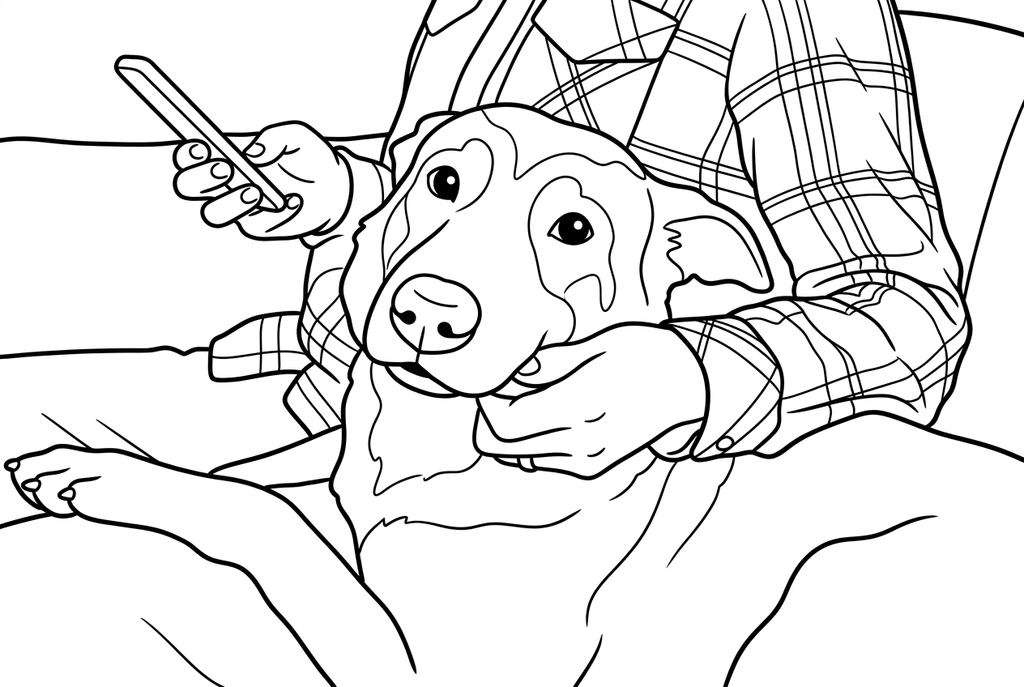
Kawaii uses round eyes and fewer fur marks, leaving broader spaces for color.
A head portrait or a favorite pose?
Choose a close portrait when expression, ear shape and the muzzle matter most. Choose a seated or side view for a full-body page with a recognizable tail and stance.
A hand, leash or toy near the mouth can become part of the outline. If it hides the feature you care about, choose another photo or crop outside ColorWillow before selecting the file.
Dark coats and long fur need different checks
- Classic
- Medium
- Standard
- Keep background
For dark coats, inspect the boundary between eyes, nose and head. Better lighting in the original helps more than simply choosing a larger output. For long fur, inspect whether the result leaves open coloring spaces around the face.
Try Classic with Medium detail first for AI. If hair lines crowd the page, compare Simple; if an important coat patch disappears, compare Medium or Detailed. These choices change a redraw and cannot restore a feature hidden in the source.
Check collars, paws and coat patches
Compare the outline with the original before printing: are the ears, muzzle, front paws and collar still useful? AI can change small details, while Free can retain floorboards or grass as extra lines.
If a particular marking matters, use the photo as your color reference. For a shared activity, print several copies of the one result you prefer.
Check the drawing before making copies
Inspect the features that matter to this photo and its intended paper use.
Check the muzzle length, ear position and collar against the original dog photo.
Inspect dark fur for large filled areas and fine hair marks that leave little room for color.
At the intended print size, check that the nose and eyes remain separate from surrounding lines.
Keep a result you can use again
Free: keep the file before leaving
Download the PNG or print on A4 or Letter. Conversion runs on your device; refreshing does not retain an unsaved result. Sign in only if you choose to save to My creations.
Free photo conversionAI: return to the finished task
Sign in and submit with the displayed credits. Open the saved result to download, export or print. Review the drawing beside your source before using it for the activity.
AI photo conversionPrint another copy of a selected result without generating again. A new AI submission uses credits. For a PDF from Free, use your browser's print-to-PDF option where available.
A ready-to-print page can work alongside your photo
These free coloring collections offer another picture for the activity, or a starting point when you do not want to use a photo.
Questions about Dog photos
A readable muzzle and ear shape matter more than drawing every hair.
Why does black fur turn into a dark or empty shape?
The original may not separate the nose, eyes and coat clearly. Try a photo with more visible facial boundaries; changing detail alone may not solve it.
Will a smaller breed need a different tool?
No breed selection is required. What matters is the dog's size and clarity in the photo, and which features you want to keep.
Can I remove the collar automatically?
Simplify background is not an object-removal command. Choose or prepare a photo without the collar if it should not be part of the page.
Should I use a close-up or a full-body dog photo?
A close-up gives more room for the face. A seated or side view works when the tail and stance matter; keep the dog large enough that those features remain visible on the print.
Start with the photo you want to color
A readable muzzle and ear shape matter more than drawing every hair.