
Turn Baby Photos into Coloring Pages
Make a printable keepsake from a baby photo you have permission to use. Choose a clear face or a familiar pose, then review soft facial features and small hands before printing.
- Clean outlines
- Custom styles
- Adjustable detail
Checking your account…

See what your photo can become
My creations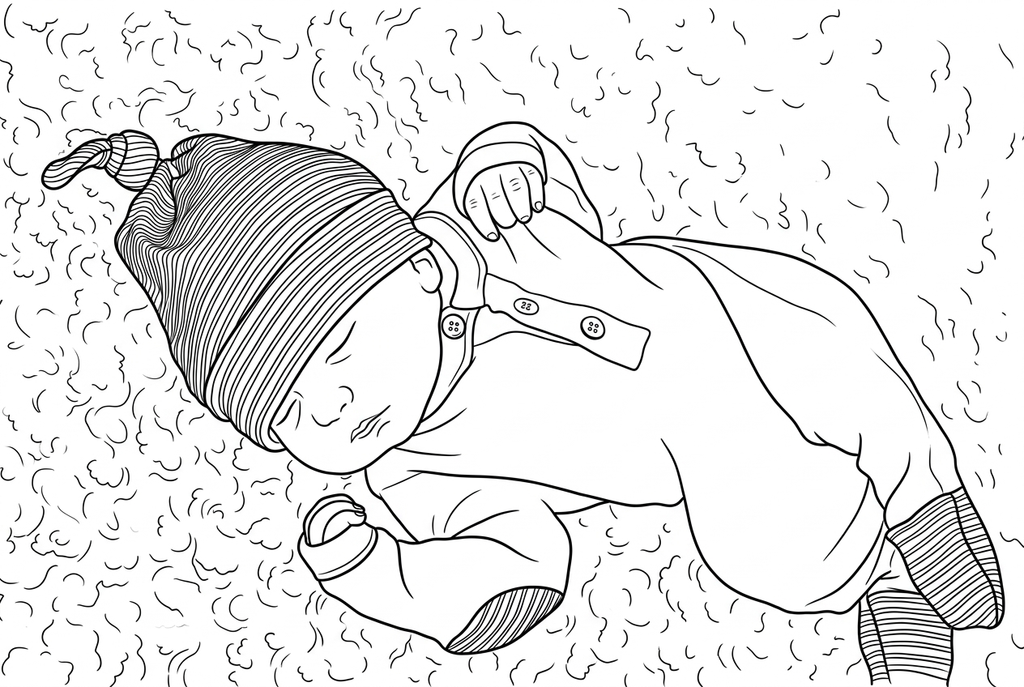
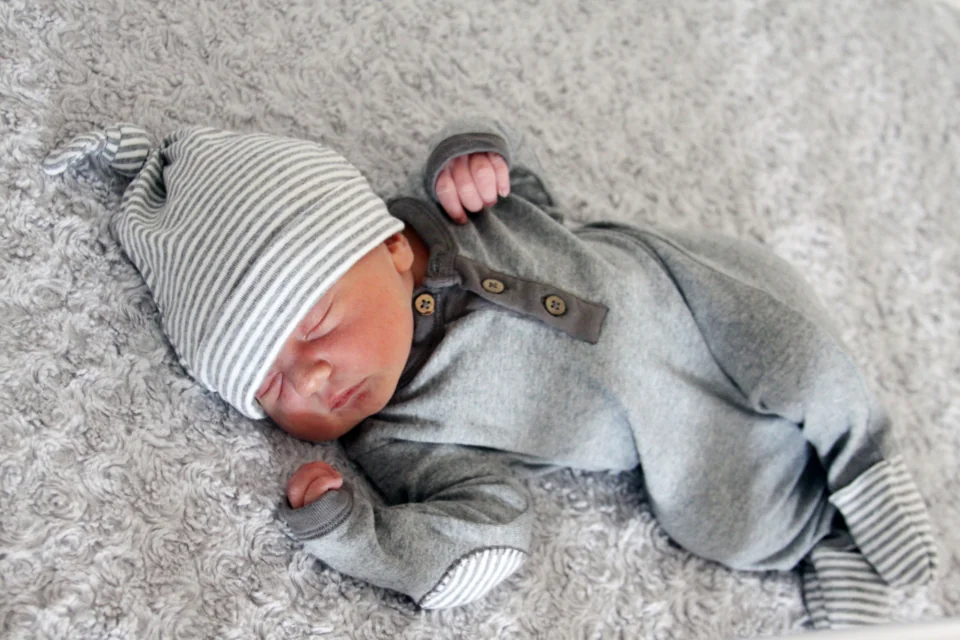
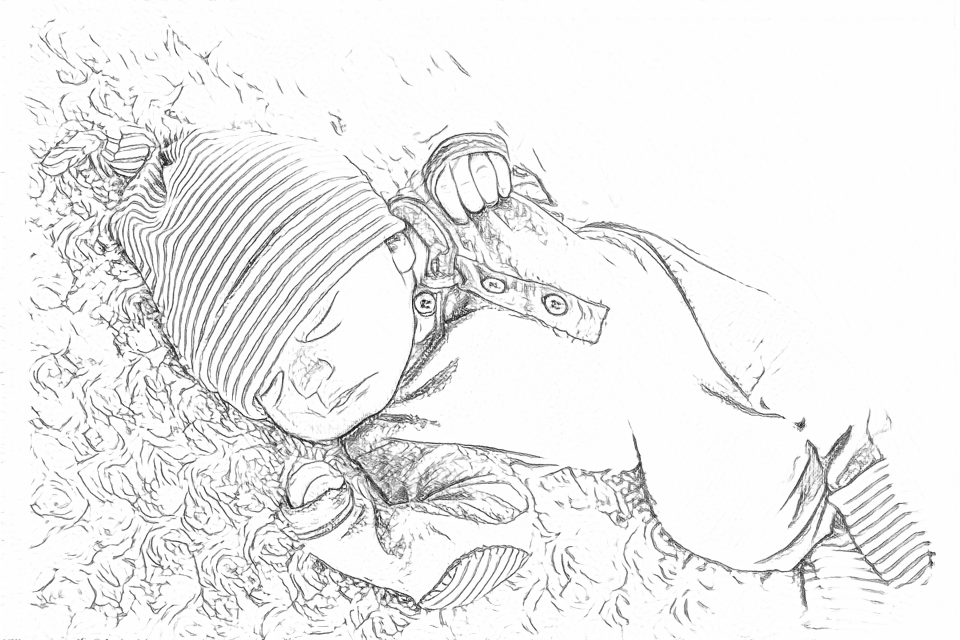
Generating your page
This result is temporary and has not been saved to your account.
Optional: save only the result to your account. Uses storage, not credits.
Match the paper size in your browser’s print dialog.
Photo: Candace McDaniel · CC0 1.0 · License
Redraw photo textures as clean outlines, with clearer shapes and open spaces for coloring.
- Choose a close portrait or a family scene
- Adjust small details before printing a keepsake
Conversion status
You can leave this page and come back. Your AI task continues in the background.
Keep a baby photo's moment without losing the face
Soft light helps, but faint features still need checking in the result.
Find a clear face or meaningful scene
Choose a photo you have permission to use, with visible eyes and mouth. Decide whether the blanket, toy or family member should remain in the picture.
Use a gentle starting level of detail
Try AI Classic, Medium detail and Standard lines. Compare Free on the source too; neither conversion can restore features hidden by fabric or fading.
Inspect small features before printing
Check eyes, fingers and fabric overlaps against the original. Add a real name or date by hand on the printed keepsake.
Photo tips: Baby photos
- Choose a well-lit face that is large enough to inspect.
- Decide whether the blanket or favorite object belongs in the page.
- Check that fingers and hands are visible rather than hidden in fabric.
- Use the clearest original file rather than a small screenshot shared in a message.
From blanket texture to a quieter drawing
Free keeps many folds and fabric edges. Compare the two AI detail levels around the face, hands and blanket.
Free: follow the visible edges
AI: simplify the drawing for color
AI can change small features. Compare the drawing with the photo before printing or making a keepsake.
Explore other AI drawing choices
Compare the starting point with two drawing choices from the same photo. Look at the shapes and lines, then use the settings beneath the result you prefer.
Starting point: AI can change small features. Compare the drawing with the photo before printing or making a keepsake.
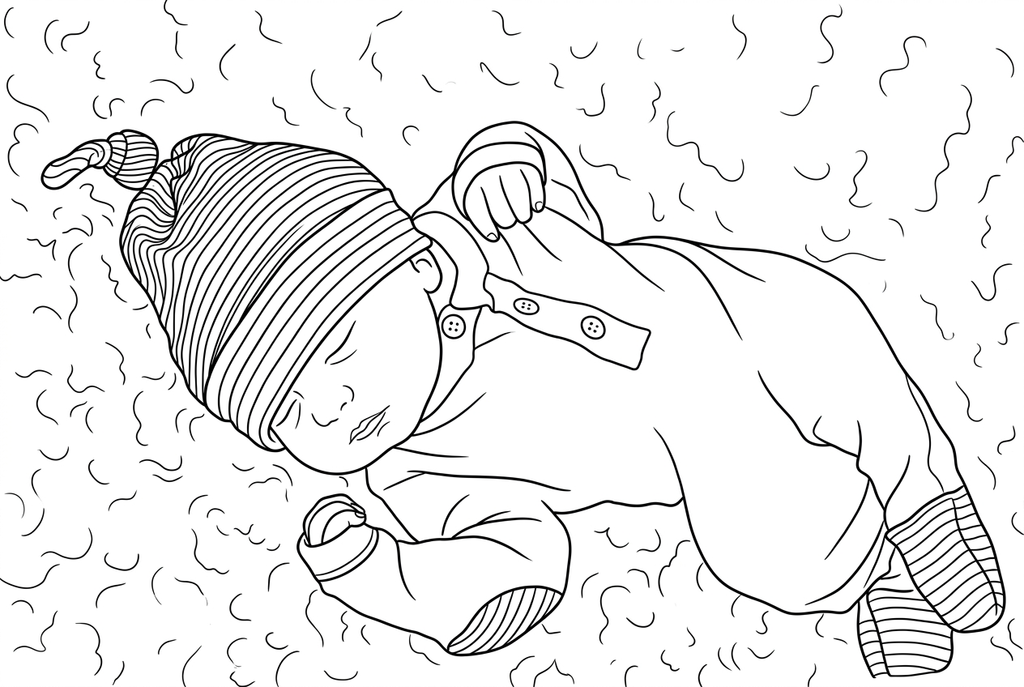
Compare the blanket folds and spaces around the hands.
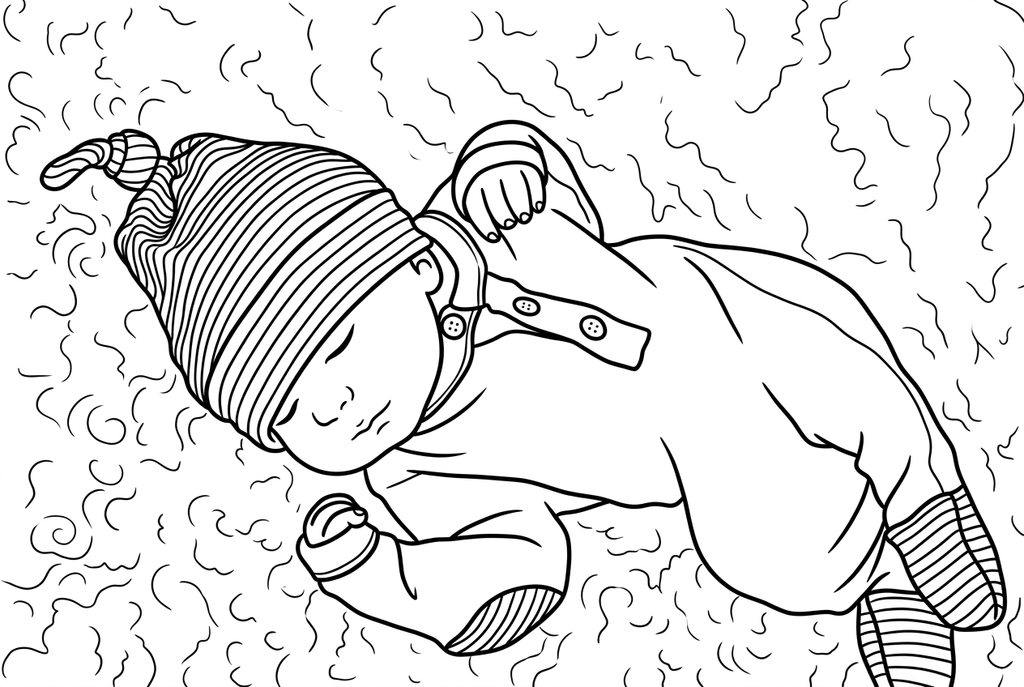
Kawaii rounds the sleeping face and groups the blanket into broad folds. The closed eyes remain; facial contours are reinterpreted.
Soft facial features can disappear or change
Baby portraits often have low-contrast boundaries around cheeks and noses. Free may leave only some of those edges; AI can add or alter facial shapes as it redraws.
Try a different photo if the face depends on very faint shadows. A larger output cannot replace detail absent from the source.
Choose a face portrait or a whole scene
A close portrait leaves more space for the eyes and mouth. A whole scene may keep a blanket, a toy or a family member that makes the moment meaningful.
Classic with Medium detail and Standard lines is an AI starting point. Inspect the fingers, eyes and any overlapping fabric; do not choose the page solely because the background looks tidy.
Keep the memory on paper
Add the date or a real note by hand after printing. One page can be placed in a family timeline or made into a greeting card without building an automatic album.
Free conversion runs on your device. An AI submission uploads the selected picture for processing. Saving a result to your account is a separate action from printing a local copy.
Check the drawing before making copies
Inspect the features that matter to this photo and its intended paper use.
Check the face, fingers and any partly covered features against the original baby photo.
Look at blanket folds and soft shadows for extra lines that distract from the portrait.
Test the intended keepsake size before adding a handwritten date or making copies for relatives.
Keep a result you can use again
Free: keep the file before leaving
Download the PNG or print on A4 or Letter. Conversion runs on your device; refreshing does not retain an unsaved result. Sign in only if you choose to save to My creations.
Free photo conversionAI: return to the finished task
Sign in and submit with the displayed credits. Open the saved result to download, export or print. Review the drawing beside your source before using it for the activity.
AI photo conversionPrint another copy of a selected result without generating again. A new AI submission uses credits. For a PDF from Free, use your browser's print-to-PDF option where available.
A ready-to-print page can work alongside your photo
These free coloring collections offer another picture for the activity, or a starting point when you do not want to use a photo.
Questions about Baby photos
Soft light helps, but faint features still need checking in the result.
Will it preserve every tiny finger?
Small hands are difficult to inspect when they are hidden or blurred. Compare them with the source and choose another photo if needed.
Can I add the baby's name automatically?
This activity uses a handwritten name after printing. Photo conversion is not a text-layout editor.
Do I need to save the page online?
Free results can be downloaded and printed without saving to your account. Keep the downloaded file if you want it after closing the page.
Should I keep the blanket in the page?
Keep it if it helps tell the memory, but check its folds do not crowd the face. A closer portrait or simpler source may be easier to color than a heavily patterned blanket.
Start with the photo you want to color
Soft light helps, but faint features still need checking in the result.