
Turn a Toy Photo into a Coloring Page
Turn a favorite toy or a small group of toys into a printable activity. Leave each shape easy to recognize, then use the drawing for coloring, a vocabulary card or a photo-matching game.
- Clean outlines
- Custom styles
- Adjustable detail
Checking your account…

See what your photo can become
My creations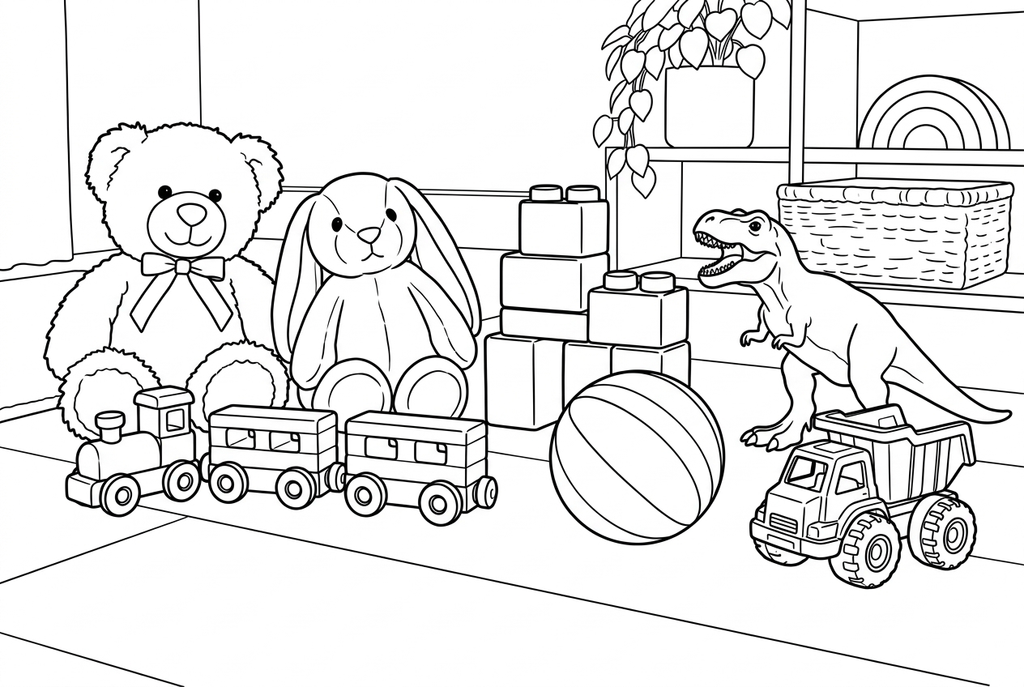
Generating your page
This result is temporary and has not been saved to your account.
Optional: save only the result to your account. Uses storage, not credits.
Match the paper size in your browser’s print dialog.
Redraw photo textures as clean outlines, with clearer shapes and open spaces for coloring.
- Simplify plush texture into spaces for coloring
- Keep several toys together in one scene
- Print a drawing for a photo-matching activity
Conversion status
You can leave this page and come back. Your AI task continues in the background.
Make a toy outline you can match back to its photo
Distinct silhouettes help with both coloring and matching games.
Give each toy room in the photo
Use a clear surface and leave wheels, ears, handles or other distinguishing parts visible. For a group, space the toys so each silhouette remains recognizable.
Open up fabric and small-part detail
Try Classic, Simple detail and Standard lines for AI. Compare Medium if an important part disappears; Free may retain plush texture and surface shadows.
Check the pair before making cards
Place the drawing beside the original and confirm they are clearly the same toy. Print the result, and print the original separately for a matching game.
Photo tips: Toy photos
- Choose one toy or a small group with space between the main shapes.
- Choose a pose where the main body and important parts are visible.
- Separate a plush toy from a similarly colored blanket.
- For a matching game, choose toys with clearly different shapes.
Several toys, one room to color
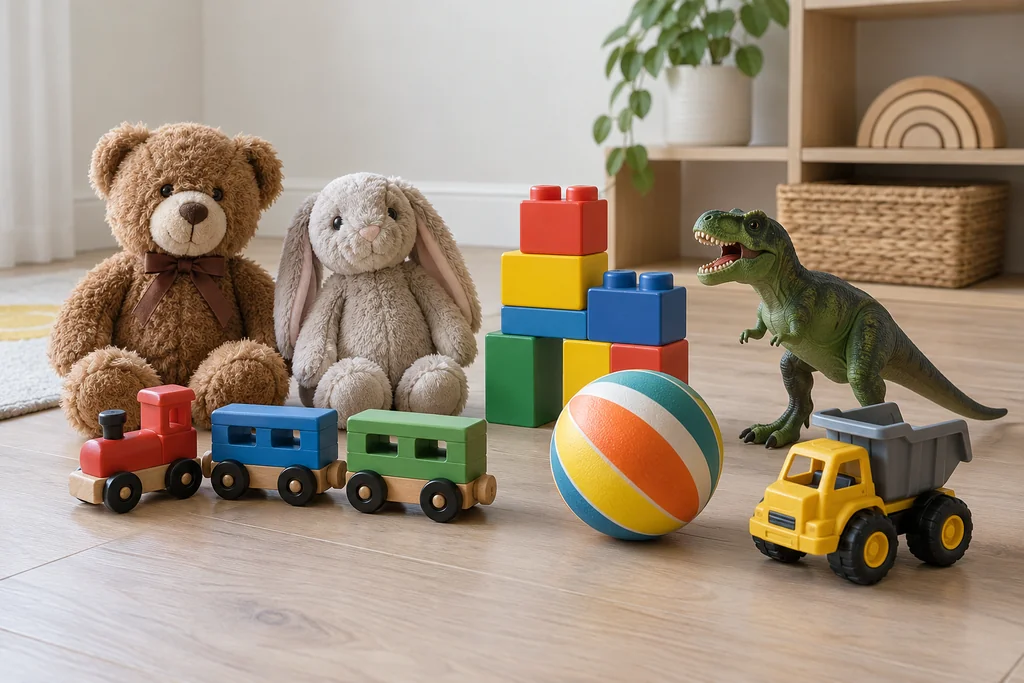
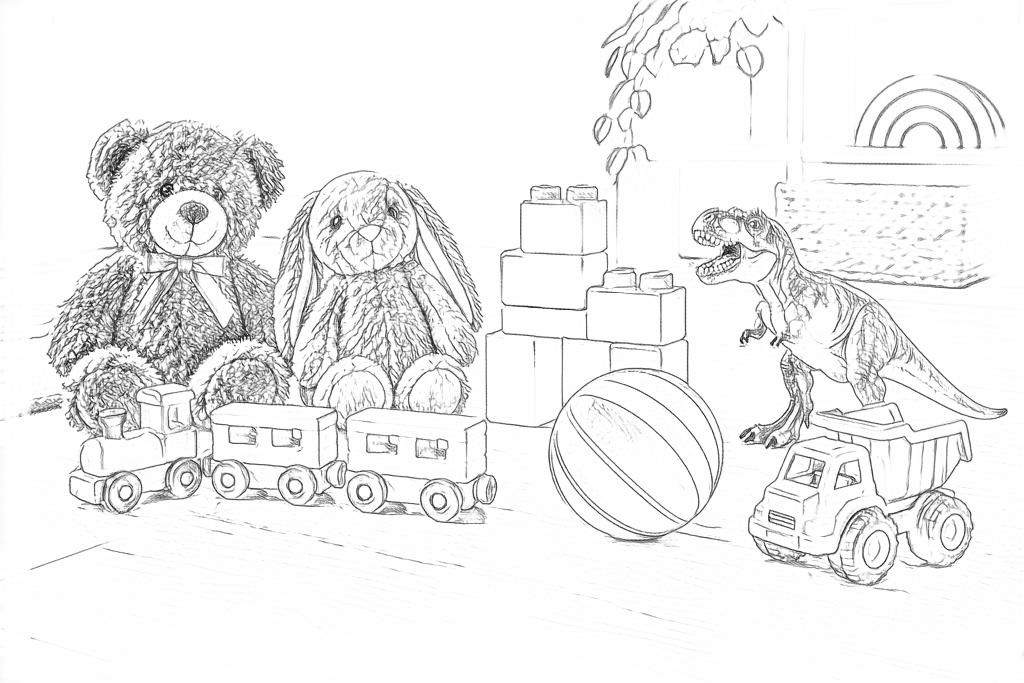
Look at the bear, rabbit, train, blocks, ball, dinosaur and truck. Free follows fabric and floor texture; AI groups those textures into clear toy shapes while keeping the room.
Free: follow the visible edges
AI: simplify the drawing for color
Compare each toy with the photo. AI redraws wheels, the truck and the dinosaur; check the parts that make a favorite toy recognizable.
Explore other AI drawing choices
Compare the starting point with two drawing choices from the same photo. Look at the shapes and lines, then use the settings beneath the result you prefer.
Starting point: Compare each toy with the photo. AI redraws wheels, the truck and the dinosaur; check the parts that make a favorite toy recognizable.
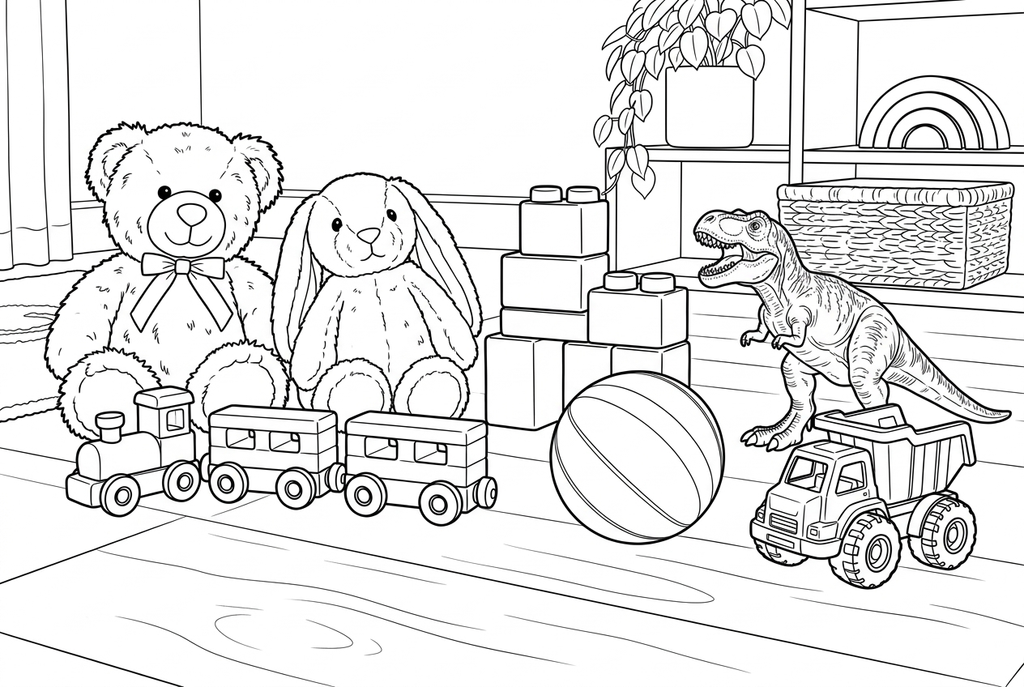
Detailed adds plush texture, dinosaur marks, basket weave and floor grain. Compare these smaller spaces with the open areas in Simple.
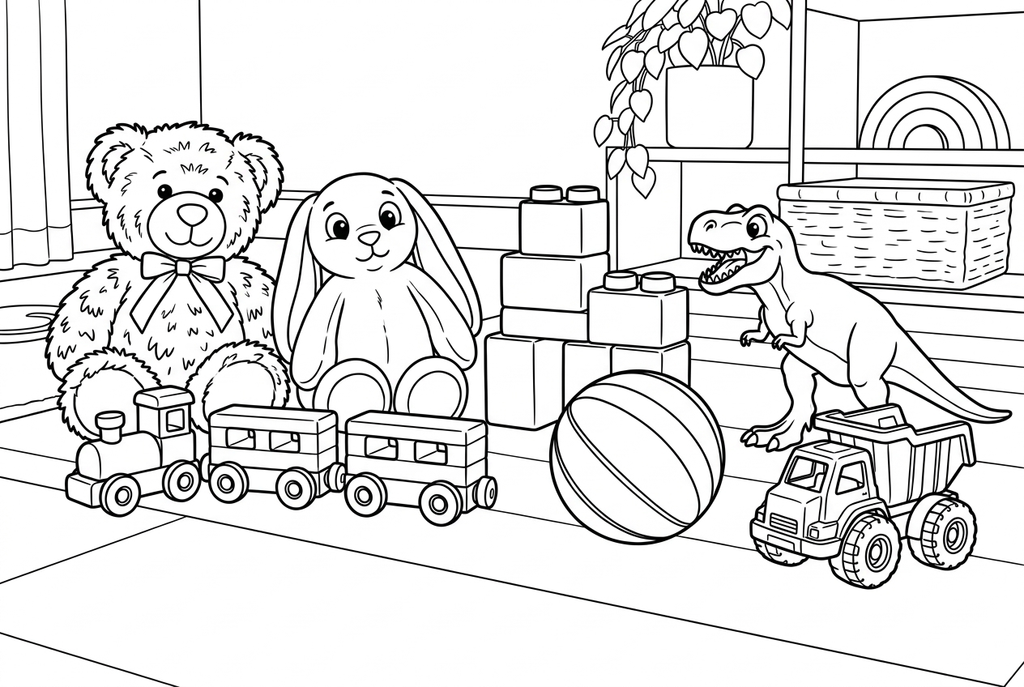
Comic makes the toy faces and contours more graphic. The bear, rabbit and dinosaur change shape; check that each favorite toy is still recognizable.
See more results from this photo (1)
These are additional real conversions of the same source. Compare their settings and smaller features before choosing a drawing.
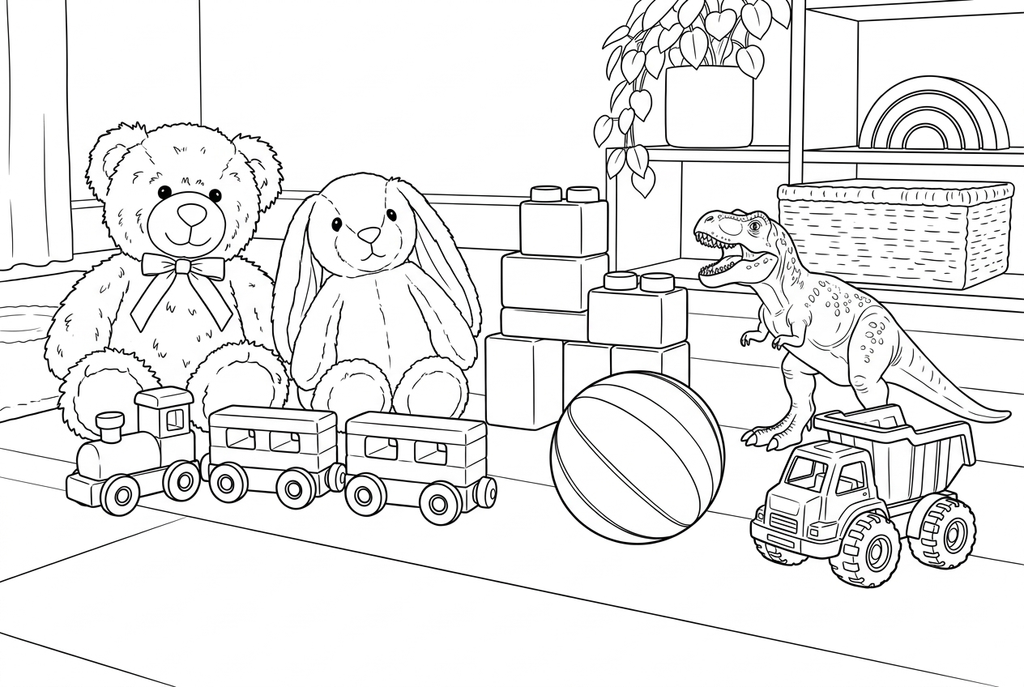
Detailed adds more plush, dinosaur and floor marks. The lines look lighter in this output; check them at your planned print size.
Plush texture and small parts
- Classic
- Simple
- Standard
- Keep background
Free may keep many fabric edges on a plush toy. AI with Classic and Simple detail can be a starting point for broader shapes, but check that the face and important parts still read clearly.
A vehicle toy, building block model or doll can have many small pieces. Medium detail may help when those pieces are essential; too many tiny spaces can make the page hard to color.
Match the original to its drawing
Keep the original photo and compare recognizable features before printing. If a wheel, ear or handle changes enough to confuse the match, choose another result or another toy photo.
The matching activity uses one original-photo card and one outline card per toy. You print the originals separately with your own photo-printing method.
Use a toy picture for words or a party
Write a familiar word beneath a printed panel to make a vocabulary card. For a birthday activity, one chosen toy result can be printed for all guests.
Using your own photograph does not establish commercial rights to a toy character or brand. These activities explain making and using paper pages, not selling licensed merchandise.
Check the drawing before making copies
Inspect the features that matter to this photo and its intended paper use.
Compare handles, wheels, faces and other features that distinguish this toy from the others.
Check the outer silhouette against shadows and patterns on the surface underneath.
For matching cards, place the test drawing beside its original photo and confirm the pair is unambiguous.
Keep a result you can use again
Free: keep the file before leaving
Download the PNG or print on A4 or Letter. Conversion runs on your device; refreshing does not retain an unsaved result. Sign in only if you choose to save to My creations.
Free photo conversionAI: return to the finished task
Sign in and submit with the displayed credits. Open the saved result to download, export or print. Review the drawing beside your source before using it for the activity.
AI photo conversionPrint another copy of a selected result without generating again. A new AI submission uses credits. For a PDF from Free, use your browser's print-to-PDF option where available.
A ready-to-print page can work alongside your photo
These free coloring collections offer another picture for the activity, or a starting point when you do not want to use a photo.
- Browse familiar object drawings
Add another object page to a coloring table; photo-matching pairs still need their own original photos.
Choose a printable page - Choose a playful kawaii page
Use a cheerful character as a separate activity picture rather than a factual copy of a toy.
Choose a printable page
Questions about Toy photos
Distinct silhouettes help with both coloring and matching games.
Can I photograph several toys together?
You can, but a single object is easier for vocabulary or matching. Grouped toys make a scene with more overlap.
Will it reproduce the toy exactly?
Inspect the result. AI can reinterpret features and Free may miss faint boundaries.
Does it print the original-photo cards too?
ColorWillow outputs the coloring result. Print your original photos separately for the matching game.
What if two toys produce nearly identical outlines?
Choose more distinct toys or use a larger card showing a useful feature. More tiny detail may make the picture busier without making the pair easier to recognize.
Start with the photo you want to color
Distinct silhouettes help with both coloring and matching games.