
Make Classroom Coloring Pages from Your Photos
Turn a classroom moment into a page students can color and talk about. Choose a permitted photo of a teacher leading an activity, a familiar object or a school visit. Check the people and setting in one drawing before printing copies for your lesson.
- Clean outlines
- Custom styles
- Adjustable detail
Checking your account…

See what your photo can become
My creations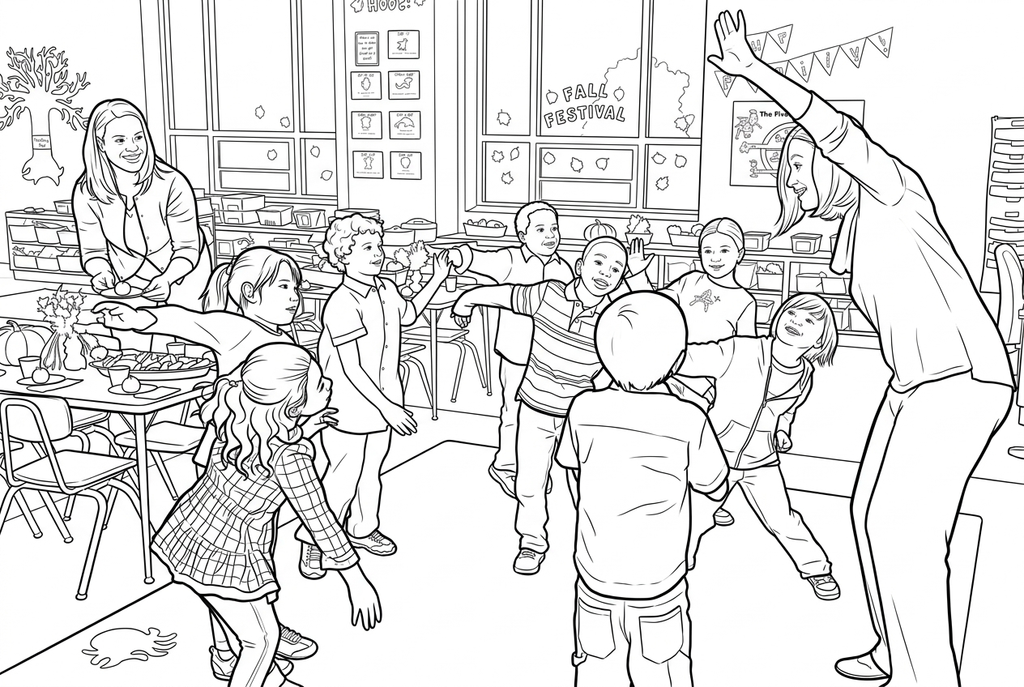
Generating your page
This result is temporary and has not been saved to your account.
Optional: save only the result to your account. Uses storage, not credits.
Match the paper size in your browser’s print dialog.
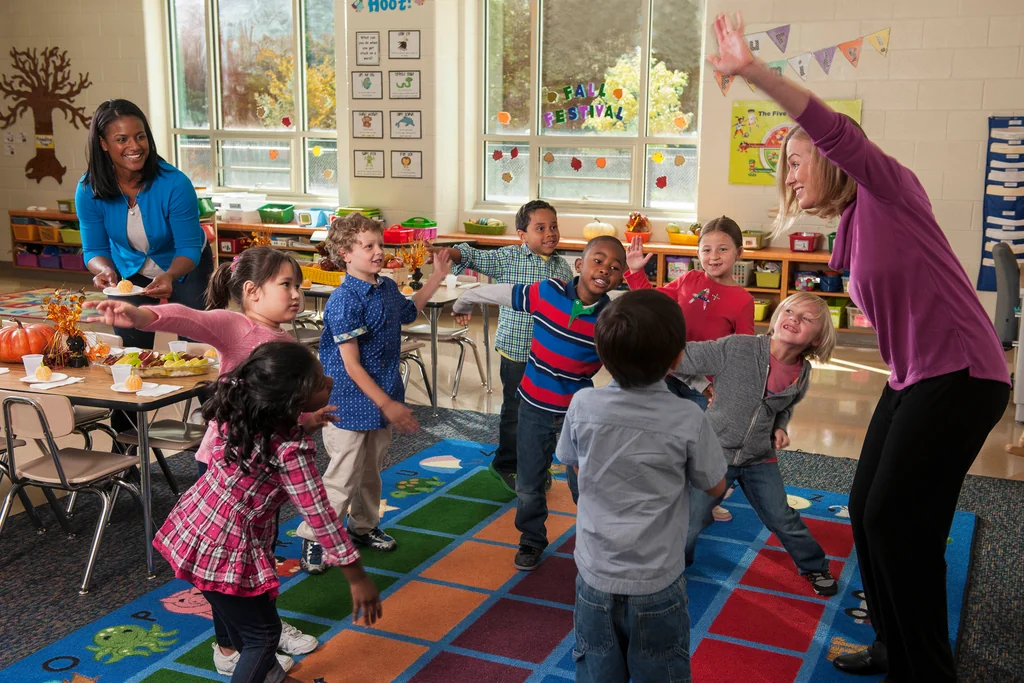
Photo: USDA / Peter Howard · Public Domain · License
Redraw photo textures as clean outlines, with clearer shapes and open spaces for coloring.
- Use a shared classroom activity as a discussion starter
- Try larger clothing shapes while keeping the room setting
- Download one result for class copies
Conversion status
You can leave this page and come back. Your AI task continues in the background.
Plan the classroom task before choosing its photo
A shared activity can prompt a conversation; an object or place can support matching and vocabulary.
Choose what participants will notice
Choose an activity with clear faces and gestures for recalling a class moment, or one familiar object for matching. Use photos permitted by your classroom policy.
Create one readable clue or reference
Start with AI Classic, Simple detail and Bold lines to open up clothing and room shapes. Keep the classroom background when it helps tell the story. Compare Free when you want to follow the visible photo edges.
Test the clue before printing a class set
Compare each person, hand and gesture with the original, then print one test. Add your own discussion prompt or vocabulary labels and print copies of the selected result.
Photo tips: Classroom photos
- Choose a classroom moment where faces and hands are visible rather than hidden behind other people.
- Keep enough of the room to explain the activity, but avoid distant crowds with very small faces.
- For naming or matching, choose one recognizable object instead of a group scene.
- Add needed labels after printing; AI may change writing on walls, clothing or displays.
- Choose photos you have permission to use, and follow your school's rules when preparing a classroom activity.
A classroom moment to color and remember
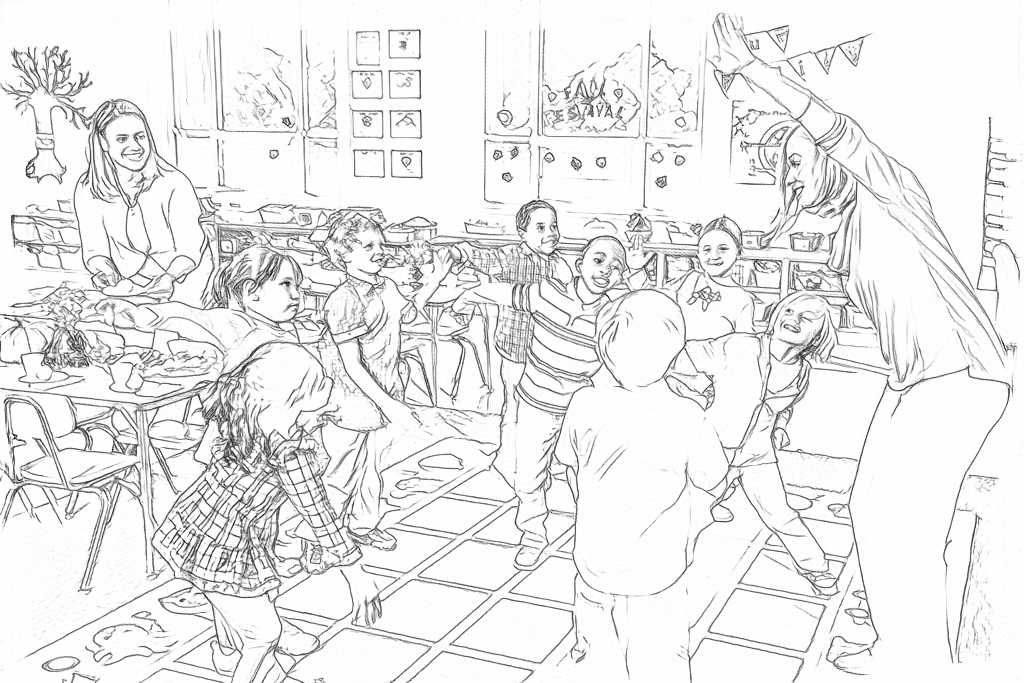
Free follows the carpet, clothing and display edges. AI redraws the teacher-led activity into larger shapes; check every face, hand and gesture against the photo.
Free: follow the visible edges
AI: simplify the drawing for color
AI changes expressions, hands, clothing patterns and display text. Compare the participants and activity with the original before printing a class set.
Explore other AI drawing choices
Compare the starting point with two drawing choices from the same photo. Look at the shapes and lines, then use the settings beneath the result you prefer.
Starting point: AI changes expressions, hands, clothing patterns and display text. Compare the participants and activity with the original before printing a class set.
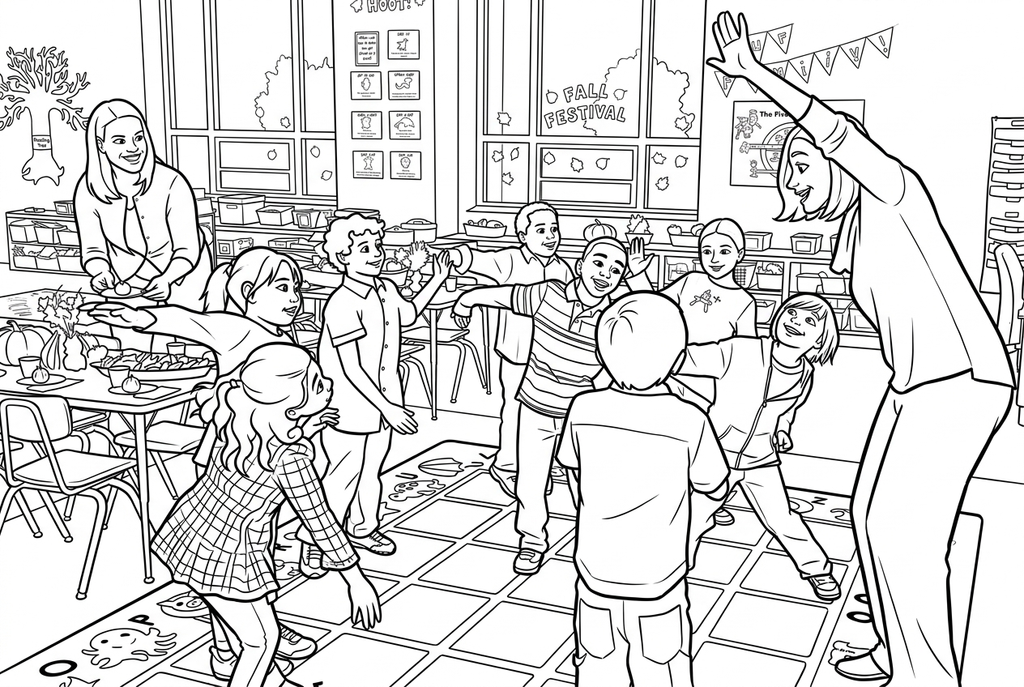
Comic redraws hair and clothing with additional interior marks. It stays close to Classic on this photo; compare the faces and small hand shapes.
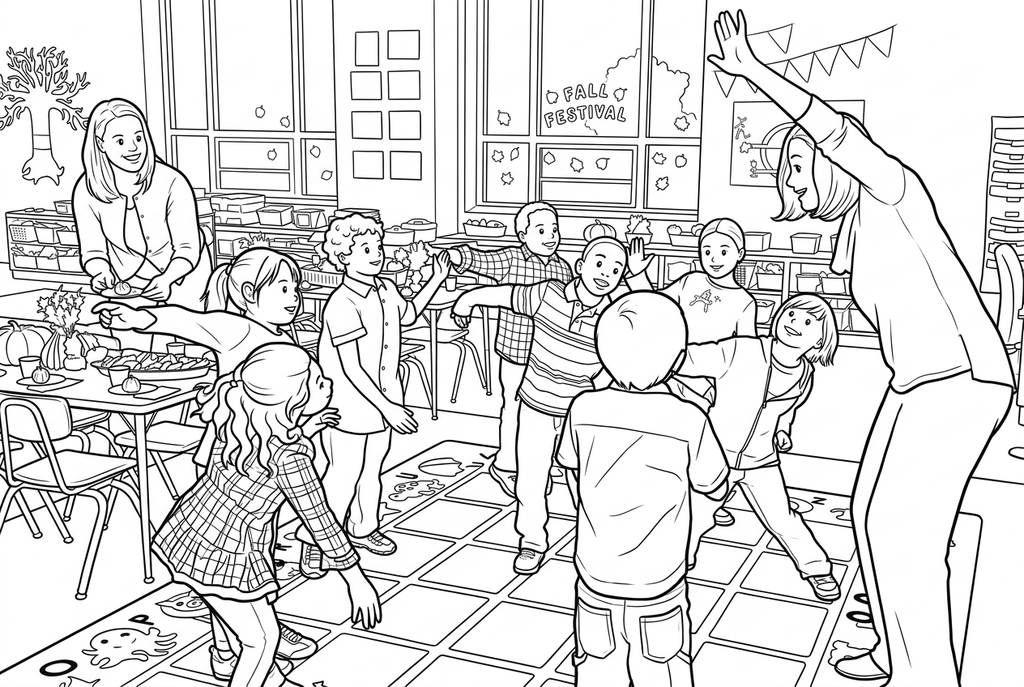
Kawaii gives the classroom scene a playful interpretation with rounder faces and fewer small clothing marks. Check the gestures and people against the original.
Choose the task before the photo
A teacher leading a movement game can prompt students to recall what they did together. A familiar toy can become a matching clue, and a school-visit photo can support observation. Choose the picture around that task.
Classic with Simple detail and Bold lines is the starting point shown here. Keep background retains room context; a playful style can change expressions and proportions, so compare every person before choosing a class portrait.
Prepare one result and print the class copies
For a group scene, check the number of people, their faces, hands and activity poses. Clothing patterns, repeated objects and display text may change during AI conversion. Keep the original as your reference.
Print copies of the result you already selected. Extra printed copies do not require another AI generation. The current workspace converts images individually rather than uploading a whole class set at once.
Use photos that fit your classroom policy
Use a teacher-and-student photo only when your classroom policy and the required permissions allow it. An object or place can support a lesson without student portraits. Free runs on the device; AI sends the selected picture for processing.
Write vocabulary labels and observation prompts by hand after printing. The converter does not identify objects, generate answer lists or check a lesson automatically.
Check the drawing before making copies
Inspect the features that matter to this photo and its intended paper use.
Compare every person, hand and activity pose with the classroom photo before using the drawing.
Check that furniture and clothing lines leave readable shapes; add important display words yourself after printing.
Print one test at the size students will use before making copies for the class.
Keep a result you can use again
Free: keep the file before leaving
Download the PNG or print on A4 or Letter. Conversion runs on your device; refreshing does not retain an unsaved result. Sign in only if you choose to save to My creations.
Free photo conversionAI: return to the finished task
Sign in and submit with the displayed credits. Open the saved result to download, export or print. Review the drawing beside your source before using it for the activity.
AI photo conversionPrint another copy of a selected result without generating again. A new AI submission uses credits. For a PDF from Free, use your browser's print-to-PDF option where available.
A ready-to-print page can work alongside your photo
These free coloring collections offer another picture for the activity, or a starting point when you do not want to use a photo.
Questions about Classroom photos
A shared activity can prompt a conversation; an object or place can support matching and vocabulary.
Do students need their own accounts?
An adult can prepare and print this activity. It does not require student accounts.
Can I print the same page for the whole class?
Yes. Keep one selected result and print the number of copies you need.
Can I use a photo of a teacher with students?
Yes, when you have permission and it fits your classroom policy. Choose clear faces and gestures, then compare every person with the source. AI does not guarantee exact likeness or unchanged hands.
Can I use only photos of places and objects?
Yes. Those are enough for the linked activities; student portraits are optional rather than required.
Will it keep classroom display text readable?
Not reliably. Add important words and labels yourself after checking the drawing. Use the original photo for factual details.
Which method should I use for an object clue?
Try Free on a clear, plain-background object when the visible contours are enough. AI can ask for larger coloring shapes, but check it has not changed the feature that identifies the clue.
Start with the photo you want to color
A shared activity can prompt a conversation; an object or place can support matching and vocabulary.