
Make a Coloring Scavenger Hunt from Classroom Photos
Turn a few familiar classroom objects into printed coloring clues. Students match each drawing to its object, then color what they found; an adult chooses the photos and prepares the answer list.
A small set of inspected paper clues, an answer list and a matching-and-coloring activity.
An idea for the finished piece
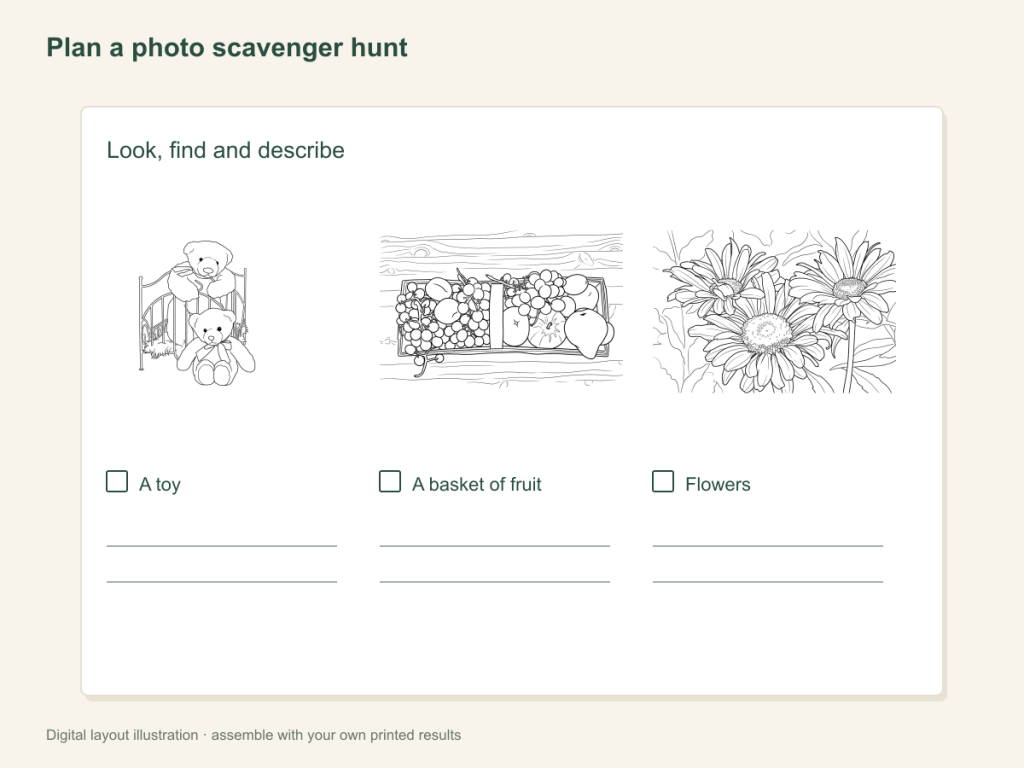
Use this paper activity illustration as a guide, then assemble your own printed pictures.
Gather what you need
- Three to five photos of clearly different classroom objects
- One chosen result per object, printed clues and coloring materials
- A short answer list written by the adult, plus a table or area for the objects
Choose a drawing that fits this activity
Choose classroom objects with different silhouettes, such as a toy and a watering can. Simple AI detail can help open the shapes; Free can suit a plain object photo. Check each clue against the object before making group copies and write the answer list yourself.
FreeConvert on your device, with no account or credits.
AIChoose drawing settings, sign in and submit with the displayed credits.
Make and test the picture clues
Choose objects that look different
Start with familiar, easy-to-see objects, such as a watering can, a toy vehicle and a piece of fruit. Decide where each object will be placed. Keep their original photos as your reference.
Convert each picture and inspect the clue
Use the classroom tool. Check that the feature needed to recognize the object has survived: a handle, a wheel or a stem. If it has changed, compare another setting, try Free or choose a clearer photo.
Prepare the paper clues and answer list
Use A4 or Letter and check print preview. Whole sheets work for a simple group activity. If you want smaller clues, use your printer's layout options if available. Write an answer list that matches your chosen objects.
Match, discuss and color
Show one clue and ask students to match it to an object. Discuss the shape that helped, then color the page. A seated version uses objects arranged on a table, with the same matching task.
Try a second round
Place two clues together and ask how the objects differ. The adult checks matches against the prepared list; no automatic object detection or answer checking is involved.
Keep the clues for another session
Save the chosen result files and note the object list. Reprint copies when you want the same activity rather than submitting the same photos again.
When a clue is too hard
Replace similar-looking objects with different silhouettes, or choose a simpler outline. Check that background texture is not the most prominent part of the clue.
Help with paper size and marginsA ready-to-print page can work alongside your photo
These free coloring collections offer another picture for the activity, or a starting point when you do not want to use a photo.
Questions about Classroom photo scavenger hunt
A small set of inspected paper clues, an answer list and a matching-and-coloring activity.
Can I start with one object?
Yes. Use one clue to introduce the game, then add clearly different objects.
Do I need photos of students?
No. This activity uses objects.
How is it different from vocabulary cards?
The clues match objects in the room. Vocabulary cards pair pictures with handwritten words.
Should the first round hide all the clues?
You can begin with the objects and clues visible together. Once the matches are clear, try a search round within the activity space you have prepared.
Choose your picture and make it on paper
A small set of inspected paper clues, an answer list and a matching-and-coloring activity.