
Make Vocabulary Cards from Photo Coloring Pages
Create a small set of familiar picture-and-word cards from your own photos. Choose single objects, print their drawings and add the words you want to practice by hand.
A small set of recognizable object cards with words you add by hand.
An idea for the finished piece
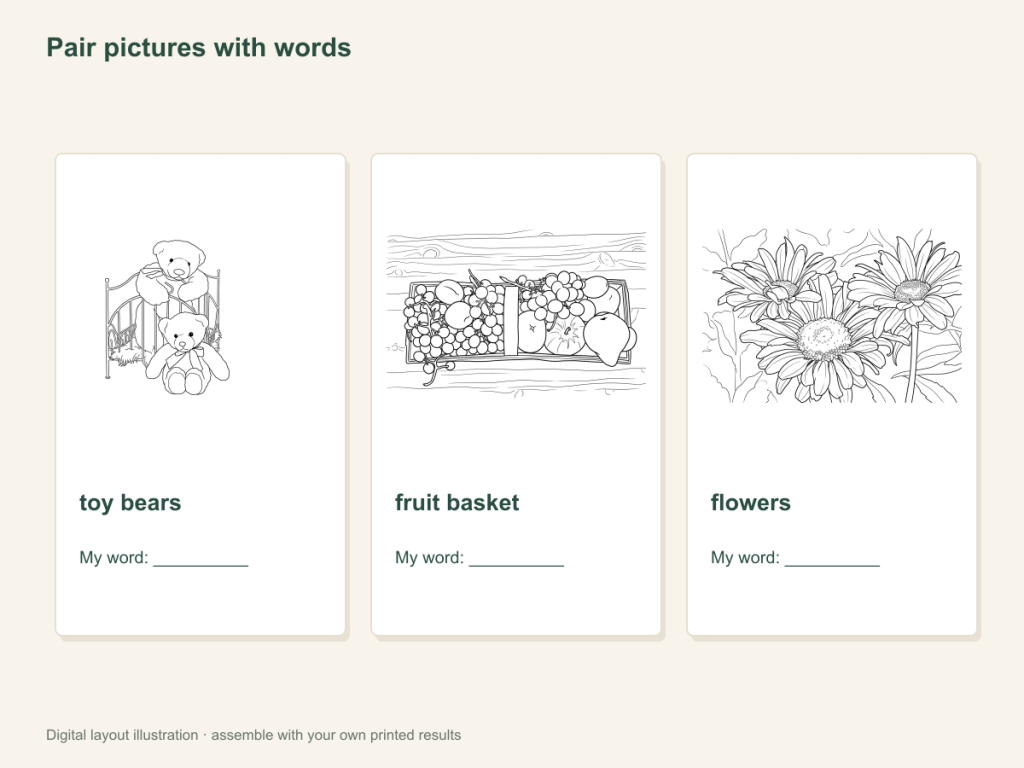
Use this paper activity illustration as a guide, then assemble your own printed pictures.
Gather what you need
- Three to five clear photos of different familiar objects
- One selected result per photo, printer and coloring materials
- Cardstock or ordinary paper, a pen and scissors for preparation if making small cards
Choose a drawing that fits this activity
Choose distinct toys, foods or classroom objects on plain backgrounds. Try Simple AI detail for broad shapes or Free for readable edges. Verify each object before adding its word; conversion does not identify or label the picture.
FreeConvert on your device, with no account or credits.
AIChoose drawing settings, sign in and submit with the displayed credits.
Make a small set of word cards
Choose words the pictures can show clearly
Pick concrete objects with distinct silhouettes, such as a toy vehicle, a fruit and a watering can. Avoid a photo that needs a long explanation to identify its main subject. Choose the toy, food or classroom tool.
Check each drawing before labeling
Compare the result with the original. Make sure the feature that distinguishes the object has not changed enough to confuse the word. Try a cleaner photo or a different result if needed.
Print and add a handwritten word
Use whole pages initially, or make smaller panels with your own printer layout. Leave space for the word beneath the picture. Write it in the language you want to practice; the website does not generate or translate labels.
Practice naming and matching
Show a picture and say or point to its word. For a matching task, write the same words on separate slips, then pair them with the picture cards. Color the drawings after checking the pairs.
Build a set that stays recognizable
Keep the original files and a list of the chosen words. Add new objects gradually, comparing them with the existing cards so two pictures do not become confusingly similar.
When two cards look alike
Choose objects with more distinct shapes or keep a larger print size. Adding more small lines may make a card busier without making the word easier to recognize.
Help with paper size and marginsA ready-to-print page can work alongside your photo
These free coloring collections offer another picture for the activity, or a starting point when you do not want to use a photo.
Questions about Photo vocabulary cards
A small set of recognizable object cards with words you add by hand.
Can the cards use a language other than English?
You write the paper labels yourself, so you can use the language you choose. Use the language menu to read these instructions in an available language.
Does ColorWillow create a sheet of labeled cards?
No. It creates each coloring result; printing smaller panels and writing labels are part of your preparation.
Are these an automatic learning assessment?
No. They are paper materials for naming and matching with an adult.
How can I use the cards for word matching?
Write separate word labels and lay them beside the picture cards. Begin with a small, familiar set and check that two drawings do not look too similar.
Choose your picture and make it on paper
A small set of recognizable object cards with words you add by hand.