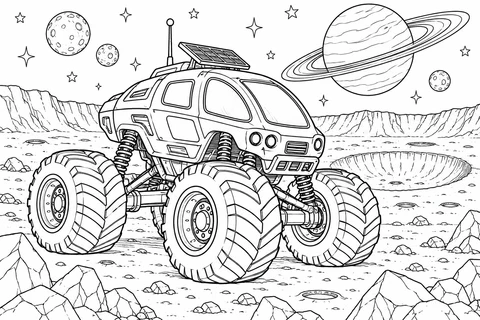
Fantasy Monster Truck Moon Rover
detailed

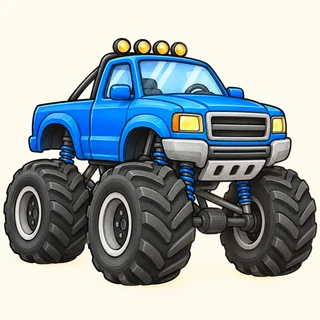
Choose giant-wheel pickups, a rock buggy, a snowy van or an imaginary moon rover. The plain truck has broad areas, while garages, a flower parade and an orchard add smaller details. Try a star or flame paint scheme, then tell a paper adventure using the beach, bridge or lakeside scene.
detailed
detailed
medium
medium
medium
detailed
medium
easy
medium
medium
detailed
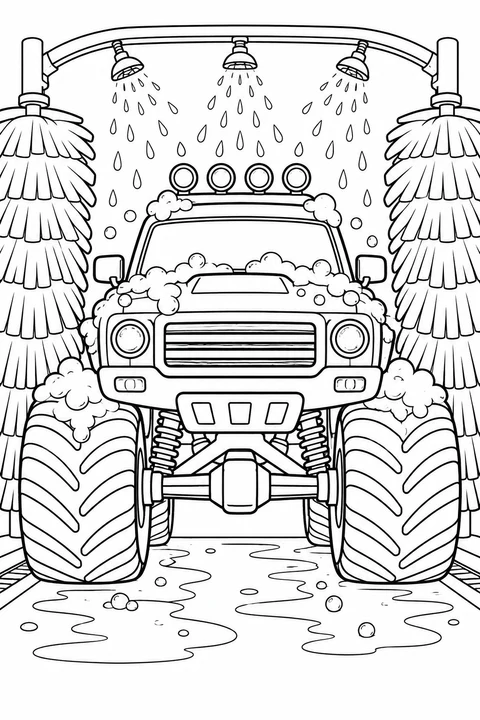
medium
Side and front views make different parts easy to see. The arena scene adds a setting and more intricate tires.
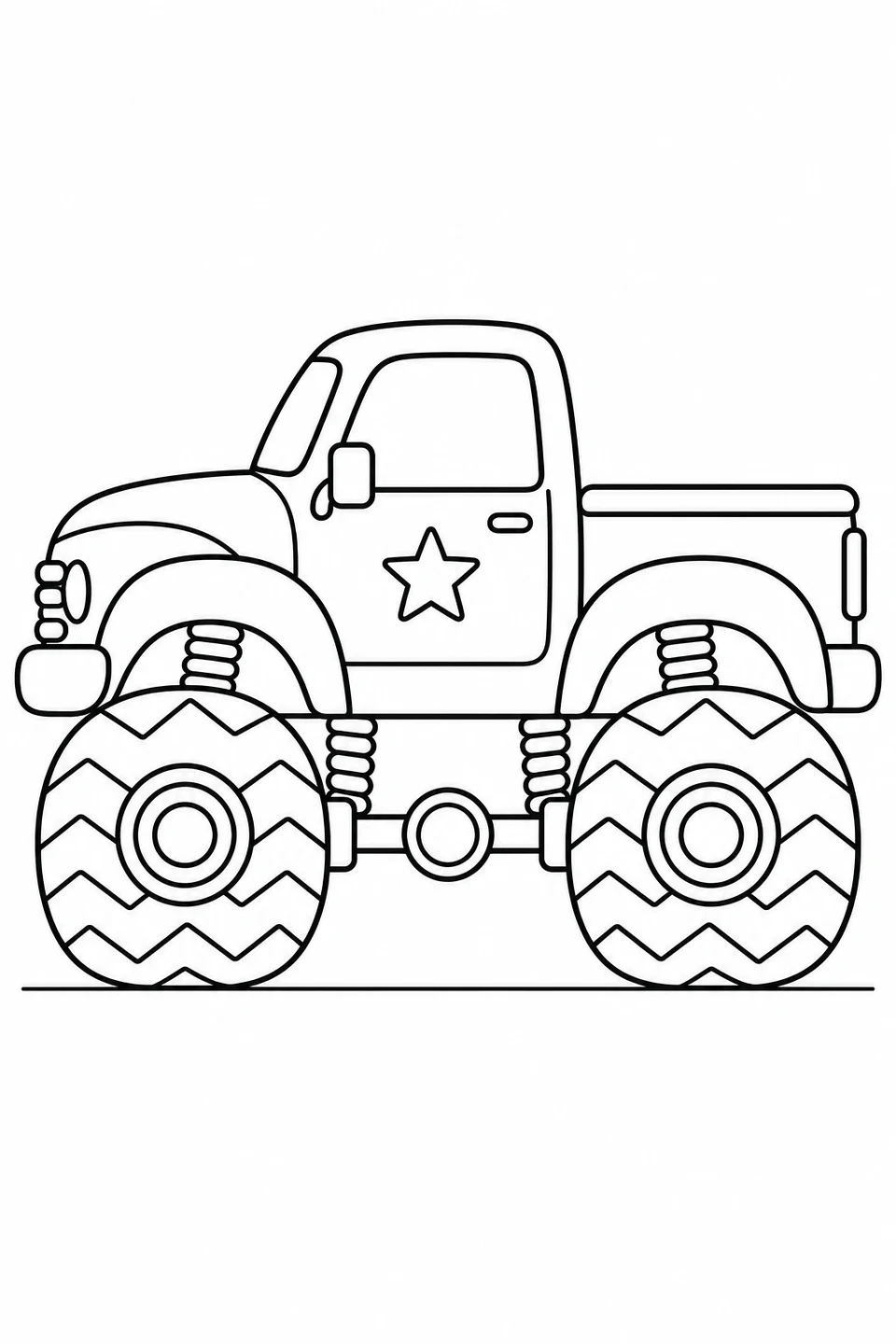
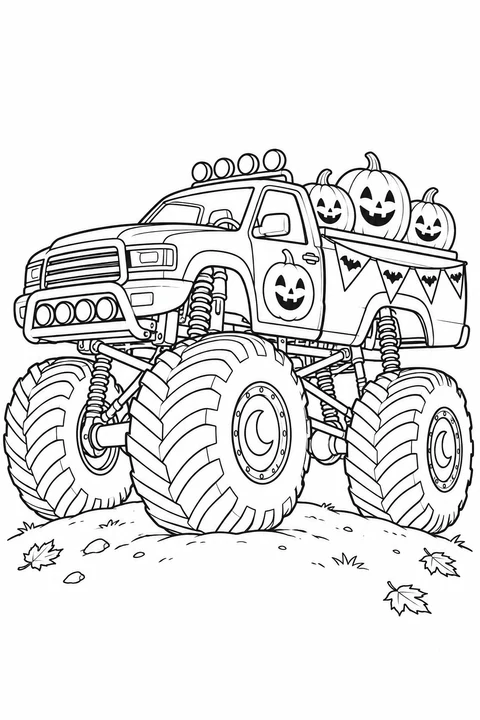
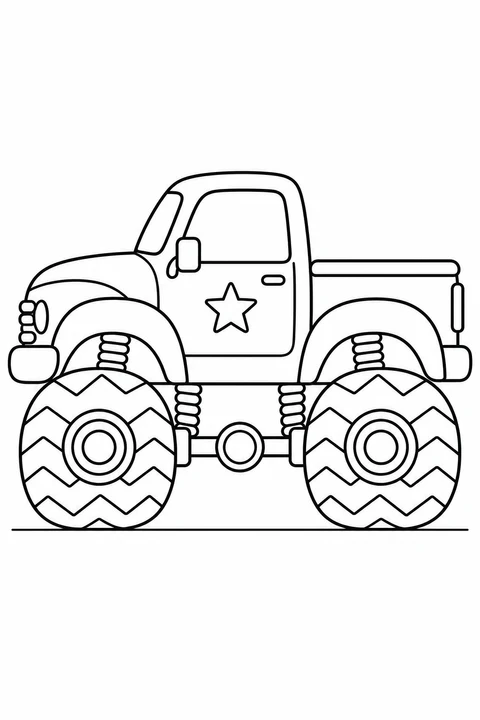
Two large tires, a door star and an open truck bed create broad coloring areas.
Monster pickup viewed from the side →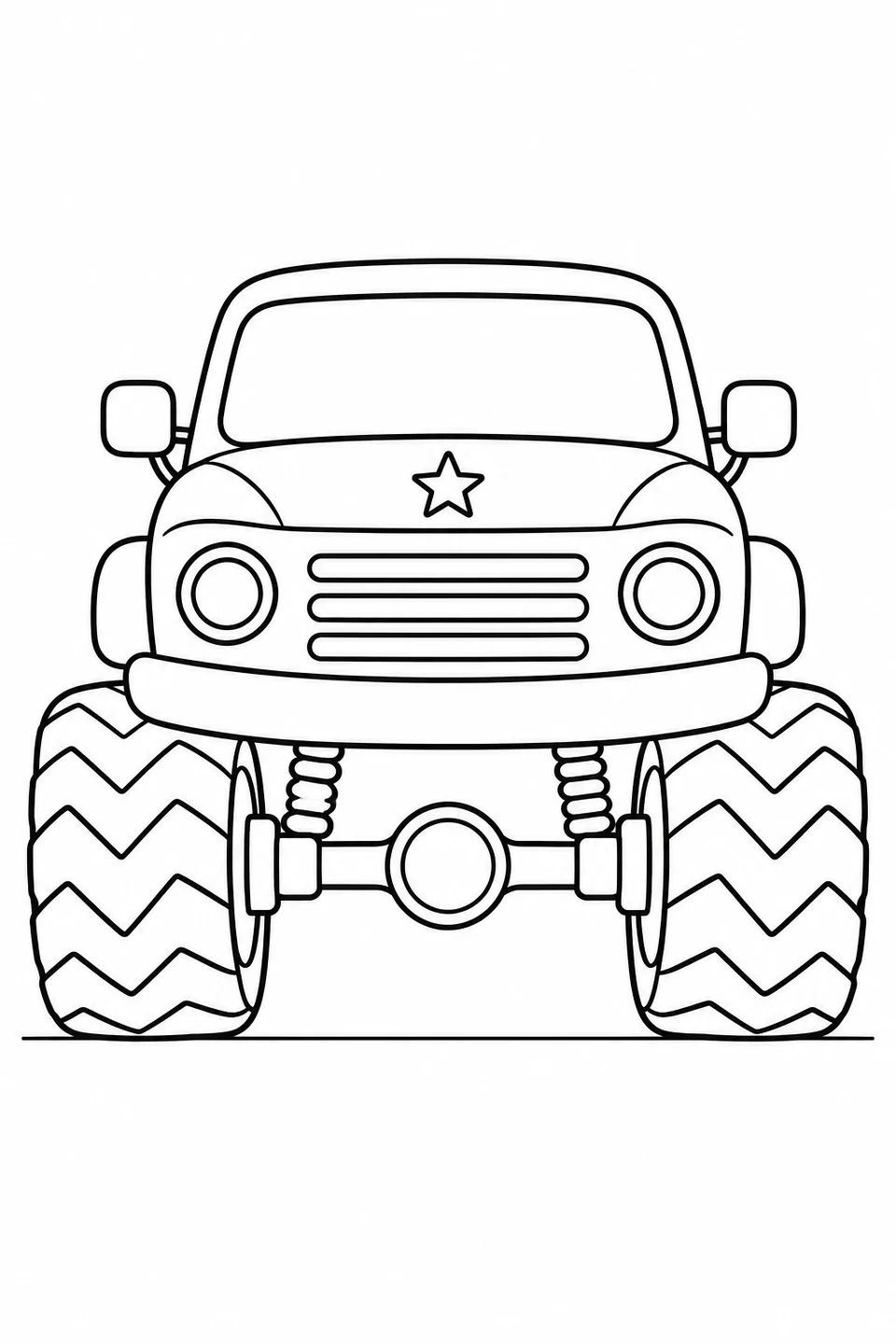
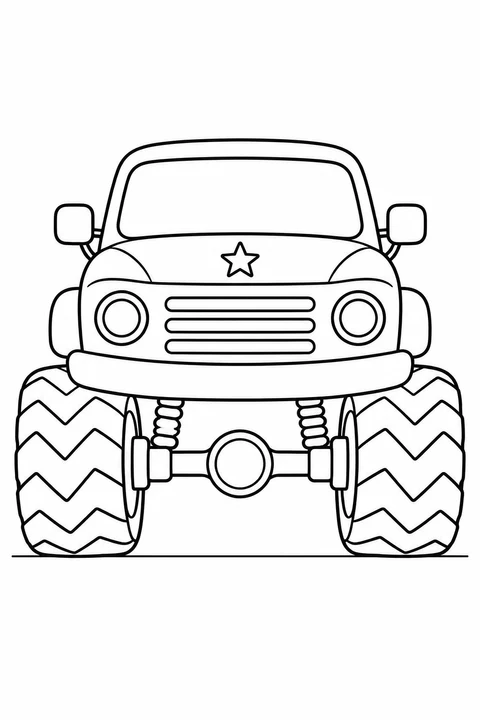
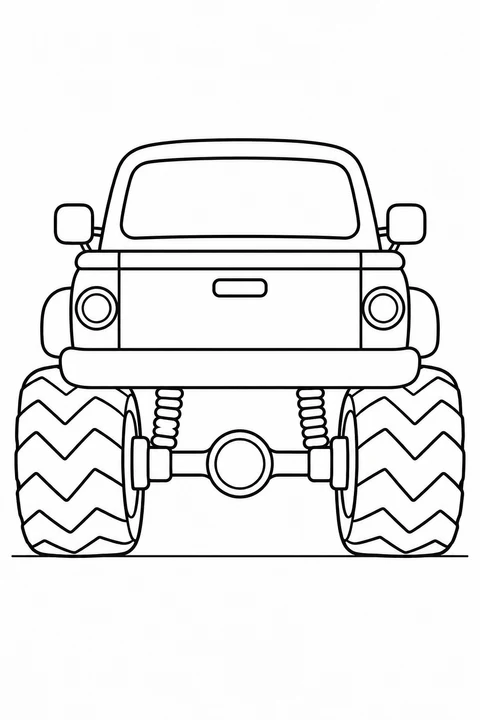
The front view has paired headlights and tires with a star on the hood. Try matching colors on both sides.
Monster truck viewed from the front →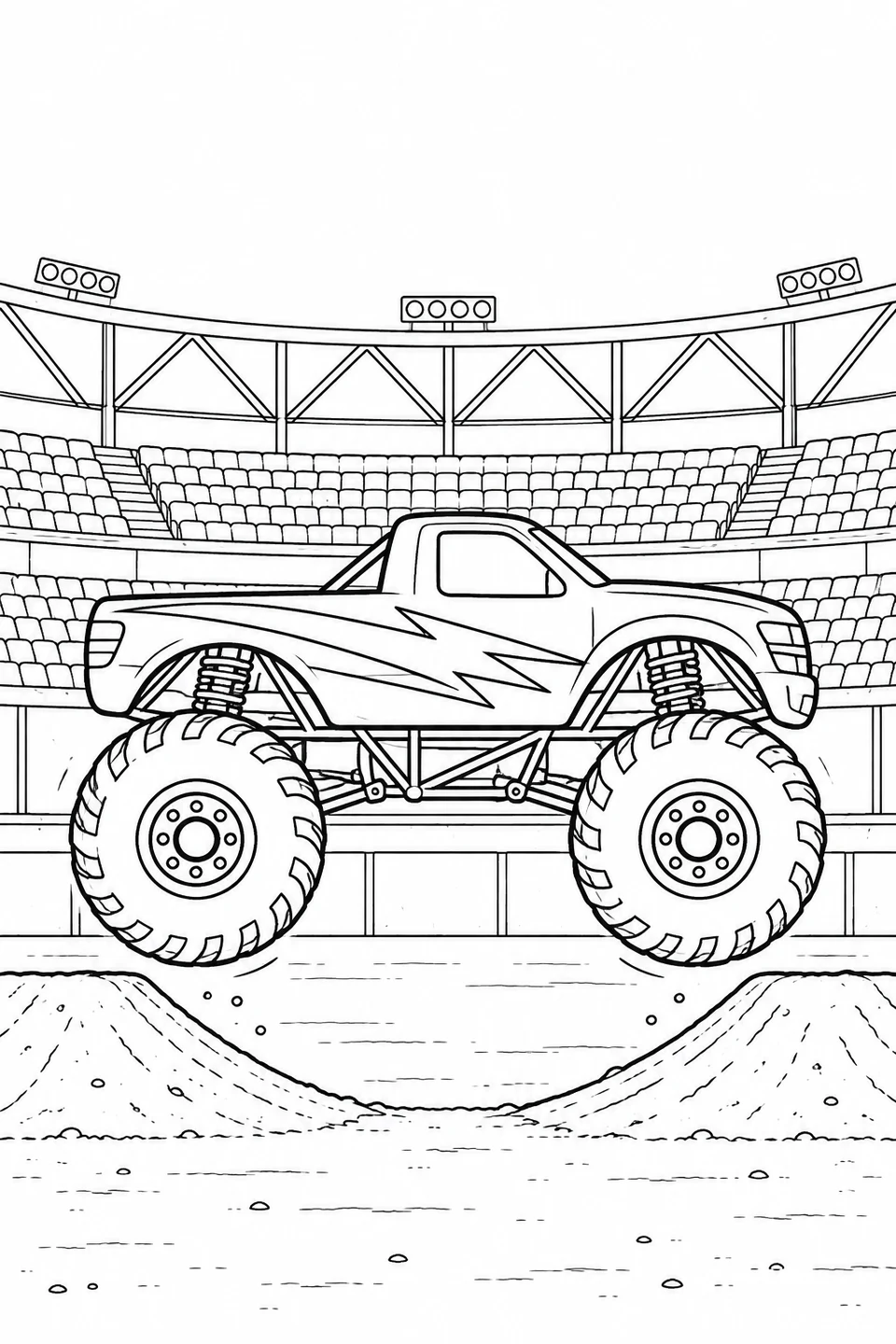
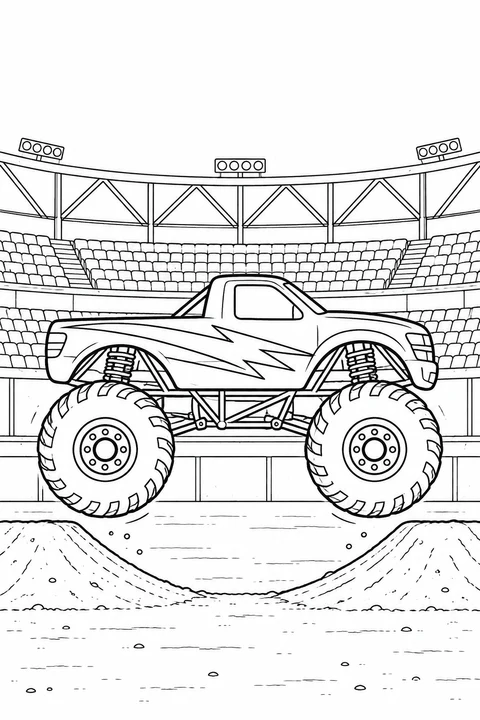
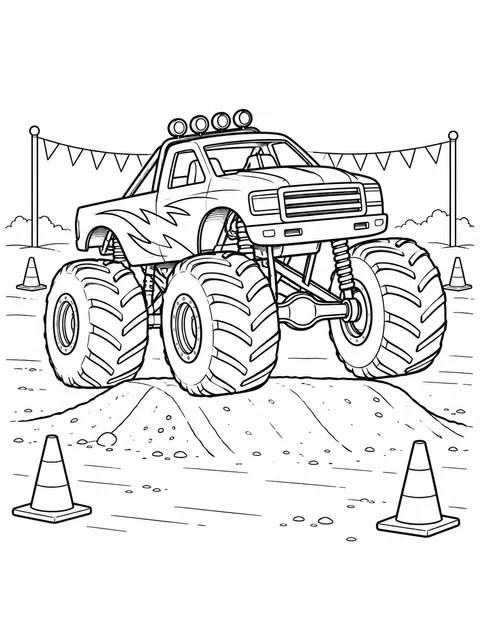
The jumping truck has detailed tread, a lightning design and stadium seating. Start with the truck before the setting.
Monster Truck’s Arena Jump →Print the original line drawing linked below. The numbered areas match the color key and steps; use the colored example as a starting point, then choose your own colors if you prefer.
Digital coloring example
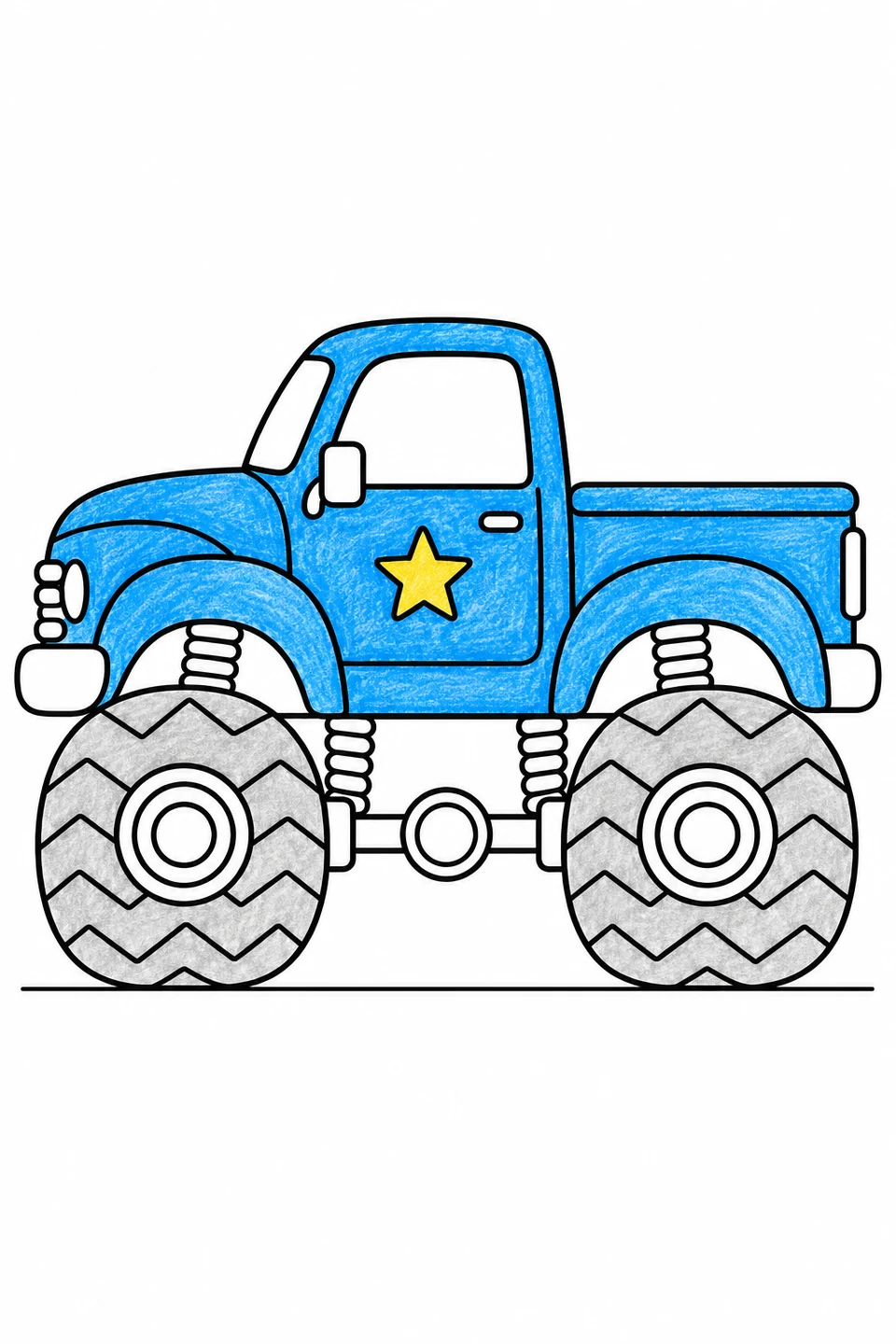
The same palette connects the two views. Keep tire tread lines visible by using a light gray layer.
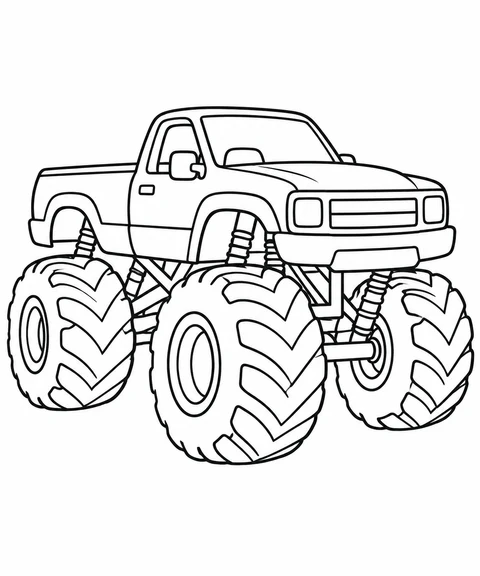
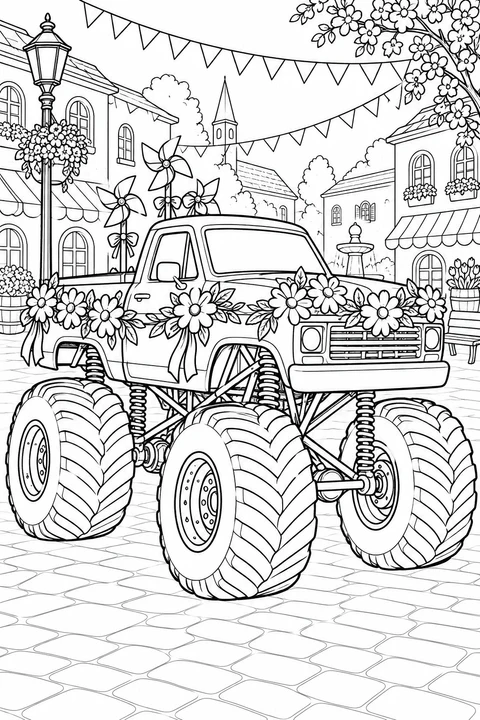
For a broad body and clear background, choose the big-wheels pickup with V-shaped tire marks. The flower-parade truck adds petals, triangular flags and village details; the front-view car wash adds round bubbles, brushes and a surrounding wash frame. These are different picture designs, so compare shapes without assuming they are views of the same vehicle.
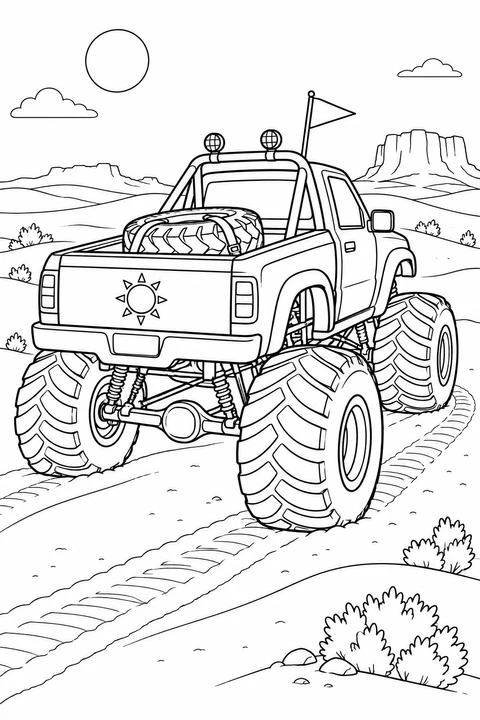
Get crayons or colored pencils and scrap paper ready. The truck-design activity offers three scene pictures and three matching views of one fictional pickup. Open its chooser: all six start checked. Keep one scene picture, or two matching views to compare, uncheck the others and confirm. Check the print list before printing or downloading the PDF: each selected picture makes one artwork page; other list items count separately and an optional cover adds one page. Try body and tire colors in a small swatch, then repeat a visible V-shape, petal or circle in a hand-drawn pattern strip. With matching views, repeat a body color and colors for the zigzag tire markings. Place the strip beside your colored picture or pair; one finished section is enough.