
Copy Pixel Pictures on a Grid
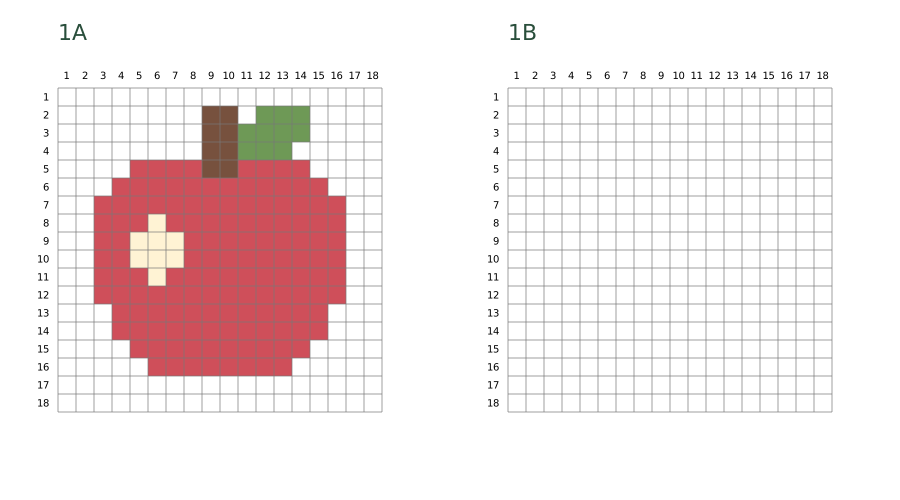
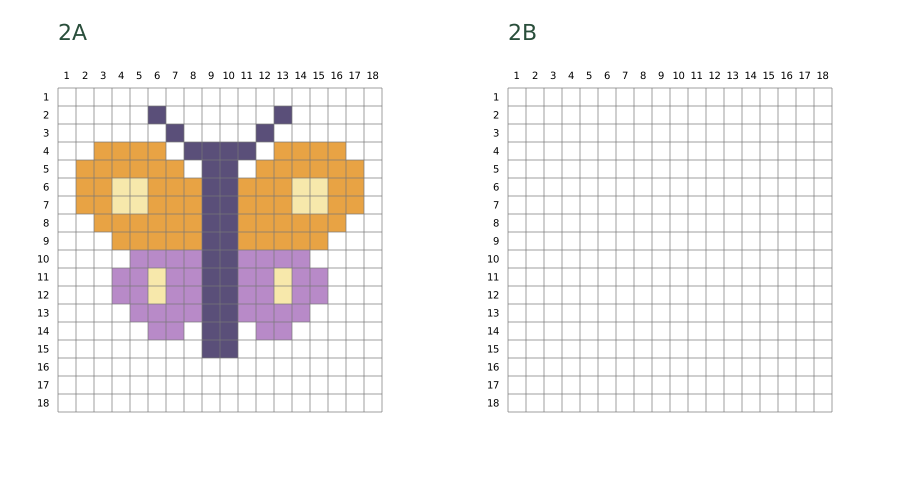
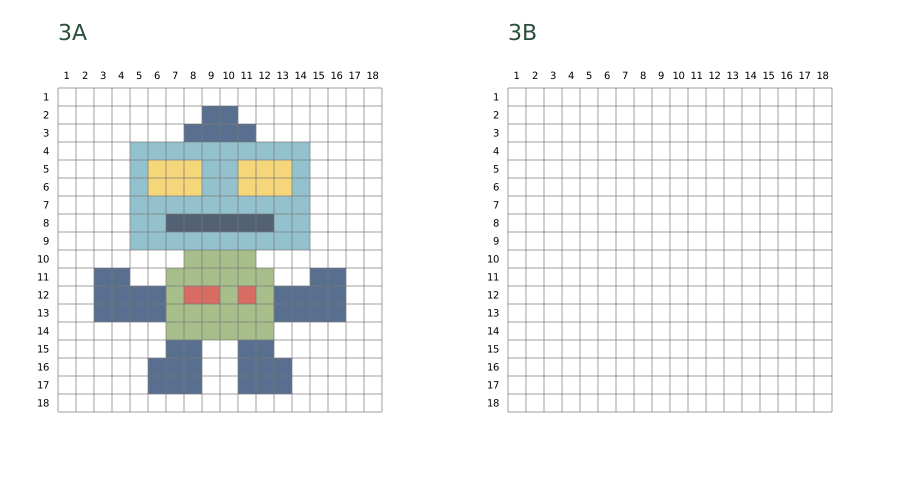
Copy an apple, butterfly or robot onto an empty 18 × 18 grid. Each A4 or Letter download has six pages: a colored reference (A) and a matching blank grid (B) for each picture. The original coloring pages below are optional; they do not include the blank grid.
3 coloring pages · Mixed difficulty
What you need
- One reference page A and its matching practice page B
- Colored pencils, a pencil and an eraser
Reference and blank-grid sheets
Coloring pages in this activity
Before printing
The chooser starts with every picture selected. Uncheck the ones you do not need, then confirm. This adds your selection to the print list; it does not start printing.
Check the list for pictures from other activities and remove any you do not need. Each picture is added only once. Choose US Letter or A4; each picture uses one page and an optional cover adds one more. Download the PDF to keep a copy. For extra copies, set the number of copies when printing the file.
Printing help
Try the activity
Choose and print one pair
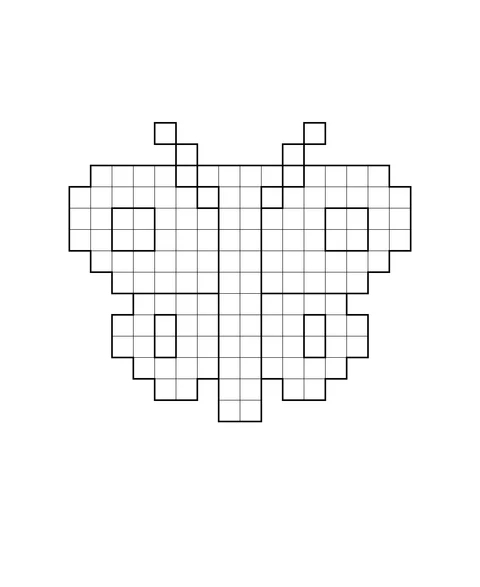
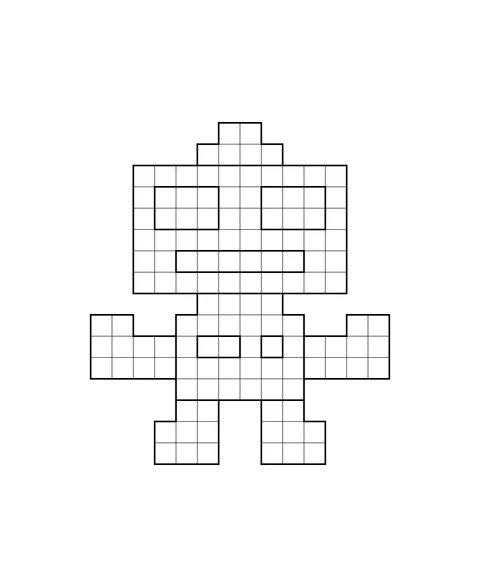
Choose the apple for one broad shape, the butterfly for matching wings, or the robot for separate body parts. Download A4 or Letter below, then print the two pages for your choice: 1A–1B, 2A–2B or 3A–3B. Use actual size; the grid cells are 8 mm wide.
Find the first filled cell
On page A, count from the top-left corner. The apple starts at row 2, column 9; the butterfly at row 2, column 6; the robot at row 2, column 9. Find the same cell on page B and mark it lightly.
Copy one row at a time
Count filled cells and empty gaps across the row. Copy that row, then move down one row. Keep the outside empty cells white. The row and column numbers locate cells; they are not a color-by-number key.
Check the outline
Compare the outer steps, then check the apple's leaf and highlight, the butterfly's wing patches, or the robot's eyes and buttons. A finished copy has the same occupied cells and gaps. Colors may differ if you chose your own palette.
Another idea
Try a second copy with a new palette. Keep matching parts consistent and explain one color you changed.